2-64 Subject to Export Control, see Cover Page for details.
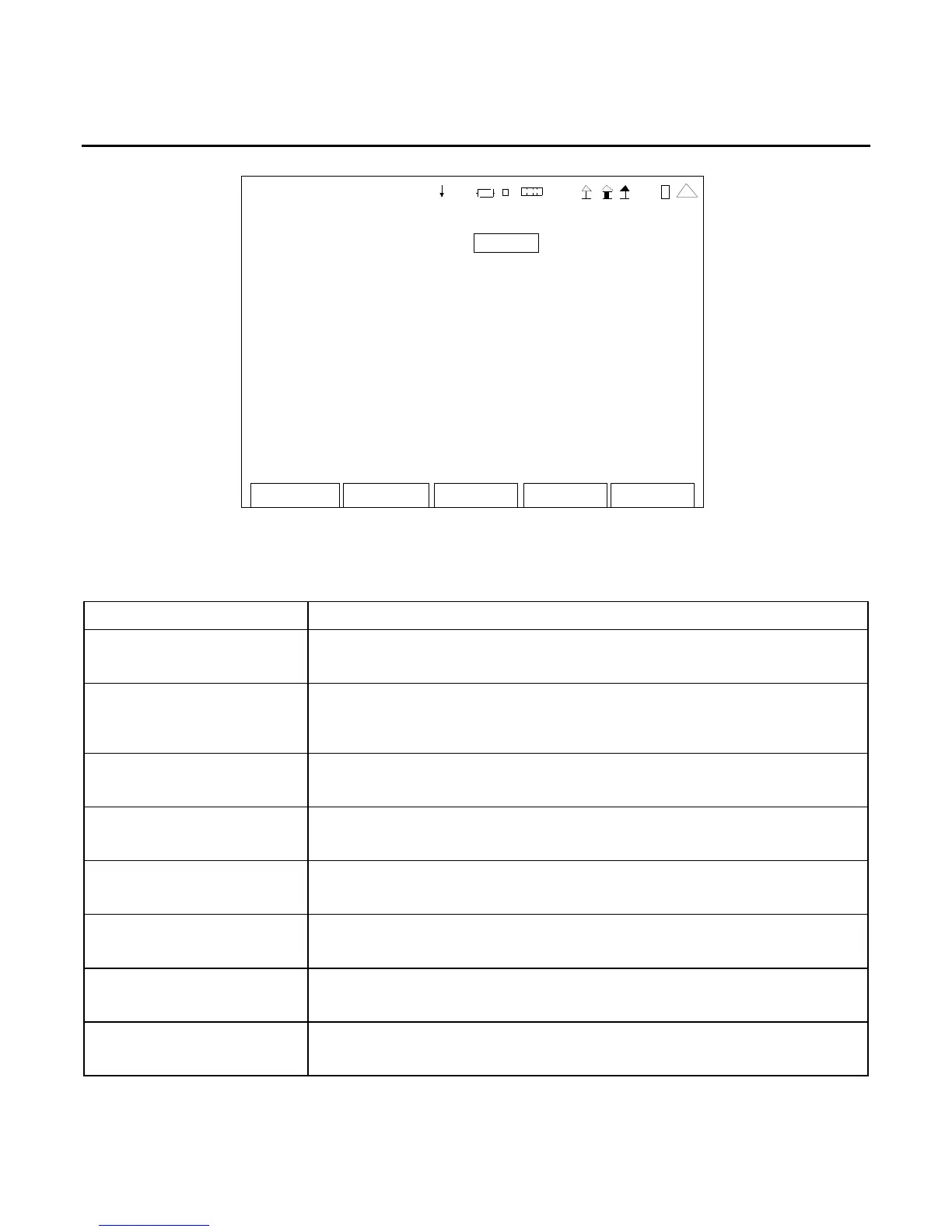
B. Remote Screen (cont)
Edit Return
Co nfig
REMOTE
Config Port: RS-232
RS- 232 Ba ud: 19200
RS-232 Parity: None
RS- 232 #Dat a: 8
RS- 232 #S top : 1
RS- 232 Flow: XON/OFF
RS- 232 Echo : On
Port Currently Act ive: RS-232
41 20 29
NOTE: For screen settings to be effective, the F5 “Config” Key should be pressed whenever the
screen is changed.
SCREEN FEATURE FUNCTION
Config Port Used to select the remote connection.
Select: ETHERNET, USB or RS-232
RS-232 Baud Used to select the Baud Rate.
Select: 300, 1200, 2400, 4800, 9600, 19200, 38400, 57600,
115200 or 230400
RS-232 Parity Used to select the Parity.
Select: Even, Odd, Space or None
RS-232 #Data Used to select the Data Bits.
Select: 5, 6, 7 or 8
RS-232 #Stop Used to select the Stop Bits.
Select: 1 or 2
RS-232 Flow Used to select the Flow.
Select: XON/XOFF or Off
RS-232 Echo Used to select the Echo.
Select: On or Off
Port Currently Active Used to select the active remote connection.
Select: ETHERNET, USB or RS-232













 To Next Page