2-66 Subject to Export Control, see Cover Page for details.
C. Version Screen
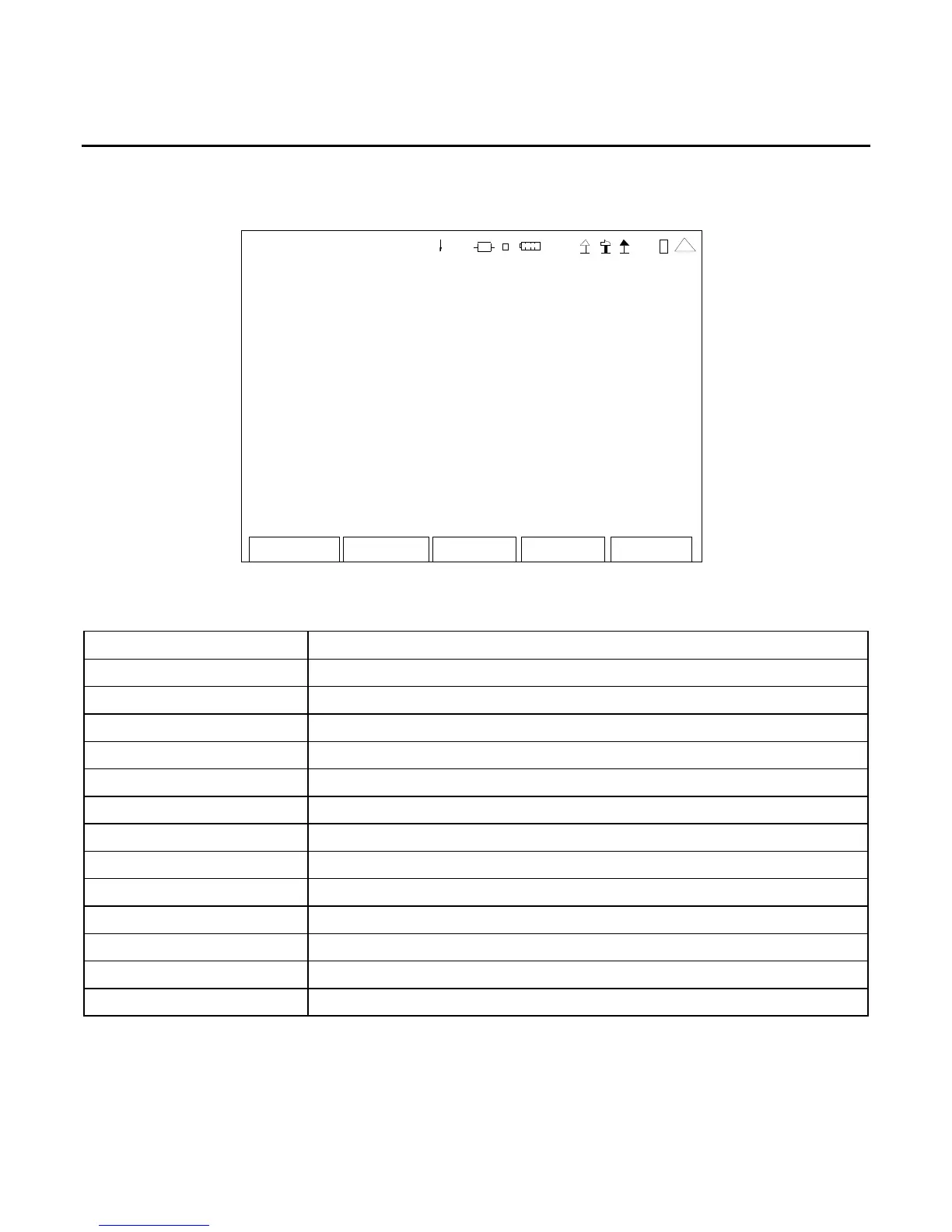
When the Utilities Menu is displayed, press the 3 Key to access the Version Screen:
Re tur n
VERSION
CFM: Release-3_8_0:17-FEB-11
PPC: Release-3_8_0:17-FEB-11
FPG A: 2. 0.53 :17 -Feb -11
MFIO: 2
RF: 0x1
digital CPLD: 7. 0.21
RF CPLD: 0x93
HW CP LD : 0x 0
U-Boot: 1. 02.01.01
Colilo: 3. 10.0 0.0 0
MAC Address: 00 :50 :31 :09: 00:0 0
SERI AL: 30 100 010 6
41 20 29
This screen is a representation of the screen that appears.
SCREEN FEATURE FUNCTION
CFM Displays the Coldfire processor Version Number/Date.
PPC Displays the PowerPC processor Version Number/Date.
FPGA Displays the Field Programmable Gate Array Version Number/Date.
MFIO Displays the MFIO (Multi-Function I/O Hardware) Version Number.
RF Displays the RF Version Number.
digital CPLD Displays the Digital CPLD Version Number.
RF CPLD Displays the RF CPLD Version Number.
HW CPLD Displays the HW CPLD Version Number.
U-Boot Displays the U-Boot Loader Version Number.
Colilo Displays the Colilo Loader Version Number.
MAC Address Displays the MAC Address.
SERIAL Displays the Unit Serial Number.
F2 “Return” Displays the Utilities Menu (para 2-2-5).













 To Next Page