Subject to Export Control, see Cover Page for details. 2-67
D. Date / Time Screen
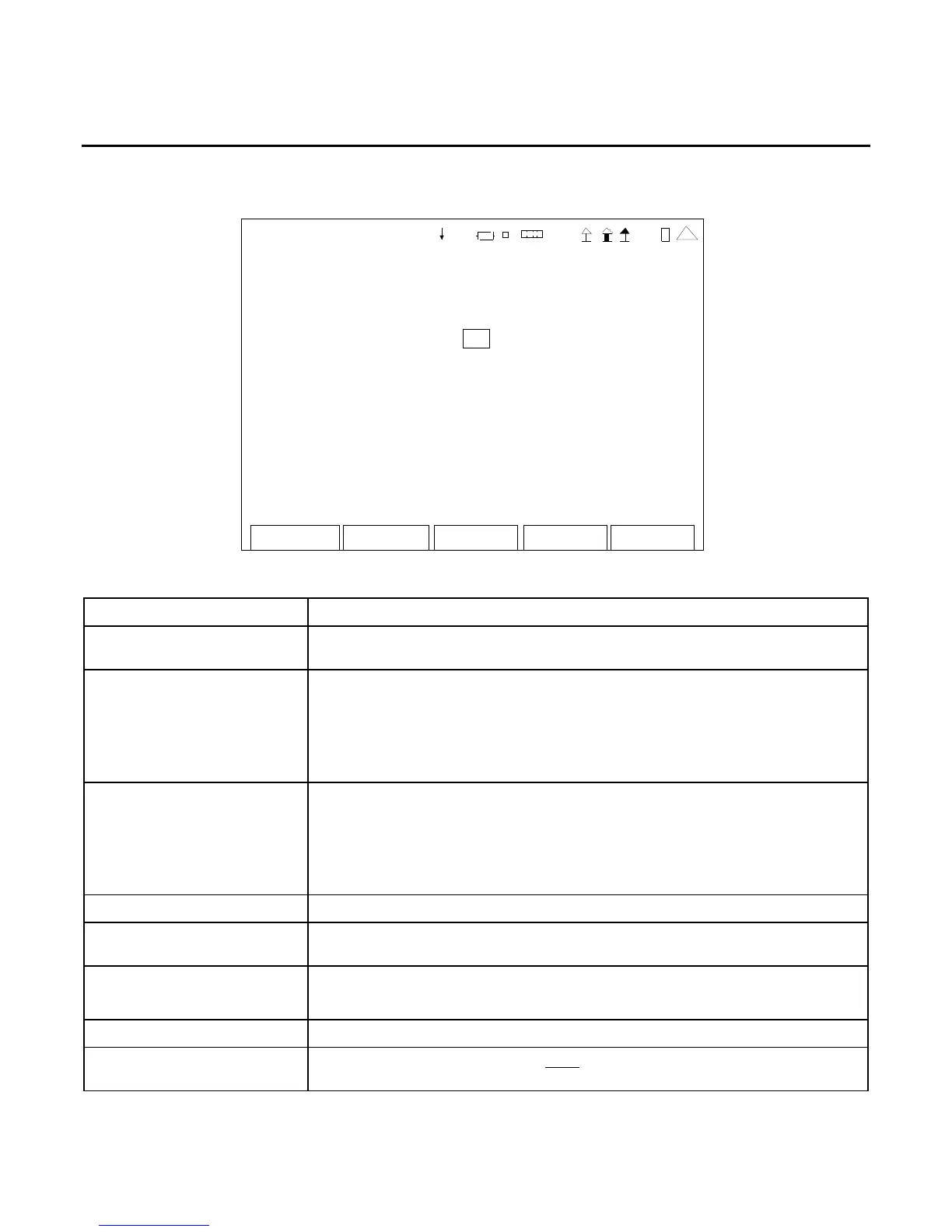
When the Utilities Menu is displayed, press the 4 Key to access the Date / Time Screen:
Edit Return
DATE/TIME
Curren t Date: Friday, 0 7:44:16, 17-Jul-2009
Ne w D at e ( DM V) : 1 7 JUL 20 09
New Time (HMS): 6 44 2
Ca l Du e Date : 25-JUN-2010
Active Time: 11 Days, 8 Hr, 46 Min, 20 Sec
41 20 29
This screen is a representation of the screen that appears.
SCREEN FEATURE FUNCTION
Current Date Displays the current Day of Week, Time (HH:MM:SS) and Date
(DD-MMM-YYYY).
New Date Used to select the Date.
Select: Days 01 to 31 (depending upon month selected)
Month JAN to DEC
Year 2004 to 2099
All Date Fields are scrolling fields.
New Time Used to select the Time.
Select: Hours 00 to 23
Minutes 00 to 59
Seconds 00 to 59
All Time Fields are scrolling fields.
Cal Due Date Displays the Calibration Expiration Date (DD-MMM-YYYY).
Active Time Displays the cumulative time the test set has been powered ON (Days,
Hours, Minutes, Seconds).
F1 “Edit” / “Done” Edit Highlights the selected field to be changed.
Done Ends the Field Edit and saves the new setting / value.
F2 “Return” Displays the Utilities Menu (para 2-2-5).
F5 “Esc” Ends the Field Edit, but does NOT save any changes to the setting or
value.













 To Next Page