2-68 Subject to Export Control, see Cover Page for details.
E. HW Config Screen
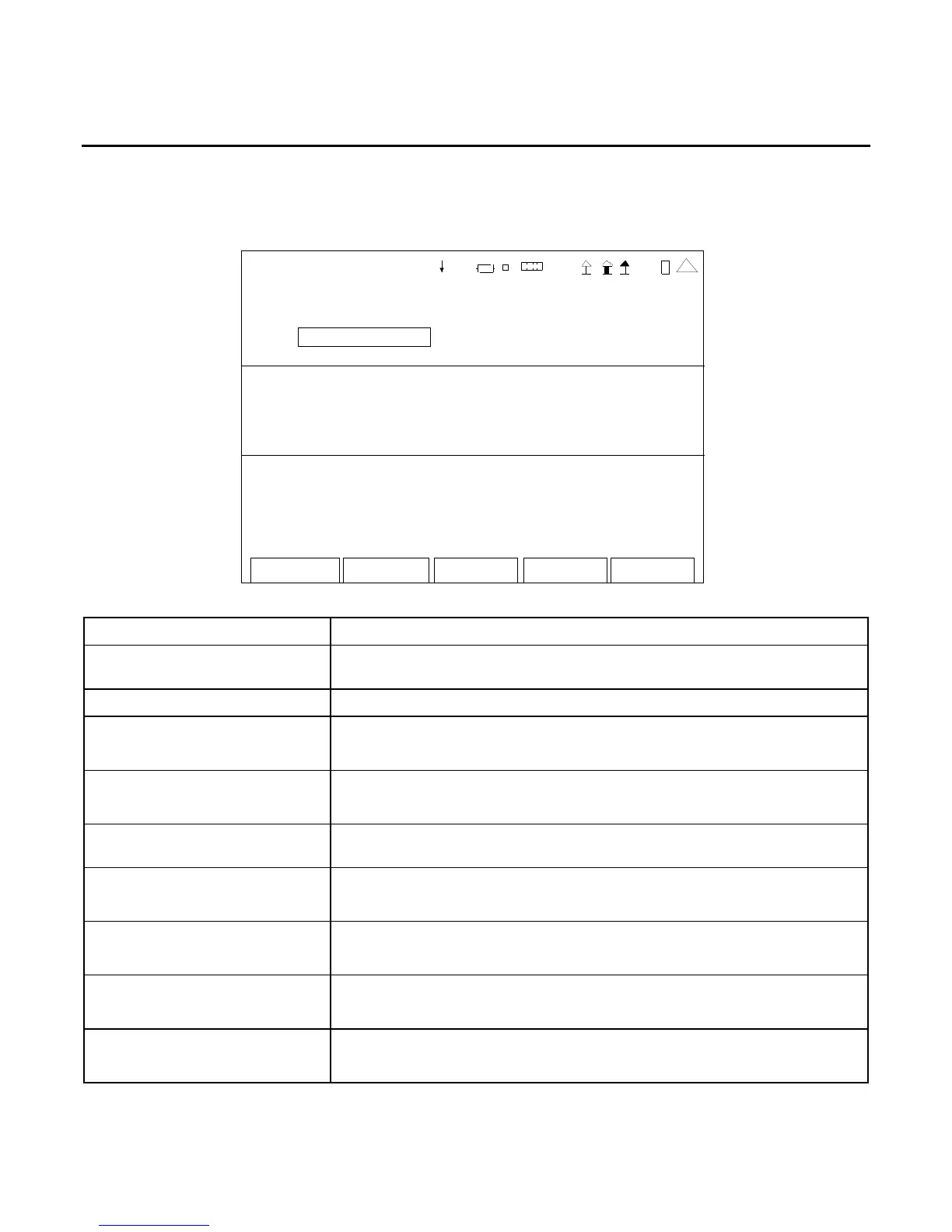
When the Utilities Menu is displayed, press the 5 Key to access the HW Config (Hardware
Configuration) Screen:
HW - CON F IG
Save -Reca ll : S criptin g:
Restore to Default Auto Exec: Of f
Time-Out Timer:
Stat e: On
Minutes: 20 Minut es Remaining: 20
Freque ncy Find:
Th reshol d (d Bm): -30 .0 S tart Fr eq (MHz): 2.0
Ch Spacing (kHz): 12.50 Stop Freq (MHz): 1000.0
41 20 29
Edit Return
SCREEN FEATURE FUNCTION
Save/Recall - Restore to
Default
Used to reset all system and screen settings to factory default.
Scripting - Auto Exec Used to enable the Script Autostart Control.
Time-Out Timer - State Used to select the Time-Out Timer.
Select: On or Off
Time-Out Timer - Minutes Used to select the number of minutes for the Time-Out Timer.
Select: 5 to 300
Time-Out Timer - Minutes
Remaining
Displays the remaining minutes before the Time-Out Timer is
initiated.
Frequency Find - Threshold Used to select the minimum signal level.
Select: -110.0 to 40.0 dBm
Frequency Find - Ch Spacing Used to select the channel spacing.
Select: 1.00 to 5000.00 kHz
Frequency Find - Start Freq Used to select the start frequency.
Select: 2 to 1000 MHz
Frequency Find - Stop Freq Used to select the stop frequency.
Select: 2 to 1000 MHz













 To Next Page