2-70 Subject to Export Control, see Cover Page for details.
F. Options Screen
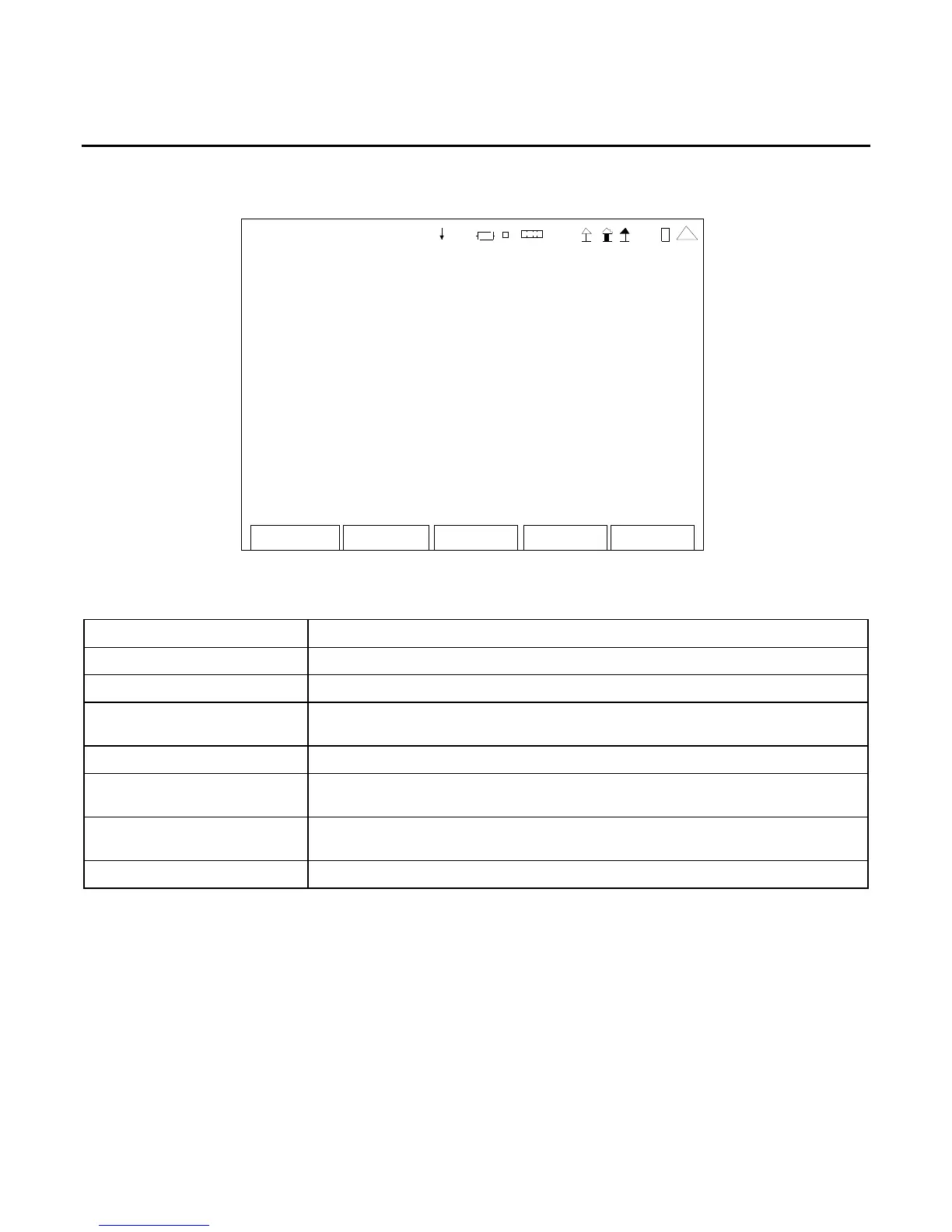
When the Utilities Menu is displayed, press the 6 Key to access the Options Screen:
Return
Inst all
OPTIONS
Inst all Stat us: Insta lle d
Unique ID: 820 90 2c34 623 7d0 d
35 000 010 S cope Never Expires
35 000 001 A nalyzer Never Expires
41 20 29
This screen is a representation of the screen that appears.
SCREEN FEATURE FUNCTION
Install Status Displays the status when installing Options.
Unique ID Displays the ID Number of the test set.
Options Displays the Option Number, Name and Expiration Date of the
installed Options.
F2 “Return” Displays the Utilities Menu (para 2-2-5).
F3 “Pag Up” Displays the previous page of Options if more than 10 Options are
installed.
F4 “Pag Dn” Displays the next page of Options if more than 10 Options are
installed.
F5 “Install” Used to install Options from USB Memory Device.
Refer to Chapter 4 for more information on installed Options.













 To Next Page