Subject to Export Control, see Cover Page for details. 2-71
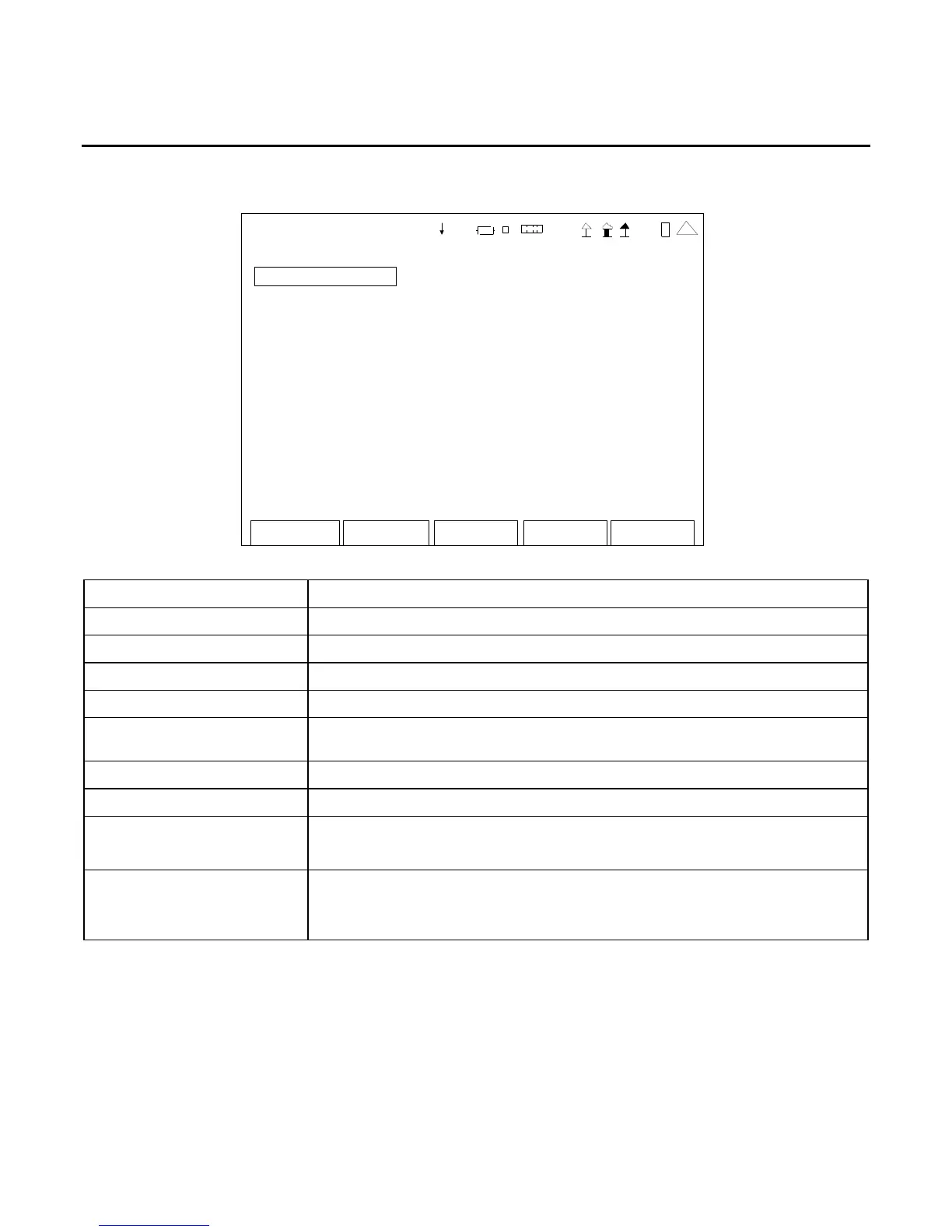
G. USB Manager Screen
When the Utilities Menu is displayed, press the 7 Key to access the USB Manager Screen:
Return
Save
Recall
US
-MANAGER
All Screen Settings
Scr ee nsho ts Erase from unit
Repo rt File Er ase fr om unit
Sta tus: Read y
41 20 29
SCREEN FEATURE FUNCTION
All Screen Settings Used to return all screen settings to default settings.
Screenshots Used to save or recall screen captures.
Report File Used to save or recall reports.
Erase from unit Used to erase all Screenshots or Report Files.
Status Displays the status (Stop, In process or Complete) of the USB transfer
activity.
F1 “Enter” Used to confirm the action for the field selected.
F2 “Return” Displays the Utilities Menu (para 2-2-5).
F4 “Save” / “Yes” Save Used to store data or test screens on USB Memory Device.
Yes Used to confirm save or recall of screen settings
F5 “Recall” / “No” Recall Used to retrieve saved data or test screens from USB
Memory Device.
No Used to cancel the save or recall action.













 To Next Page