2-72 Subject to Export Control, see Cover Page for details.
H. Unit Copy Screen
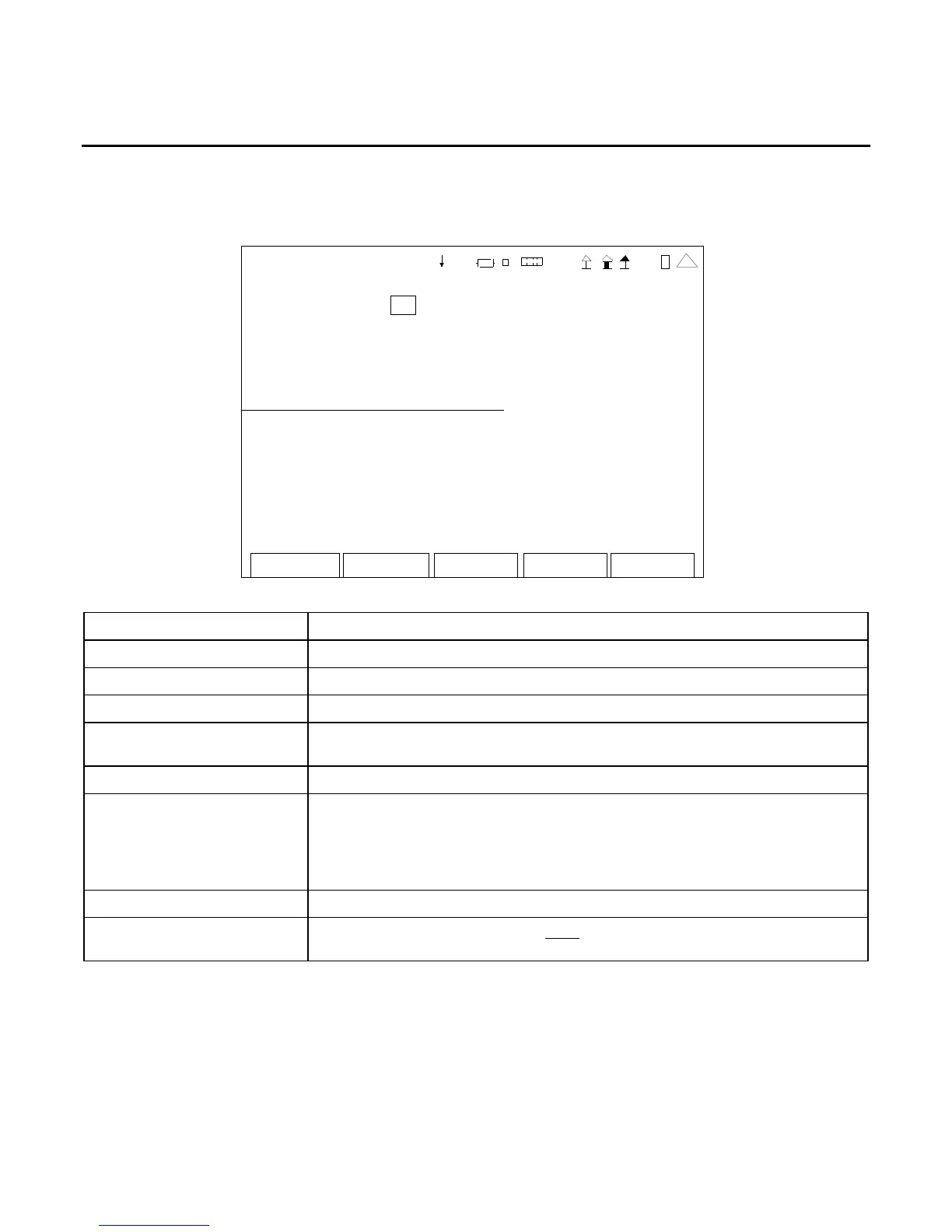
When the Utilities Menu is displayed, press the 8 Key to access the Unit Copy Screen:
UNIT COPY
Un it IP addr: 10. 10. 10.1 93
Target IP addr: 10 10 10 193
Status: Ready
All Screen Settings Clear a nd Co py
All Screen Settings Copy
41 20 29
Edit Return
SCREEN FEATURE FUNCTION
Unit IP Addr Displays the IP Address of the source unit.
Target IP Addr Used to select the IP Address of the copy unit.
Status Displays the staus (Ready or Busy) of the copy process.
All Screens Settings Clear
and Copy
Used to copy all the Save/Recall files to the cloned unit after all the
Save/Recall files have been deleted from the cloned unit.
All Screen Settings Copy Used to copy all the Save/Recall files to the cloned unit.
F1 “Edit” / “Done” / “Enter” Edit Highlights the selected field to be changed or changes
the field value if the field only contains two selections.
Done Ends the Field Edit and saves the new setting / value.
Enter Used to confirm the action for the field selected.
F2 “Return” Displays the Utilities Menu (para 2-2-5).
F5 “Esc” Ends the Field Edit, but does NOT save any changes to the setting or
value.













 To Next Page