2-112 Subject to Export Control, see Cover Page for details.
2-5-7. LOADING SOFTWARE USING USB MEMORY DEVICE
NOTE: When loading Software into the 3500 / 3500A, the Calibration Values are not affected;
however any saved Setup Files are deleted.
1. Connect the External DC Power Supply to the Test Set (DC IN Connector).
2. Connect the AC Power Cable from the External DC Power Supply to an appropriate AC power
source.
3. Ensure the Test Set is ON.
4. Connect the Comm Breakout Box to the Test Set REMOTE Connector.
5. Connect the Ethernet Crossover Cable from the Comm Breakout Box (ETHERNET Connector)
to the PC (Ethernet Port).
6. Place the Software Loader CD-ROM into the PC and reboot the PC.
NOTE: Often the BIOS on the PC needs to reconfigured to boot from the CD-ROM.
7. Follow the instructions displayed on the PC. Allow several minutes for the PC to reboot from
the CD-ROM.
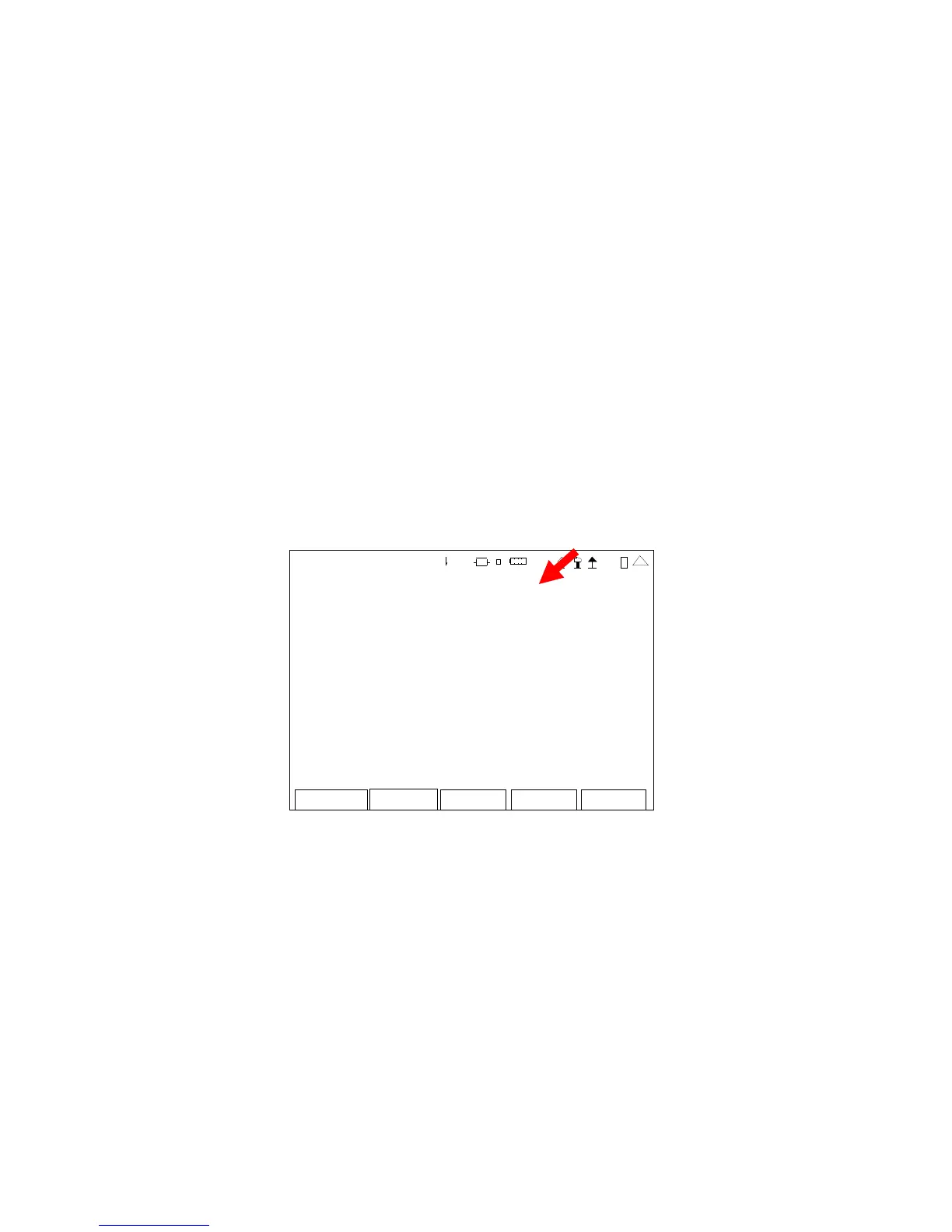
8. When the software load is completed, verify the Software Version displayed on the Version
Screen matches the Software Version loaded.
Re tur n
VERSION
CFM: Release-3_8_0:17-FEB-11
PPC: Release-3_8_0:17-FEB-11
FPG A: 2. 0.53:17-Feb-1 1
MFIO: 2
RF: 0x 1
digi tal C PLD : 7. 0.21
RF CPLD : 0x93
HW CPLD : 0x0
U- Boot: 1. 02.01.0 1
Coli lo: 3. 10.00.0 0
MAC Add re ss: 00:50:31 :09: 00:00
SERI AL: 30100010 6
41 20 29
This screen is a representation of the screen that appears.


 To Next Page
 Loading...











