4-16 Subject to Export Control, see Cover Page for details.
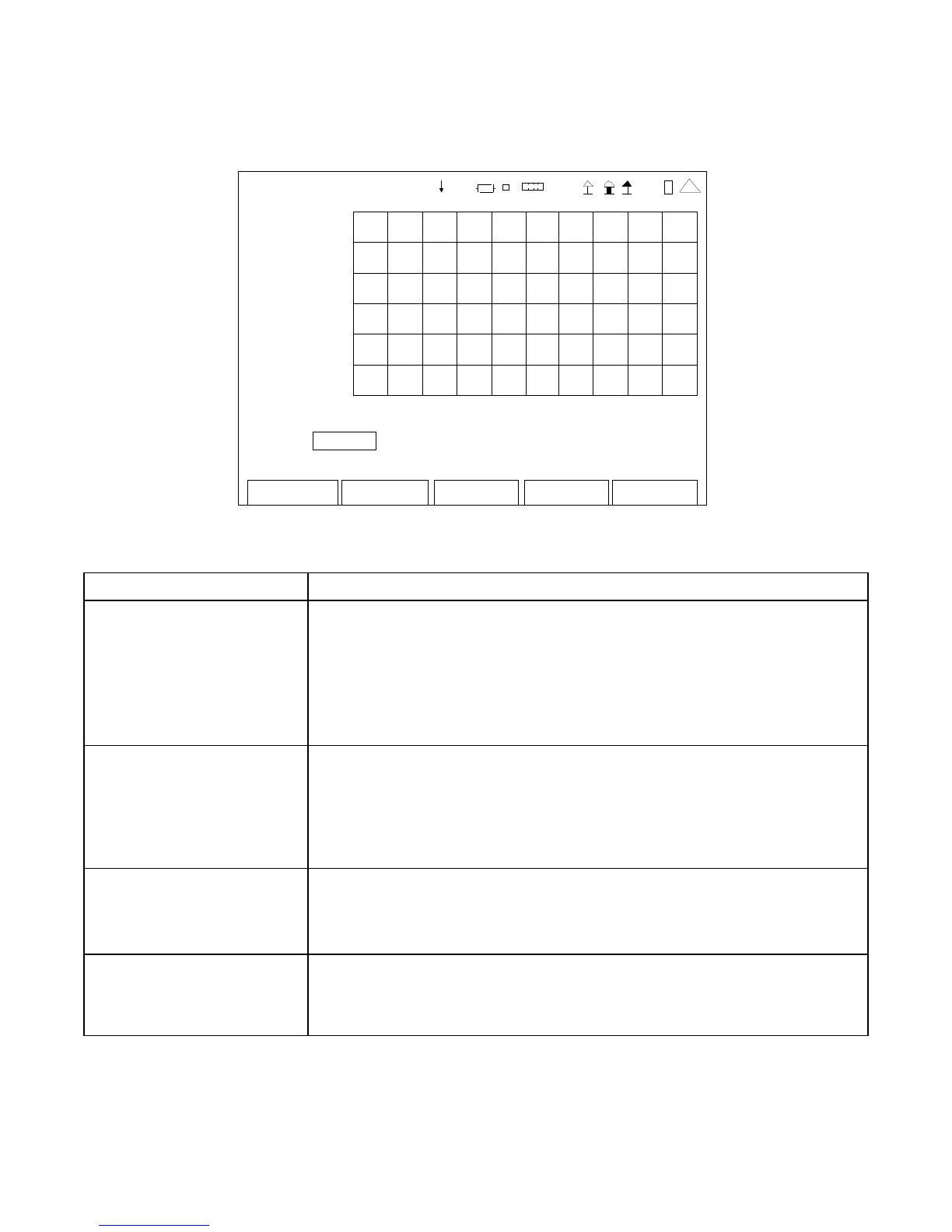
4-4-2. OSCILLOSCOPE SCREEN FEATURES AND FUNCTIONS
OSCIL LOSCOPE
3.0 0
V >
AC
-3.00
0. 0 mS 5.0
Source : Audio In Vert: 1 V/Div Horiz: 0. 5 mSec/Div
Load: 150 Vert Offset : 0.00 V Zero
Edit Return
Ho l d
Tri
er
41 20 29
(Control Mode)
SCREEN FEATURE FUNCTION
Source Used to select the signal source.
Select: Audio In, DVM or Demod (Duplex Test Screen)
Audio In or DVM (Receiver Test Screen)
Audio In, DVM or Demod (Transmitter Test Screen)
Audio In or DVM (Audio Function Generator Screen)
When the Source Field is set to DVM, the Coupling Field can be set to
AC or DC.
Vert Used to select the Vertical Scale of the Oscilloscope.
Select: 10 mV/Div, 20 mV/Div, 50 mV/Div, 0.1 V/Div, 0.2 V/Div,
0.5 V/Div, 1 V/Div, 2 V/Div, 5 V/Div or 10 V/Div
5%/Div, 10%/Div, 20%/Div or 50%/Div (Demod AM)
0.1 kHz/Div to 50 kHz/Div in 1,2,5 sequence (Demod FM)
Horiz Used to select the Horizontal Scale of the Oscilloscope.
Select: 0.5 mSec/Div, 1 mSec/Div, 2 mSec/Div, 4 mSec/Div,
6 mSec/Div, 10 mSec/Div, 20 mSec/Div, 50 mSec/Div or
0.1 Sec/Div
Load
Used to select the Audio input signal load (Ω ).
Select: 150, 600, 1K (3500A only), Div10 (3500A only) or High Z
Field is displayed only when Source Field is set to Audio In.













 To Next Page