4-54 Subject to Export Control, see Cover Page for details.
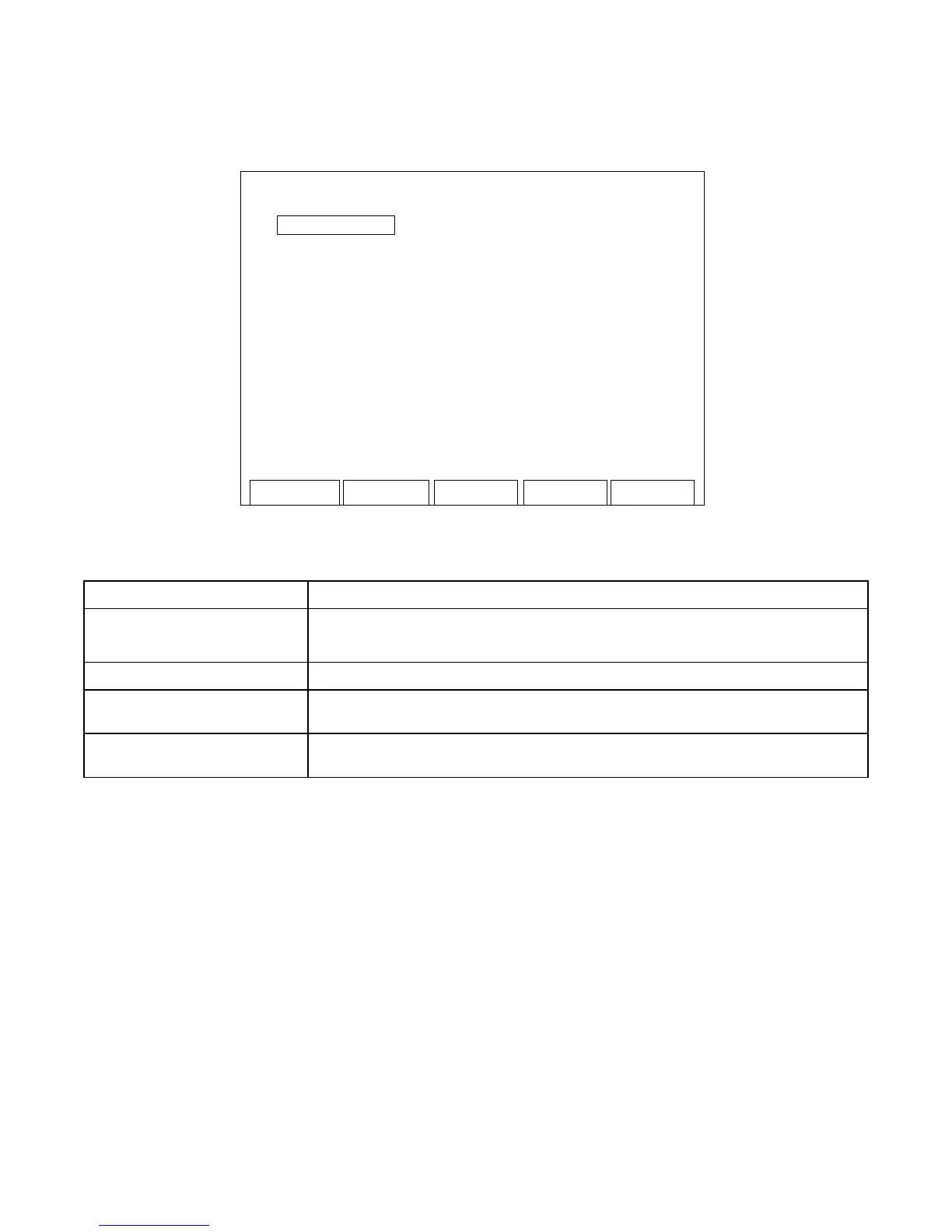
4-11-2. SCRIPTS SCREEN FEATURES AND FUNCTIONS
System
Pa
U
Pa
Dn
Pa
e 1
1 - Radio Test 1
2 - Radio Test 2
3 - Radio Test 3
4 - Radio Test 4
(Sample Scripts shown for display purposes only.)
SCREEN FEATURE FUNCTION
Scripts Displays the Scripts stored in the 3500 / 3500A.
Order of Scripts and Scripts Names are defined by the user.
F2 “System” Displays the System Menu (para 2-2-2).
F4 “Pag Up” Displays the previous screen of Scripts if more than nine Scripts are
loaded into the 3500 / 3500A.
F5 “Pag Dn” Displays the next screen of Scripts if more than nine Scripts are
loaded into the 3500 / 3500A.













 To Next Page