Subject to Export Control, see Cover Page for details. 4-55
4-11-3. TRANSFER SCRIPTS TO THE 3500 / 3500A
1. Attach the Comm Breakout Box to the REMOTE Connector.
2. Connect USB Cable between the PC and the 3500 / 3500A USB Connector on the Comm
Breakout Box.
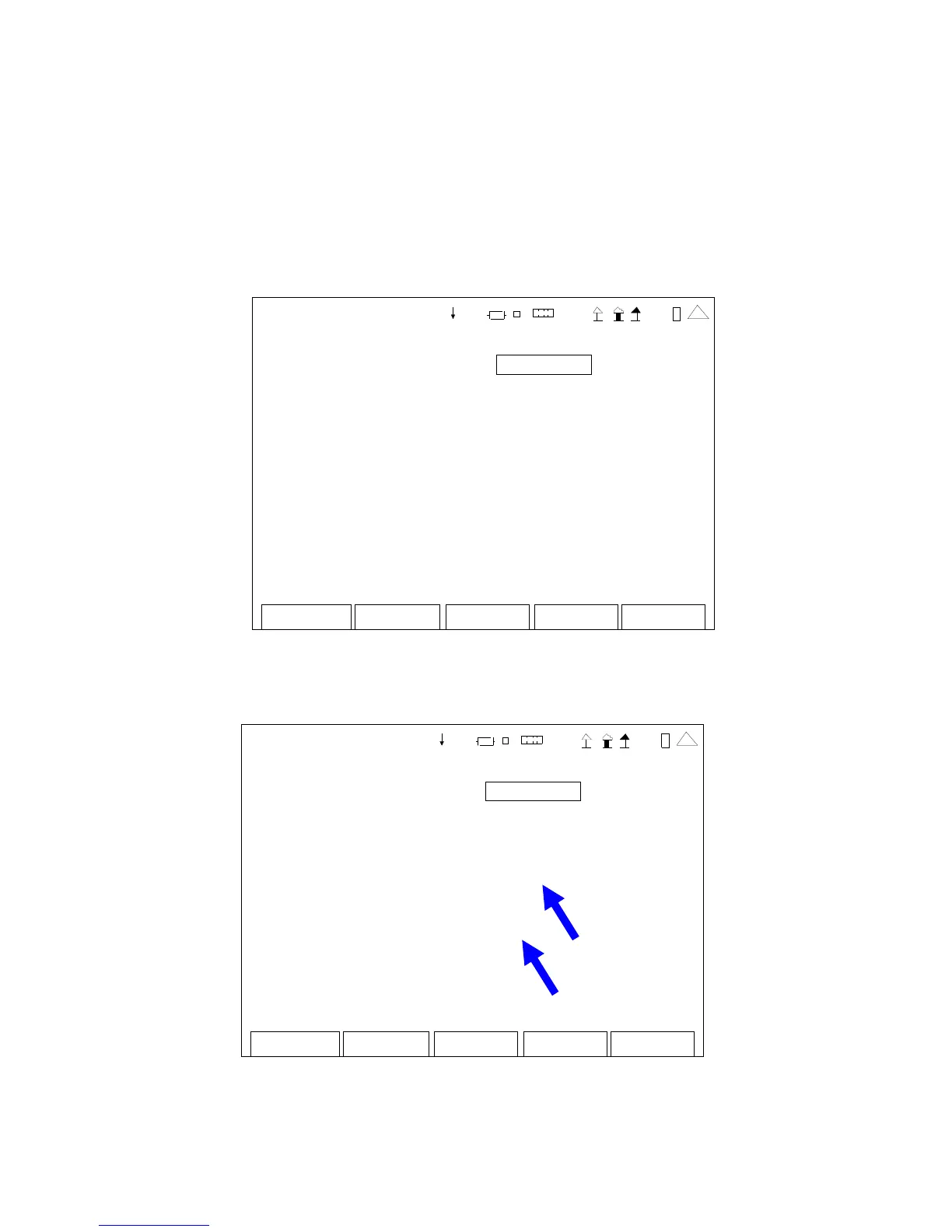
3. Access the TelNet server on the PC.
4. Configure the 3500 / 3500A Remote Screen to match the remote settings of the PC.
Edit Return
Co nfi
REMOTE
Config Port: ETHERNET
IP: 10 1 0 10 19 3
Subnet Mask: 255 0 0 0
Gateway: 0 0 0 0
Ethernet Port: 9991
Eth ernet Type: STANDA RD
Port Currently Act ive: USB
41 20 29
5. Set the Port Currently Active field to USB and the Ethernet Type field to DEV to allow for
interactive development with the Scripting language.
Edit Return
Co nfi
REMOTE
Config Port: ETHERNET
IP: 10 10 10 19 3
Subnet Mask: 255 0 0 0
Gateway: 0 0 0 0
Ethernet Port: 9991
Ethernet Type: DEV
Port Currently Act ive: USB
41 20 29













 To Next Page