C-4 Subject to Export Control, see Cover Page for details.
C-3-1. CONFIGURATION FOR ETHERNET (cont)
4. Access the 3500 / 3500A Remote Setup Screen and select the Ethernet selection. (Refer to
para 2-2-7A for the Remote Setup Screen Field settings.)
Set the IP (Address) to “ 10 10 10 193 ” and the Subnet Mask to “ 255 255 255 0.”
Ensure the ‘Port Currently Active’ field is set to “Ethernet.” Press the “Config” F5 Key to
re-establish the 3500 / 3500A to the new screen settings.
Edit Return
Co nfi
REMOTE
Config Port: ETHERNET
IP: 10 1 0 10 193
Subnet Mask: 255 255 255 0
Gateway: 0 0 0 0
Eth ernet Po rt : 9991
Ethernet Type: STANDARD
Port Currently Active: ETHERNET
41 20 29
5. Open the ‘Command Shell” on the PC and ping the IP address of the PC ( 10 10 10 1 ) to
test the connection. Ping the IP address of the 3500 / 3500A ( 10 10 10 193 ) to test the
connection.
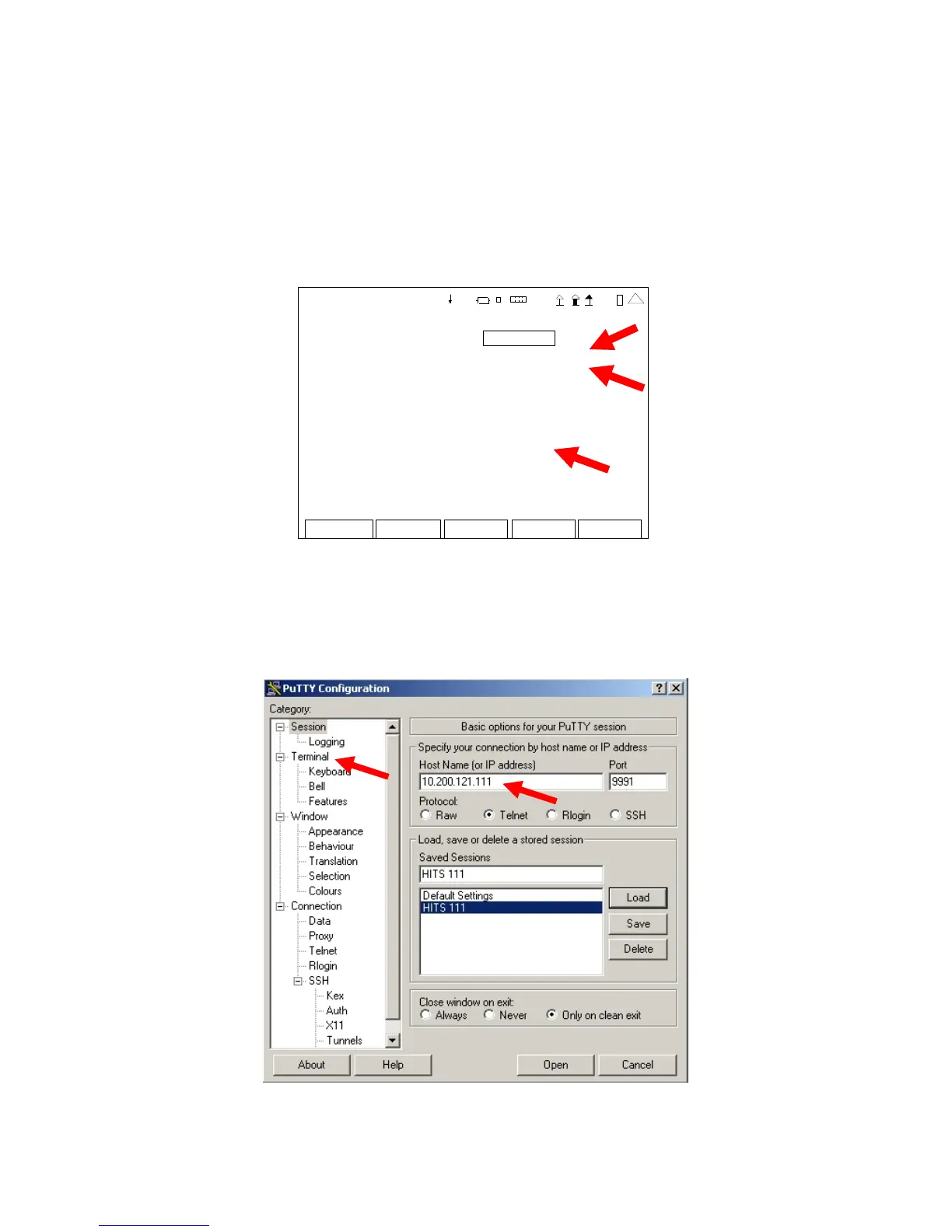
6. Open remote program (PuTTY) and set the IP Address to “ 10 10 10 193 ” Select
‘Terminal.’













 To Next Page