2-42 Subject to Export Control, see Cover Page for details.
E. Audio Function Generator Test Screen (cont)
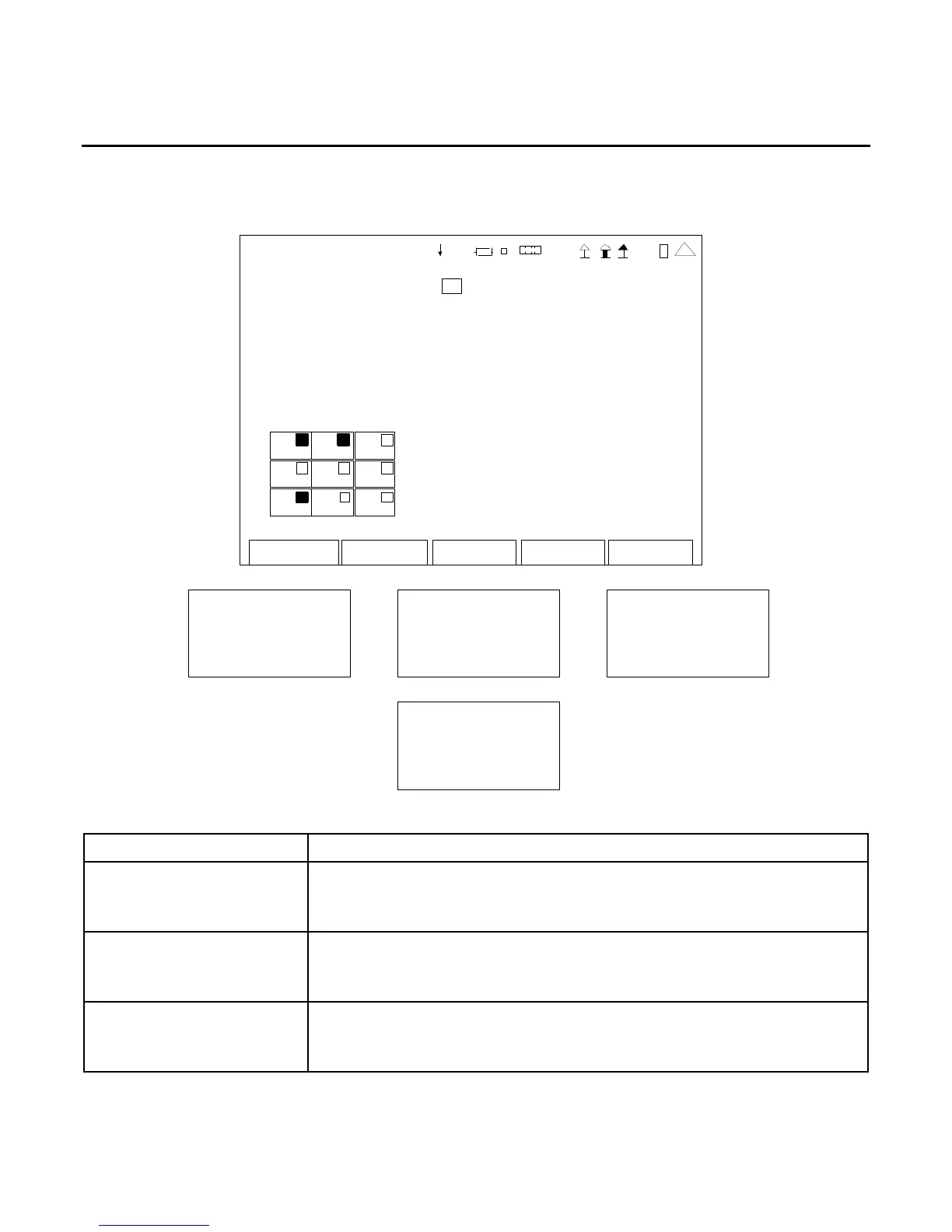
When the Audio Function Generator Test Screen is displayed, press the F4 “Setup” Key to access the
Audio Function Generator Test Setup Screen:
AF GE N
SETUP
SINAD Meter 0
Distortion Meter 0
AF Counter 0
Au dio L evel 0
Edit Return
1
2
5
8
41 20 29
SINAD Audio In
0. 0 d B
Distortion Audio In
0.0%
AF Cntr Audio In
0. 0 Hz
Au dio Level Au dio In
0.000 V
SCREEN FEATURE FUNCTION
SINAD Meter Used to select the position of the SINAD Meter on the Audio Function
Generator Test Screen (refer to Meter Chart).
Select: 0 (Meter not shown), 3, 4, 5, 6, 8 or 9
Distortion Meter Used to select the position of the Distortion Meter on the Audio
Function Generator Test Screen (refer to Meter Chart).
Select: 0 (Meter not shown), 3, 4, 5, 6, 8 or 9
AF Counter Used to select the position of the AF Counter on the Audio Function
Generator Test Screen (refer to Meter Chart).
Select: 0 (Meter not shown), 3, 4, 5, 6, 8 or 9













 To Next Page