Subject to Export Control, see Cover Page for details. 2-49
C. AF Counter Screen
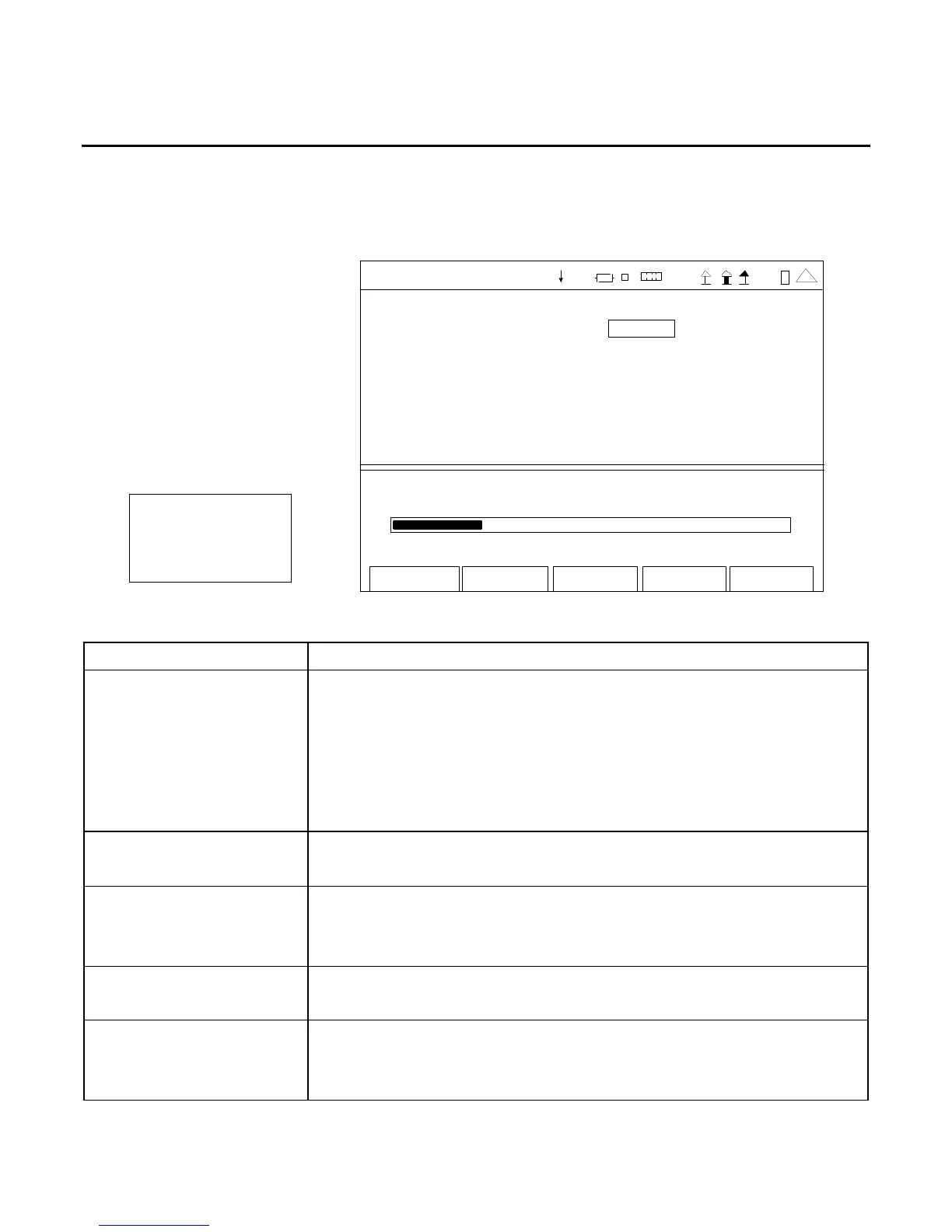
When the Meters Menu is displayed, press the 3 Key to access the AF Counter Screen:
The AF Counter Screen utilizes the AUDIO Connector and AUDIO IN Connector (3500A only) for
signal input.
AF Cntr Audio In
0. 0 Hz
Edit
Return
Ho l d
AF COUNTER
Source Audio In
Lo ad High Z
Avg Re ading 1
Rang e Aut o
Limits Hz State
Lower 15.0 Off
Upper 20000. 0 Off
492 6.0
1 5.0 Hz 20000.0
41 20 29
(MINI-METER)
SCREEN FEATURE FUNCTION
Source Used to select the AF Counter input source on the AF Counter Screen
and/or the AF Counter Mini-Meter.
Select: Audio In, Demod, or Mod (Duplex Test Screen)
Audio In or Mod (Receiver Test Screen)
Audio In, Demod or Fgen (Transmitter Test Screen)
Audio In or Fgen (Audio Function Generator Test Screen)
When the AF Counter Screen is selected from the Meters Menu,
‘Audio In’ is the only setting available.
Load
Used to select the Audio input signal load (Ω ).
Select: 150, 600, 1K (3500A), Div10 (3500A) or High Z
Avg Reading Used to select the AF Counter Averaging.
Select: 1 to 99
This is the number of readings to average for the displayed value.
Range Used to select the meter range.
Select: Auto, 15-100Hz, 15-1000Hz, 15-10000Hz or 15-20000Hz
Limits - Lower Used to select the AF Counter Lower Limit.
Select: 15.0 to 20000.0 Hz in 0.1 Hz increments
Sets the marker on the AF Counter Bar to the Lower Limit selected.













 To Next Page