Subject to Export Control, see Cover Page for details. 2-53
2-2-4. SELF TEST MENU
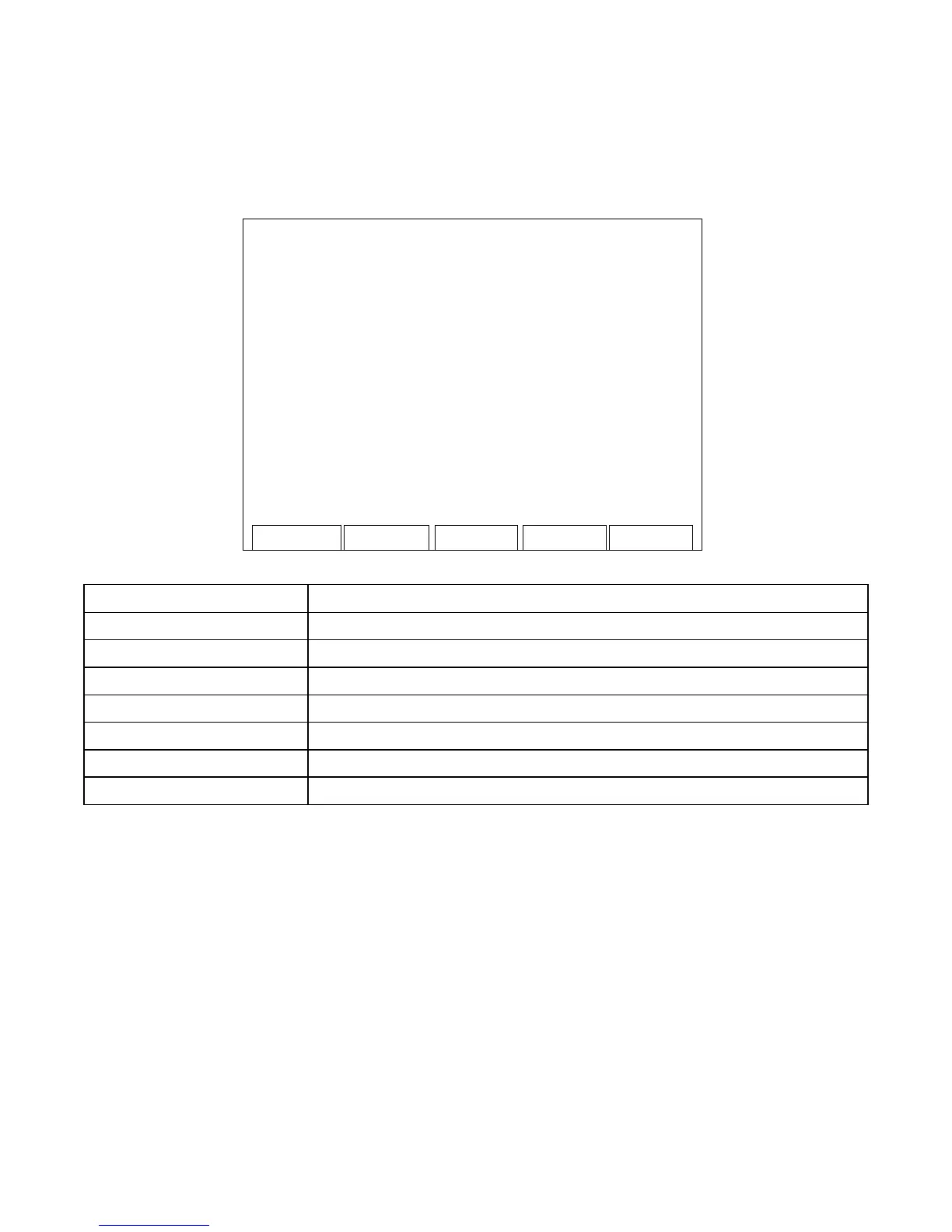
When the System Menu, Self Test Menu or Utilities Menu is displayed, press the F4 “Selftest” Key to
access the Self Test Menu:
Me ter s Syste
Self test
Uti l
1 - SELFTEST
2 - DI AGNO ST IC
3 - CALIBRATION
SCREEN FEATURE FUNCTION
1 - SELFTEST Displays the Self Test Screen (para 2-2-4A).
2 - DIAGNOSTIC Displays the Diagnostic Screen (para 2-2-4B).
3 - CALIBRATION Displays the Calibration Screen (para 2-2-4C).
F2 “Meters” Displays the Meters Menu (para 2-2-3).
F3 “System” Displays the System Menu (para 2-2-2).
F4 “Selftest” Displays the Self Test Menu (para 2-2-4).
F5 “Util” Displays the Utilities Menu (para 2-2-5).













 To Next Page