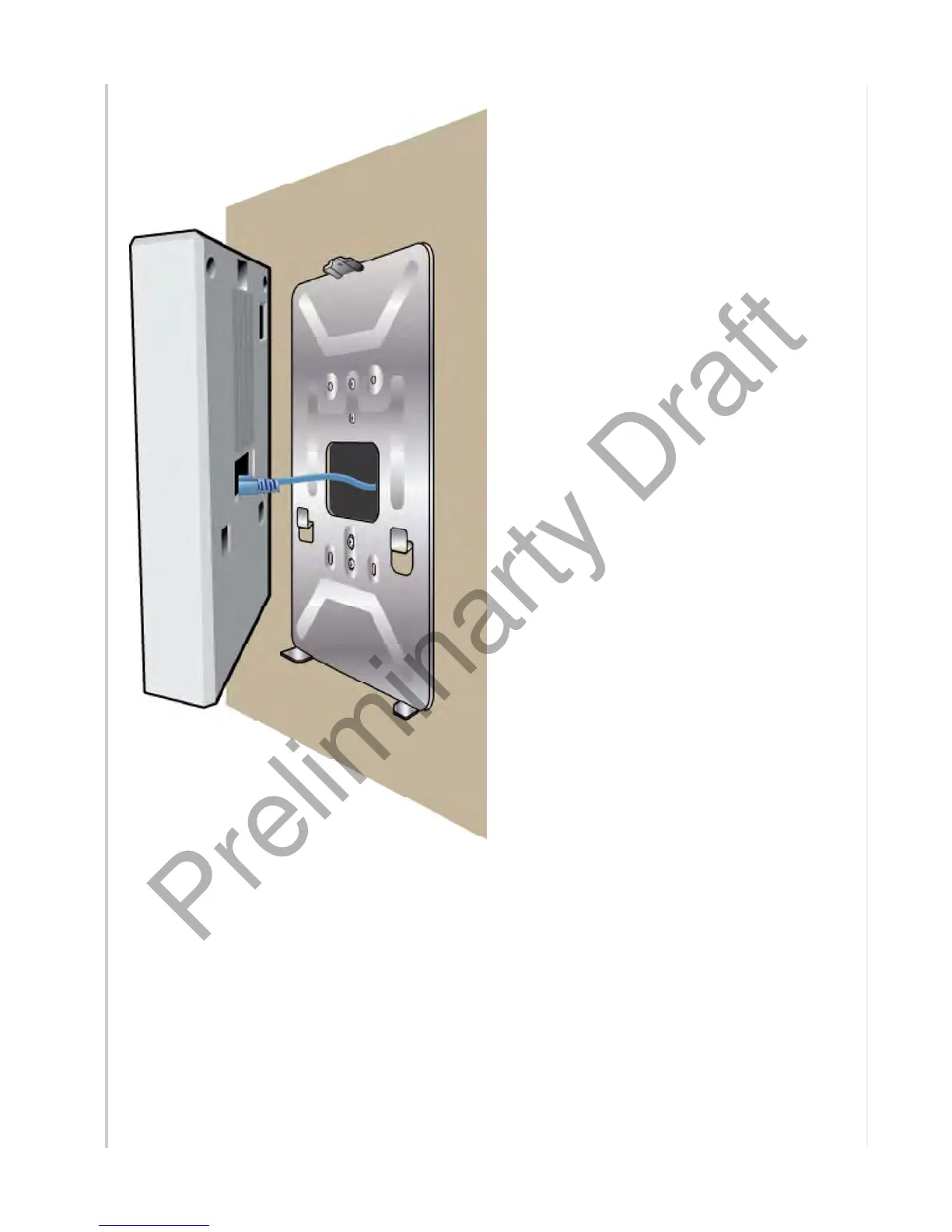
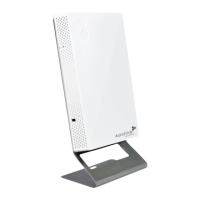
4. Attach the device to the bracket by inserting the two tabs on the bracket into the holes in
the back of the device, and the flange on top of the bracket onto the opening at the top of
the device back panel. Push down on the device to seat it on the bracket, as shown in the
illustration. The device will rest on the two flanges at the bottom of the bracket.
Page 6 of 1
AP150W Hardware User Guid
8
21
201


 To Next Page