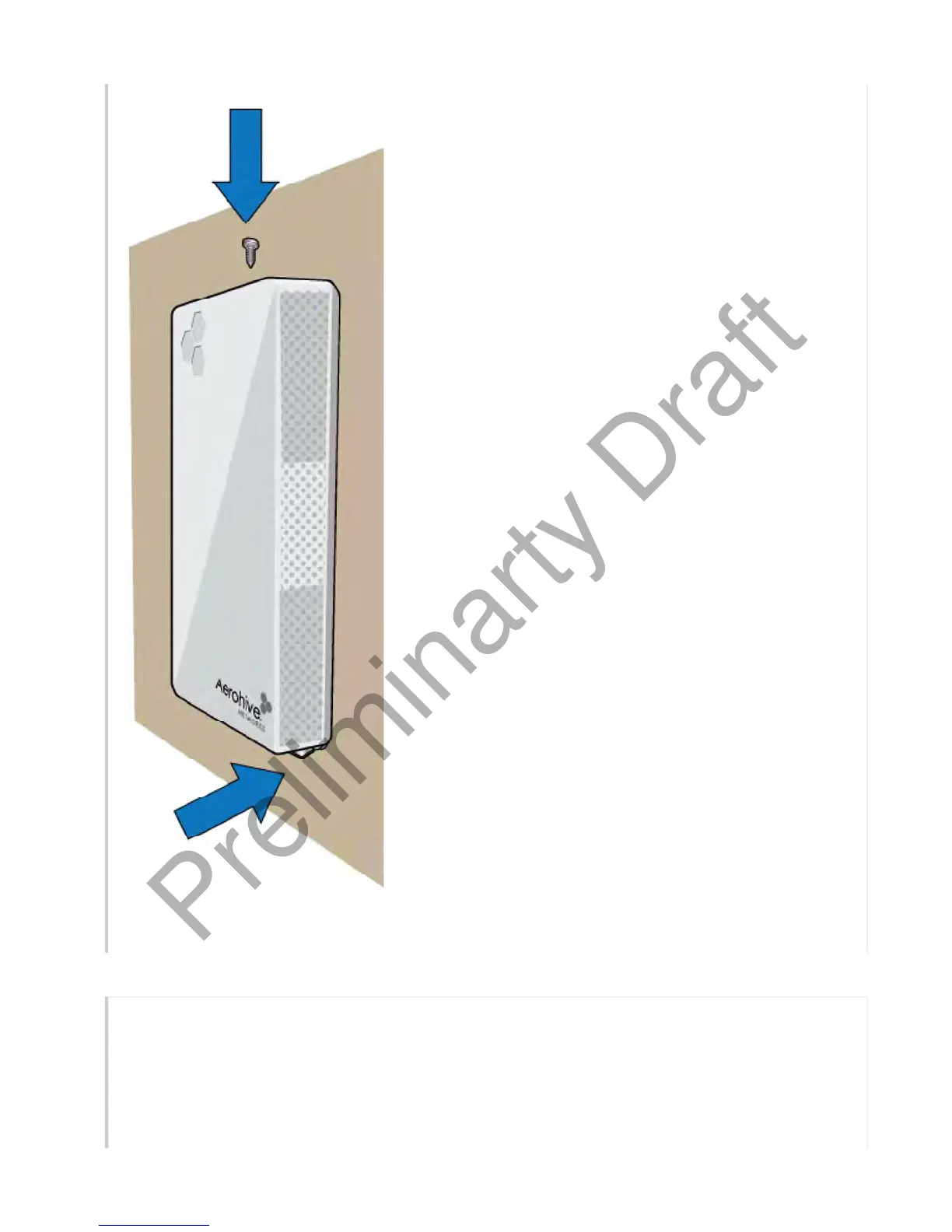
Video: Installing the AP150W Wallplate Access Point
Connect the AP150W
Follow these steps to connect your AP150W to power and to the network.
1. Connect a standard RJ45 Ethernet cable from ETH0 on the APto a switch that provides PoE
power, or use a PoE injector (see"Ethernet Ports" ).
2. After the AP receives power, it automatically tries to get network settings and contact
HiveManager NG. This process takes about five minutes. When you see the APlisted on the
Page 8 of 1
AP150W Hardware User Guid
8
21
201



 To Next Page