8 9
Be sure to press the Reminder Reset button to clear the reminder following regular maintenance
(see below).
MAINTENANCE REMINDER
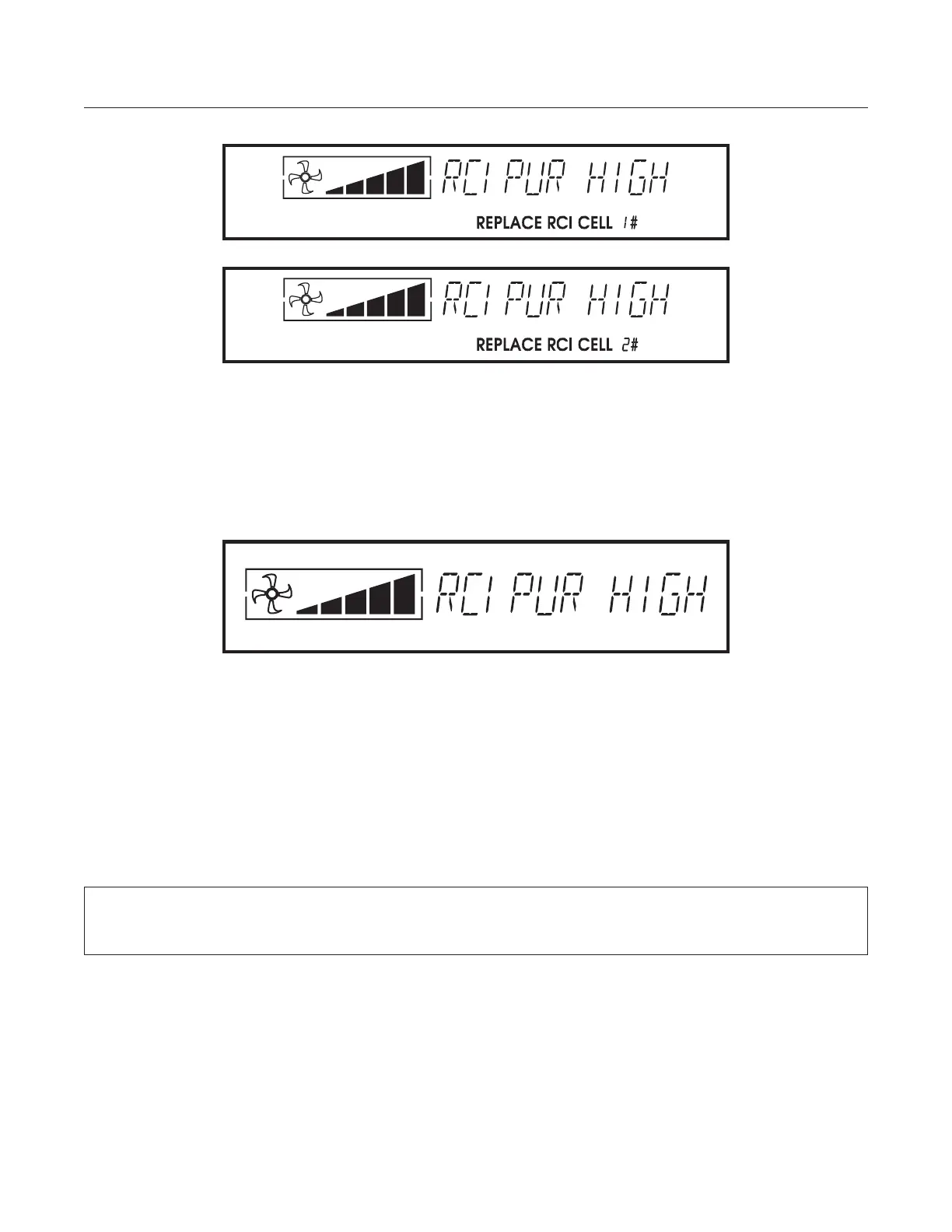
REPLACE ACTIVEPURE® CELL
The ActivePure® cell is no longer working correctly or may be improperly installed. Replace the ActivePure®
cell. See Removal and Installation instructions on pages 14 - 15. Contact Customer Services for replacement
ActivePure® cells at 1-888-764-0693 or via email at support@aerusonline.com.
PERFORM CLEANING (approx. every 30 days)
The unit requires cleaning. See the General Maintenance section of this owner’s manual.
We recommend you:
• Clean the Filter Assembly, including the PreFilter, Foam Filter, and Honeycomb Filter (see page 10)
• Vacuum the ActivePure® cell
• Vacuum removable grill and filter assembly openings
RESETTING THE REMINDERS
The only reminder you need to reset is the PERFORM CLEANING reminder (after performing maintenance,
press the Reminder Reset button and the screen will momentarily display CLEARED to let you know the
reminder has been cleared). All the other service reminders will clear automatically once the unit has been
turned off and back on and the problem has been corrected.




 To Next Page