98
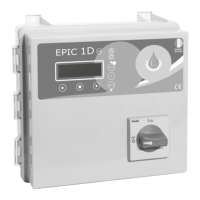
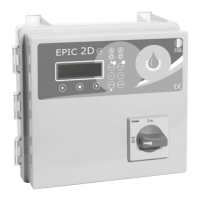
EPIC 2DEPIC 2DInstallation
3.3 ADJUSTMENTS AND SETTINGS (INITIALIZATION)
IMPORTANT!
For each pump, after pressing the final confirmation button, self-learning is no
longer possible. To perform the self-learning again it is necessary to access the
advanced menu (3.4).
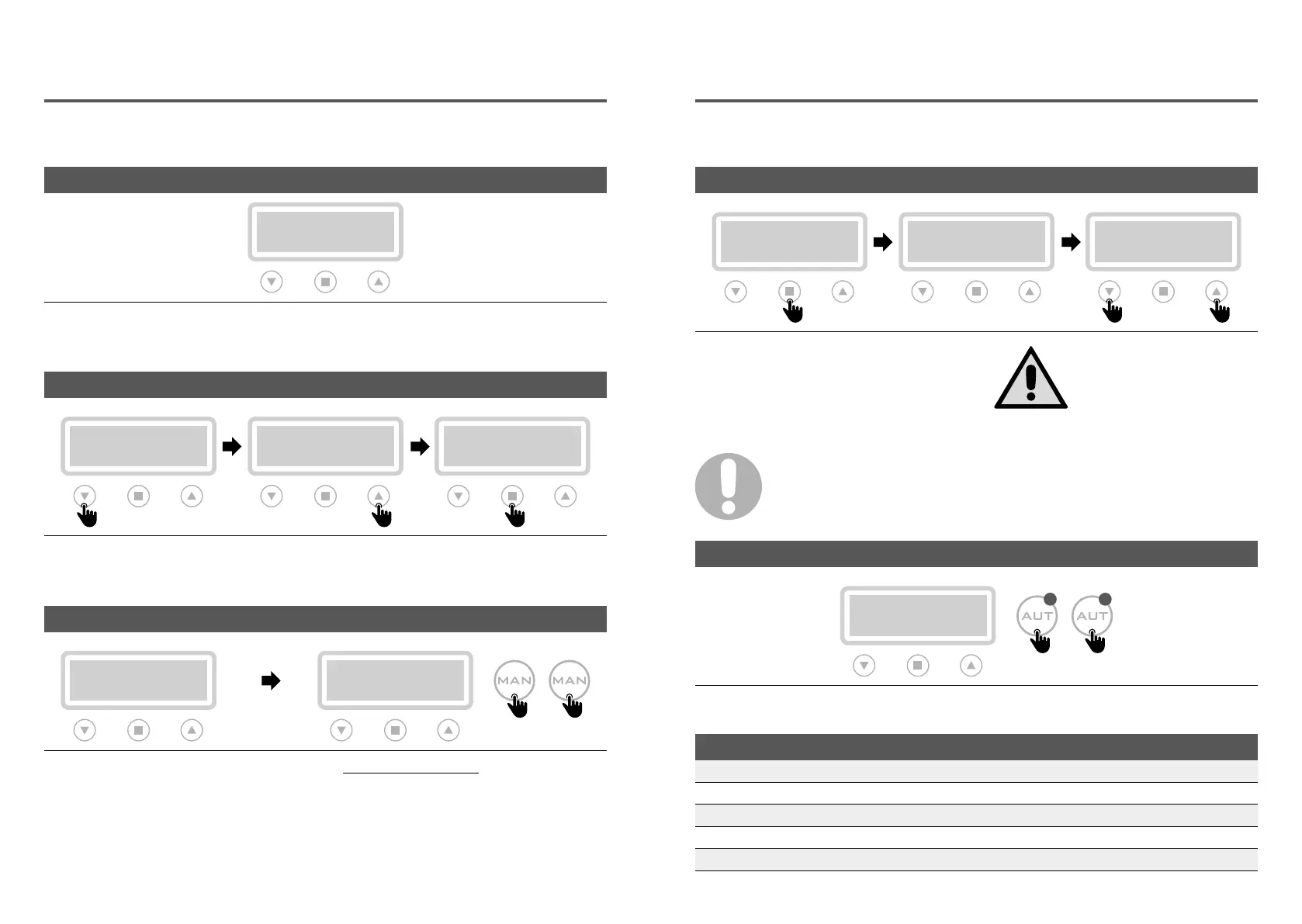
After making all the electrical connections,
switch on the control panel and wait for the
initial message to appear on the display.
To proceed with
self-learning procedure
, the
pumps must first be triggered.
Do not press confirm, but start the pumps,
keeping the “MAN” button pressed (for 3 sec.)
for P1 and P2.
Select the display language by scrolling the menu
with the appropriate arrows (step 1 and 2).
When completed, press the confirm button (step 3)
to continue.
LANGUAGE SETTING (OBLIGATORY)
>LANGUAGE
>ITA
>LANGUAGE
>ITA
>LANGUAGE
>ENG
Step 1 Step 2 Step 3
PUMPS TRIGGER
AUTOTUNING: P1
PUSH CONFIRM
MANUAL PX
Step 4
P1 P2
3 sec. 3 sec.
CONTROL PANEL TURN ON
MESSAGE
INITIAL
Installation
To start the self-learning of the pump 1 data,
type reply (step 5).
Once the procedure is complete, type
confirmation to proceed (step 6).
For the final confirmation of the data (step 7) type
“YES” to go to pump 2, or enter “NO” to go back
(to step 5).
AUTOTUNING (OBLIGATORY)
AUTOTUNING: P1
PUSH CONFIRM
AUTOTUNING: P1
xxxV xxA 09
CONFIRM DATA?
YES no
Step 5 Step 6 Step 7
Before starting the self-learning
procedure, it is necessary to
check with a tester that the
mains voltage corresponds to
the nominal one or at least to
the mains voltage.
Once the self-learning phase is completed, the
display of the panel displays the data learned.
By pressing the “AUT” button P1 / P2 the panel
becomes operational.
CONTROL PANEL OPERATIVITY
xxxV xxHZ
POTABLE EMPTY
Step 8
P1 P2
PRESET PARAMETERS
LANGUAGE: selected ALTERNATION P1/P2: on
TURN ON DELAY: 2 sec. OPERATION: emptying
MANUAL KEY: unstable TYPE: potable
START DELAY: 4 sec. SELF HOLDING: on
STOP DELAY: 1 sec.


 To Next Page