1514
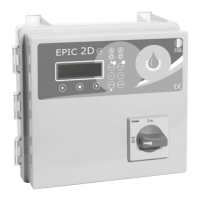
EPIC 2DEPIC 2D
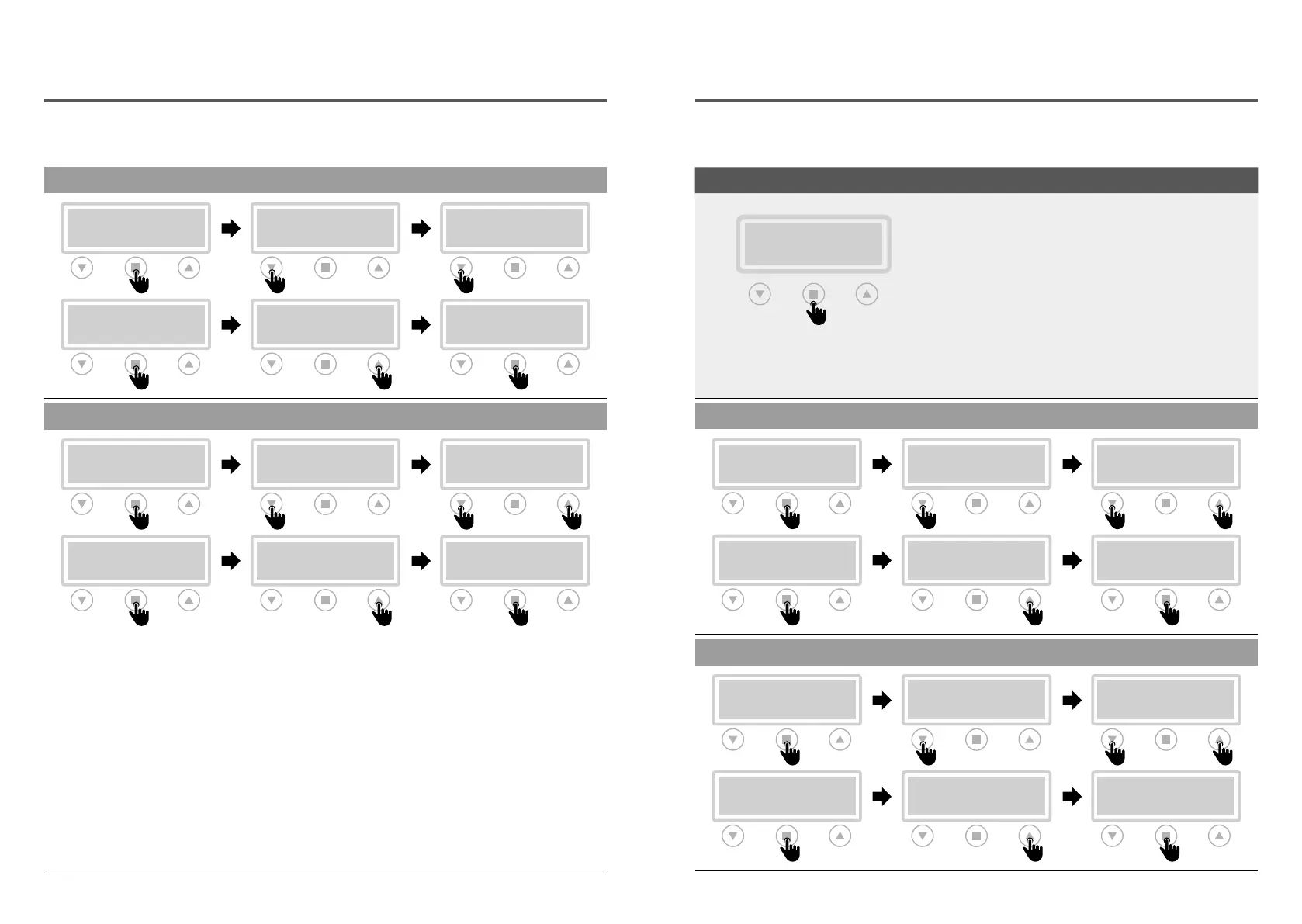
CHANGE PUMPS ALTERNATION
ALTERNATION
>OFF
M02 GENERAL
>ALTERNATION
>EXIT
M02 GENERAL
>ALTERNATION
>ALTERNATION
ON
ALTERNATION
>ON
CHANGE TIME ON MAX
TIME ON MAX
>001
M02 GENERAL
>TIME ON MAX
>EXIT
M02 GENERAL
>TIME ON MAX
>TIME ON MAX
001
TIME ON MAX
>001
“TIME ON MAX” PROCEDURE
For a correct functioning of this parameter,
perform the following procedure:
• set the pump alternation in “ON”
• set the “STARTING FOR HOURS” parameter
from the M04 PUMP 1 menu and then M05
PUMP 2 (see page 18), by entering the
maximum number of starts allowed for each
pump.
ATTENTION!
Refer to chapter 4.2 ALARMS for displaying and
managing alarms and reset for this parameter.
EXAMPLE OF OPERATION
Operation of the control panel with “TIME ON
MAX” active:
• the pump 1 activates after the buoyant
consent, operates continuously and exceeds
the max limit of min. set by the user.
• the control panel stops the pump 1 and starts
the pump 2 automatically.
• when the same condition occurs again, the
control panel stops the pump 2 and restarts the
pump 1
• after a certain number of restarts, the control
panel blocks both pumps
Installation Installation
M03 NET CONTROL
CHANGE NOMINAL VOLTAGE
NOM. VOLTAGE
>XXX VOLT
M03 NET CONTROL
>NOM. VOLTAGE
>EXIT
M03 NET CONTROL
>NOM. VOLTAGE
>NOM. VOLTAGE
XXX VOLT
NOM. VOLTAGE
>XXX VOLT
CHANGE MINIMUM VOLTAGE
MIN VOLTAGE
>090 %
M03 NET CONTROL
>MIN VOLTAGE
>EXIT
M03 NET CONTROL
>MIN VOLTAGE
>MIN VOLTAGE
090 %
MIN VOLTAGE
>090 %
ACCESS TO FUNCTION MODIFIED PARAMETERS
M02 GENERAL
>M03 NET CONTROL
NOMINAL VOLTAGE
MINIMUM VOLTAGE
MAXIMUM VOLTAGE
NOMINAL FREQUENCY
FREQUENCY RANGE


 To Next Page