- 12 -
6.2 Buttons
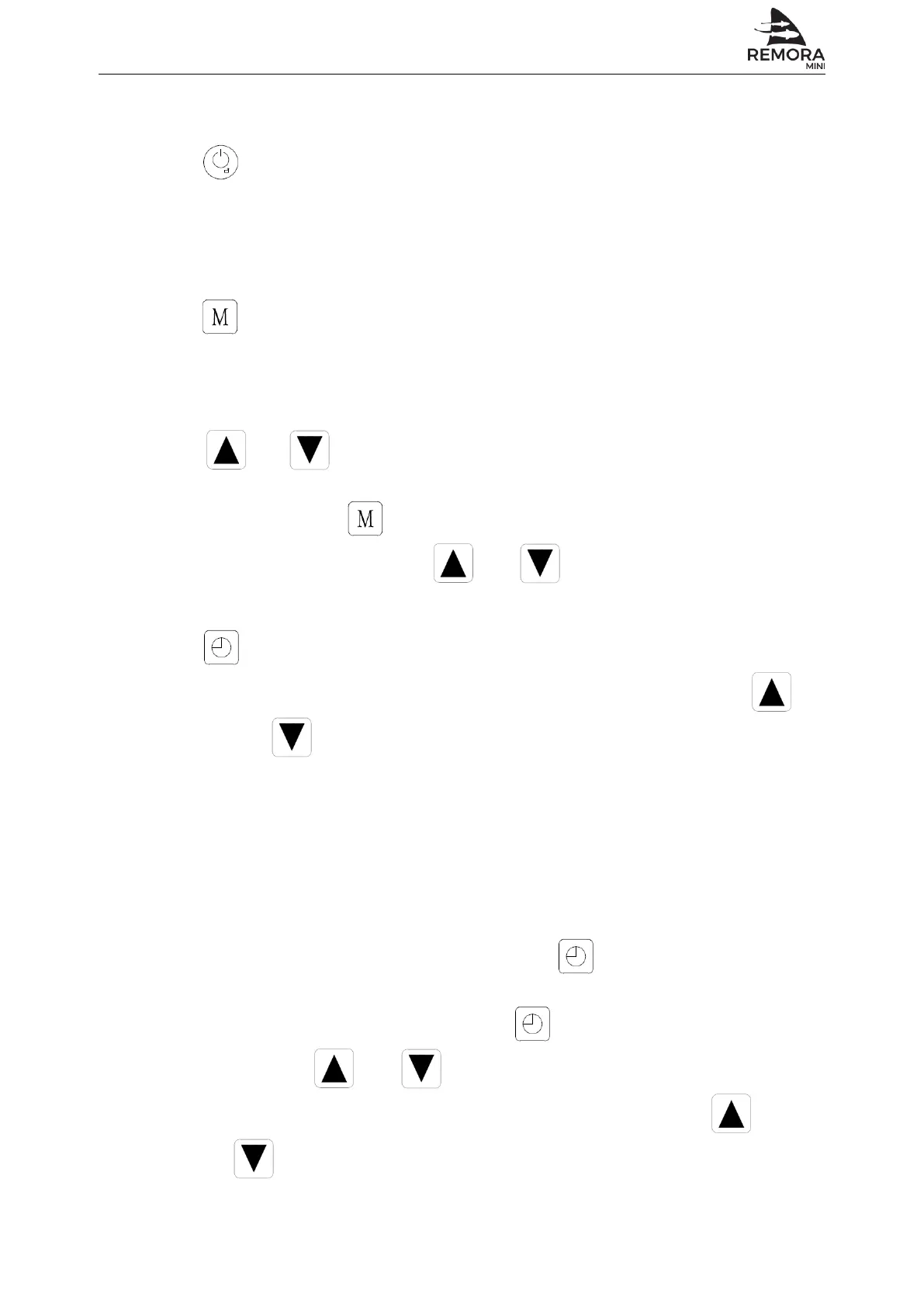
Unit ON/OFF button
Under unit unlock status, press this button for 1 second to switch unit ON/OFF.
Under other setting status, press this button to return back to main interface.
Under locked screen status, press this button for 5 seconds to unlock screen.
Mode button
Under main interface, press this button to check unit running status.
Hold for 5 seconds to access parameter setting menu.
and
Turn pages up and down to check, modify parameters.
Combining with to query and change parameters.
Under unit ON status, press and to set temperature in current mode.
Timer button
Press this button to enter into Timer ON/OFF setting mode, combing with
and buttons to set 2 groups of Timer ON/OFF.
Hold for 5 seconds to access clock setting menu.
6.3 LCD operation
Clock settings
Under main operation interface screen, press for 5 seconds to enter into
clock setting interface.
On clock setting interface screen, press again, the “ hour ” digit is flashing,
then press and buttons to modify value for “ hour ”.
After setting “ hour ” digit, the “ minute ” digit is flashing, then press and
buttons to modify value for “minute”.
-
-
Automated Environmental Systems Ltd., Unit 1, 1 Wimbledon Avenue, Brandon, Suffolk IP27 0NZ
01842 819130 | sales@automatedenvironmentalsystems.co.uk


 To Next Page