- 14 -
Cooling mode
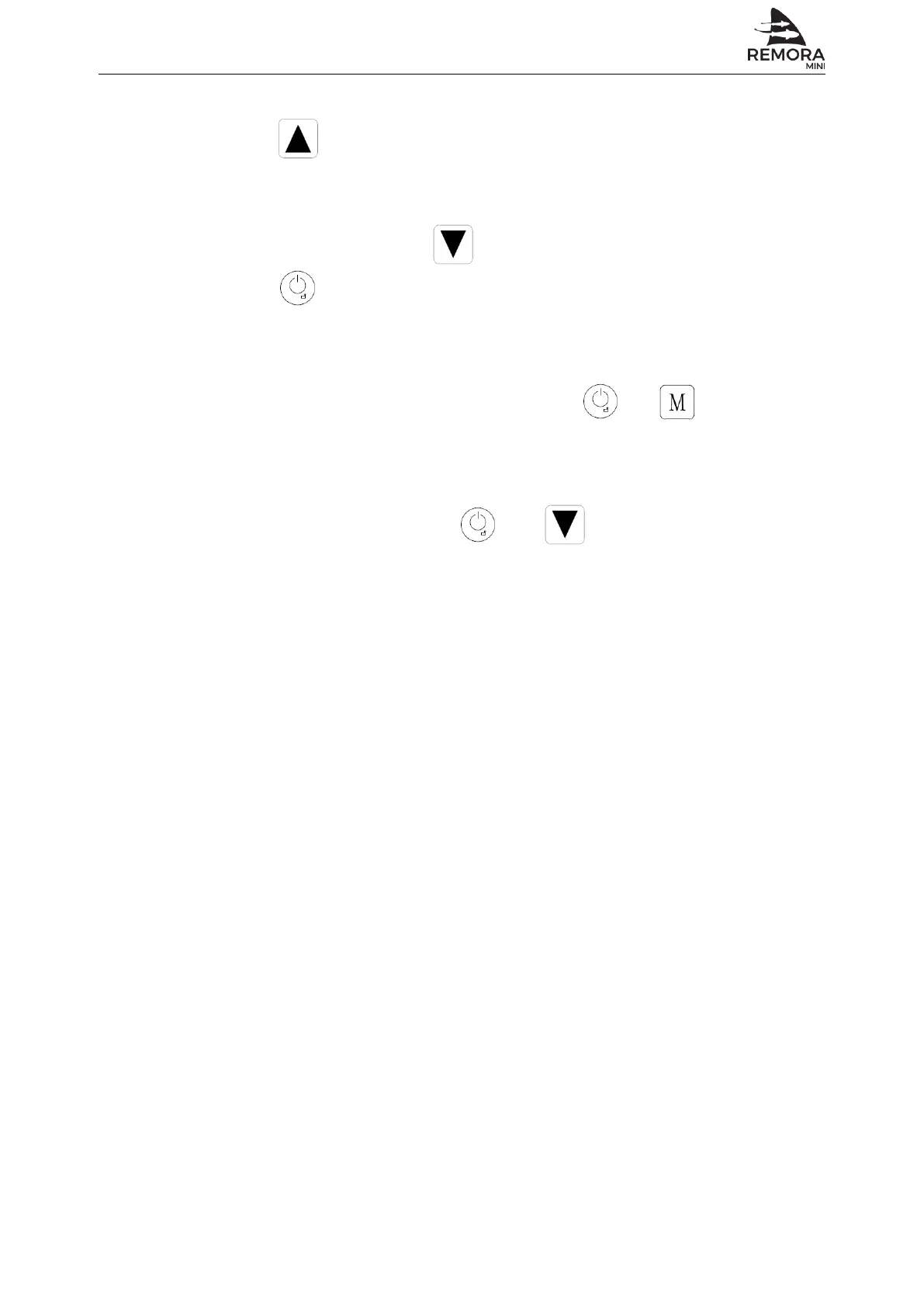
Press for 5 seconds, can switch different modes: cooling or heaing.
Forced defrosting
Under unit ON status, press for 5 seconds to enter into forced defrosting.
Press for 1 seconds until unit turns off, to cancel defrost.
Remove error history record
On error history query interface screen, press and for 5 seconds to
remove error history records.
Reset
Under unit OFF status, press and for 5 seconds, parameters will
resume initial factory default value.
-
-
Automated Environmental Systems Ltd., Unit 1, 1 Wimbledon Avenue, Brandon, Suffolk IP27 0NZ
01842 819130 | sales@automatedenvironmentalsystems.co.uk


 To Next Page