AEV STARGATE
Futurcom Srl via della Tecnica 35, 40050 Argelato Bologna ITALY
15
In the event of monophonic transmissions, the RDS data encoder should be connected
between the last low frequency unit in the audio chain and the transmitter.
RS232 Serial Port
The Serial connection RS232C is standard and has a 9 poles Cannon connector.
As per each RS232 connection, the length must not be superior to 20 m and the shielding
must be adequate.
Anyway, it is possible to extend the connection at any time by using a couple of standard line
extensors.
Pc Software
The RDS coder control program is supplied together with this handbook in CDROM
version. It must be installed on a computer with CPU Pentium 266 or better and a
Windows 95/98 version must be installed. The software cannot run without these
configurations or, in the best of cases, it will run but will not be able to communicate
correctly with the coder.
To install the program, go to the CDROM reader drive, and double click on the Setup.exe icon.
The program will be automatically installed and a link will be created on the program bar.
To execute the program, click on the Star t button on the applications bar with the left button
of the mouse. Select the Programs file, then the Rdspcsat file. Now, using the mouse, click
on the Rdspcsat program.
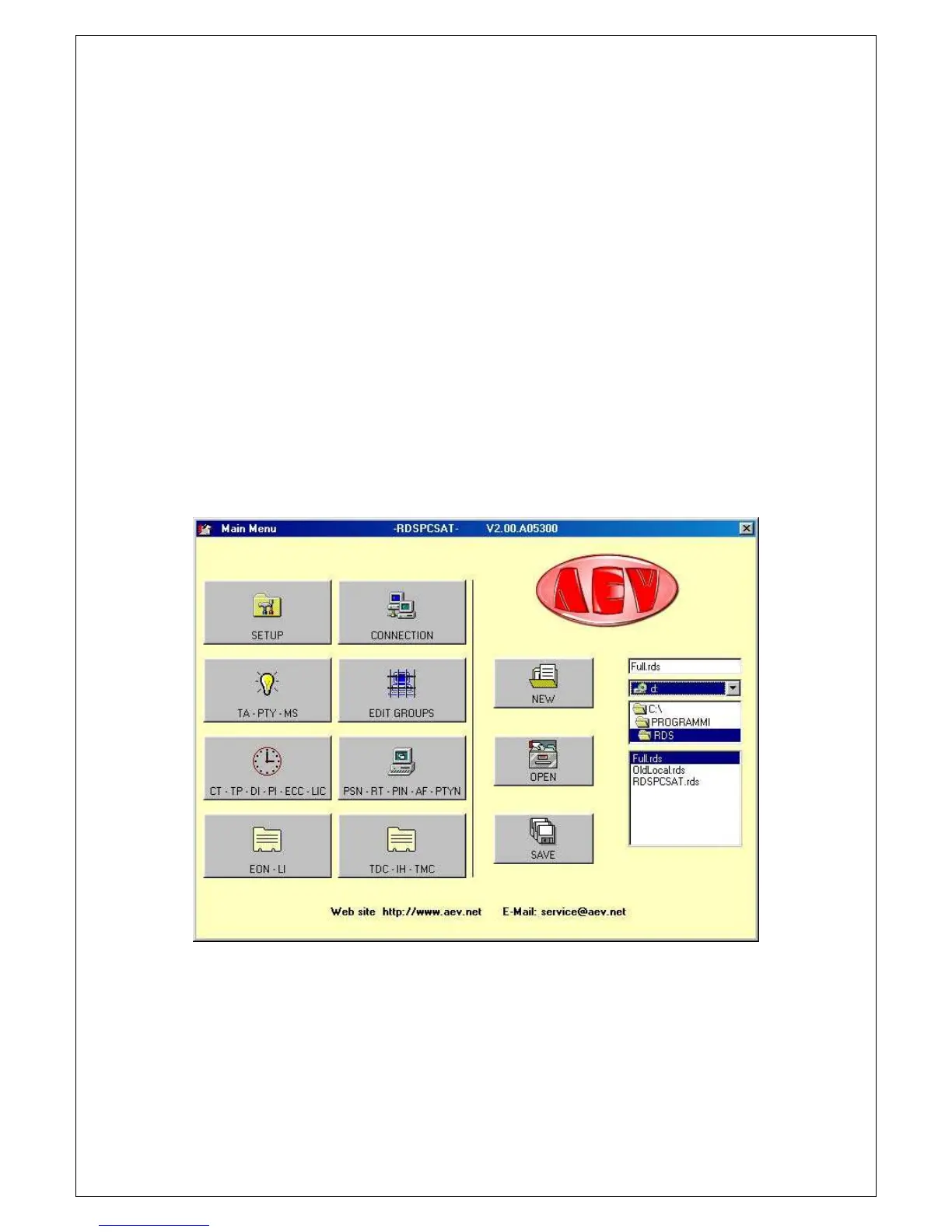
The following window will appear:
An error message may be received when the program is started for the first time, due to the
default parameters set, which may not be suitable for your system. The parameters of the
serial port must therefore be modified.


 To Next Page