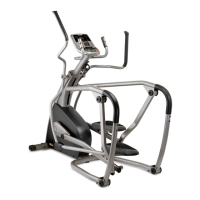
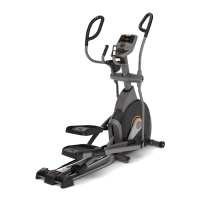
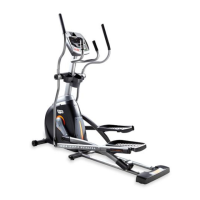
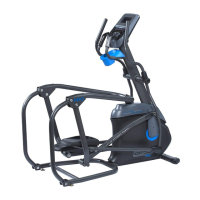
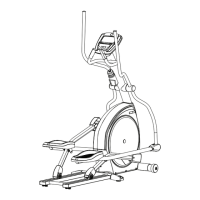
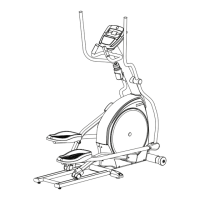
Our ascent trainers are well built and heavy, weighing up to 200 lbs!
Use care and additional help if necessary when moving.:
POWER
Your ascent trainer is powered by a power supply. The power must be plugged into the power jack, which is
located in the front of the ascent trainer near the FRONT STABILIZER TUBE. Make sure the console power switch,
located next to the power jack, is in the ON position.
INCLINE OPERATION
If the stop button is pressed to pause the program, the incline motor will remain at its current height. To return
the incline to 0%, press start and change the incline to 0% before dismounting. If the stop button is held for 3
seconds to reset the console, the incline will return to 0%.
NOTE: There is a thin protective sheet of clear plastic on the overlay of the console that should be removed.
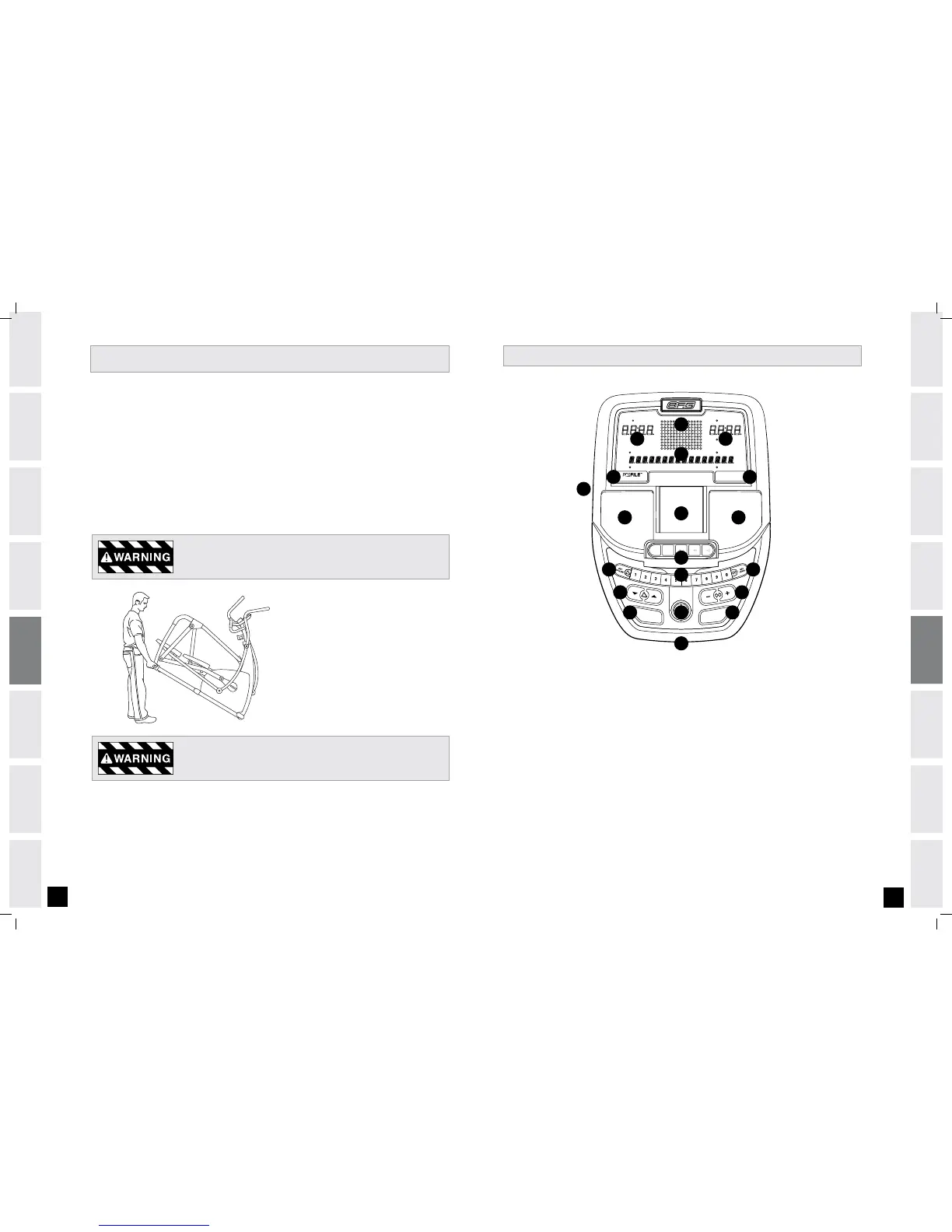
WORKOUT PROFILE DISPLAY: Displays workout profiles.
ADDITIONAL DISPLAY WINDOWS: Time, distance, date and clock.
ALPHANUMERIC DISPLAY WINDOW: Displays watts, calories, RPM, heart rate, speed and proFILE
™
display information.
proFILE
™
BUTTON: Used to scroll through proFILE
™
display modes. Must be pressed after selecting user.
CHANGE DISPLAY BUTTON: Used to scroll through display modes. Press to change display feedback during workout.
iPOD
®
CONTROLS: Press to adjust your attached iPod
®
audio settings.
START: Simply press to begin exercising or starts your workout.
STOP: Press to pause/end your workout. Hold for 3 seconds to reset the ascent trainer.
iPOD
®
/ PROGRAMMING BUTTON: Used to select program, level and time, and other options. Used to control
iPod
®
(during workout only).
INCLINE ARROW KEYS: Press to adjust incline in 5% increments.
SET INCLINE KEY: Used to confirm desired incline.
RESISTANCE ARROW KEYS: Press to adjust resistance.
SET LEVEL KEY: Used to confirm desired level.
QUICK ADjUST KEYPAD:
Used to reach desired resistance or incline more quickly.
AUDIO IN: Plug your CD / MP3 player into the console using the included audio adaptor cable.
AUDIO OUT/HEADPHONE jACK Plug your headphones into this jack to listen to your music through the headphones.
iPOD
®
DOCKING STATION/MP3 PLAYER POCKET: Used to dock your iPod
®
or store your MP3 Player.
SPEAKERS: Music plays through speakers when your CD/MP3 player is connected to the console.
NOTE: When headphones are plugged into the headphone jack the sound will no longer come out through the speakers.
A)
B)
C)
D)
E)
F)
G)
H)
I)
j)
K)
L)
M)
N)
O)
P)
Q)
R)
A
B
G H
D
I
J
F
ASCENT TRAINER OPERATION
18.0 A X T CONSOLE
Do not operate the ascent trainer if the power cord or plug is damaged.
If the ascent trainer appears to not be working properly,
do not use the ascent trainer.
MOVING
Your ascent trainer has a pair of transport wheels
built into the FRONT STABILIZER TUBE. To move,
first remove the power supply and firmly grasp
the base carefully tilt and role.
L
N
B
C
E
K M
P
O
Q
R R


 To Next Page
 Loading...