34
CUSTOM PROGRAMS
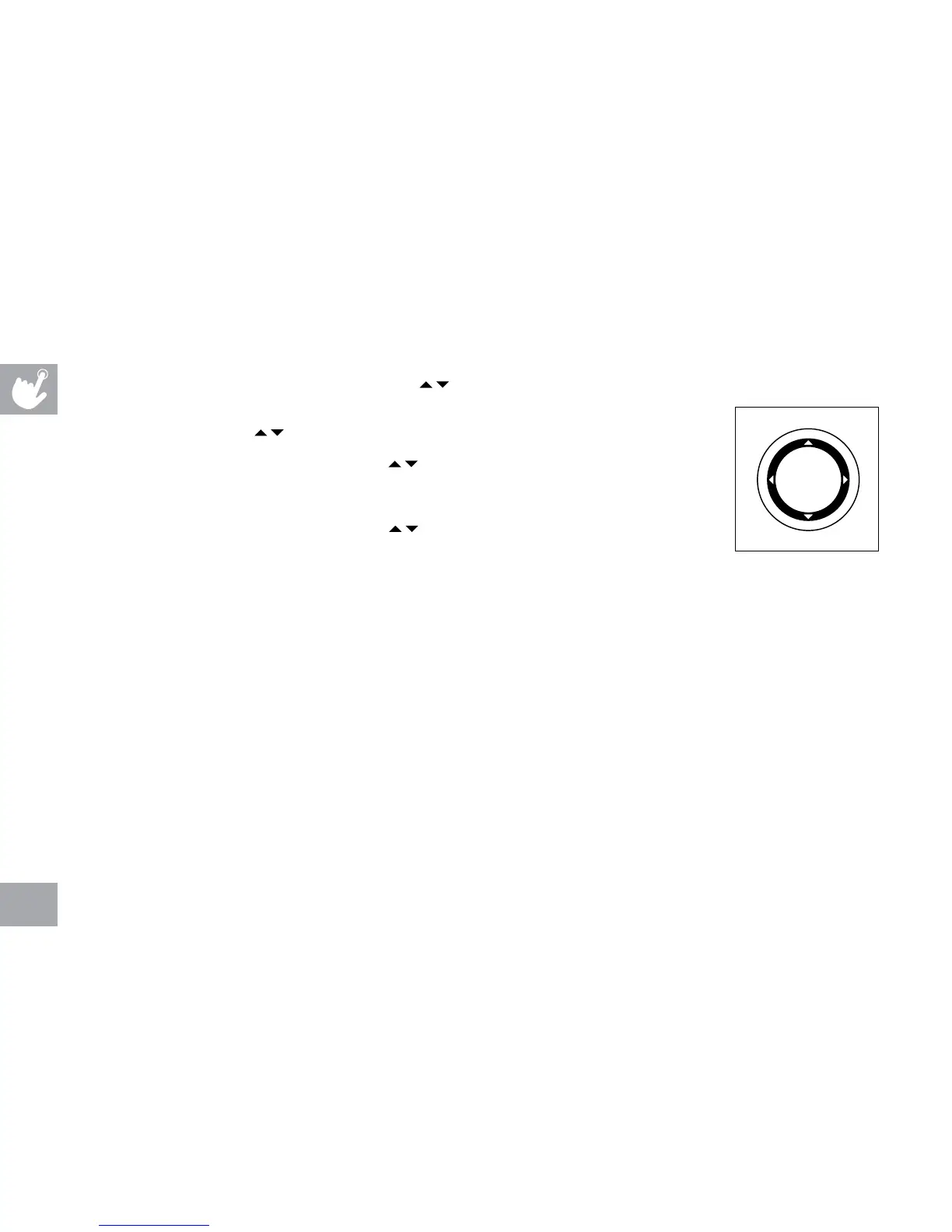
1) Select CUSTOM 1, 2 or 3 program using and press ENTER on the
PROGRAMMING BUTTON.
2) Set time using
and press ENTER on the PROGRAMMING BUTTON.
3) Set the RESISTANCE profiles using
and press ENTER on the PROGRAMMING
BUTTON after each segment is set to the desired level (repeat until all 15 segments are
set).
4) Next, set the INCLINE profiles using
and press ENTER on the PROGRAMMING
BUTTON after each segment is set to the desired level (repeat until all 15 segments are
set). NOTE: if BACK is pressed on the PROGRAMMING BUTTON, it will take you back to
previous segment.
5) Press START to begin the program.
NOTE: to reset the memory, press and hold ENTER for 5 seconds.
BACK ENTER


 To Next Page