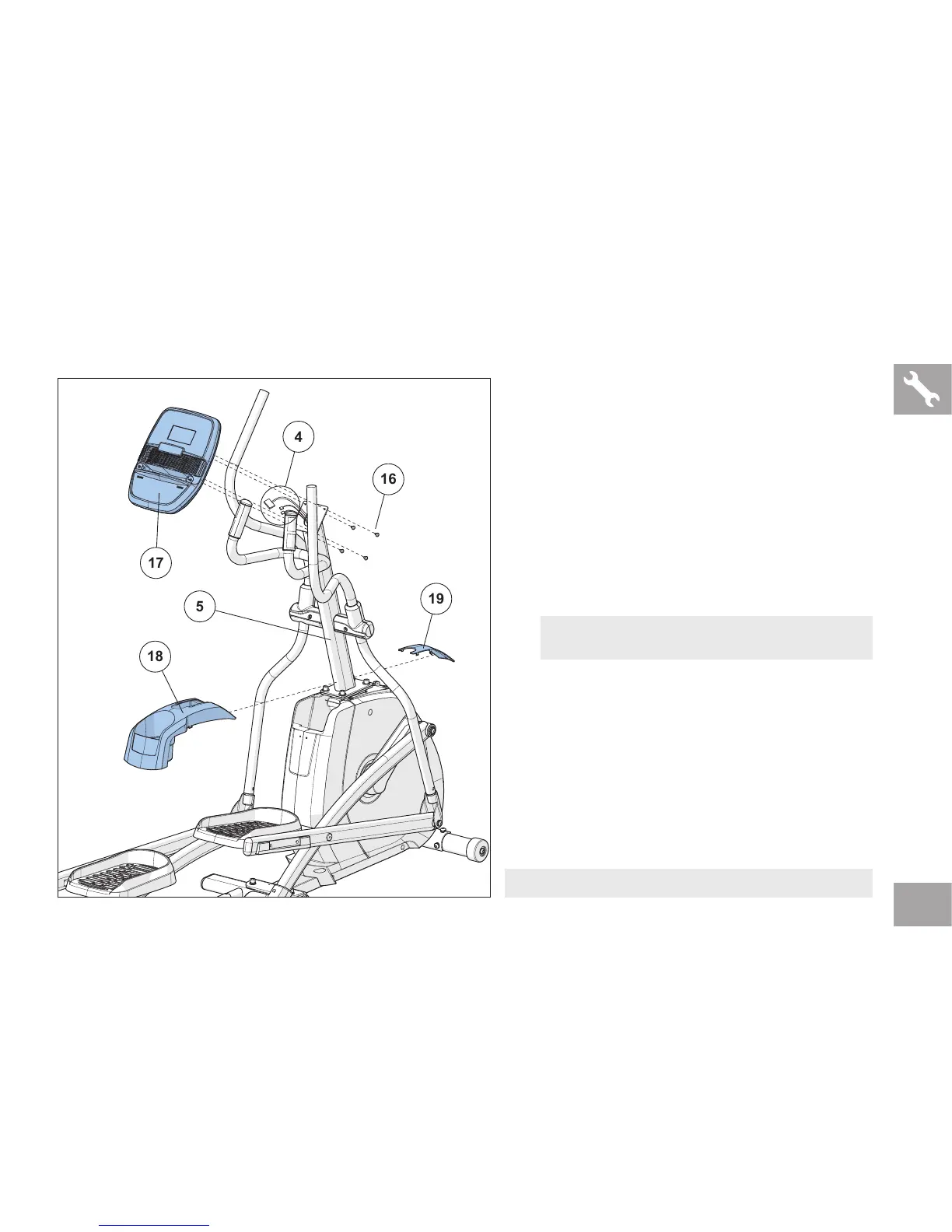
ASSEMBLY STEP 8
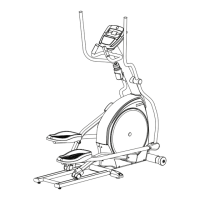
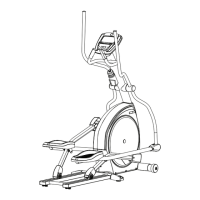
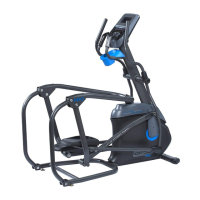
ASSEMBLY COMPLETE!
NOTE: All hardware for this step is pre-installed.
A Remove 4 PRE-INSTALLED BOLTS (16) from
the CONSOLE (17).
B Attach the CONSOLE CABLES (4) to the
CONSOLE (17).
C Carefully tuck the CONSOLE CABLES (4)
into the CONSOLE MAST (5) before attaching
the CONSOLE. Attach CONSOLE (17) to
CONSOLE MAST (5) using 4 PRE-INSTALLED
BOLTS (16).
D Slide FRONT TOP CAP PIECE (18) and REAR
TOP CAP PIECE (19) over CONSOLE MAST
(5) and snap into place.
NOTE:
Do not to pinch any wires while attaching the console.



 To Next Page