5. Troubleshooting
5.1
Power-on Error Displays and Counter-Measures
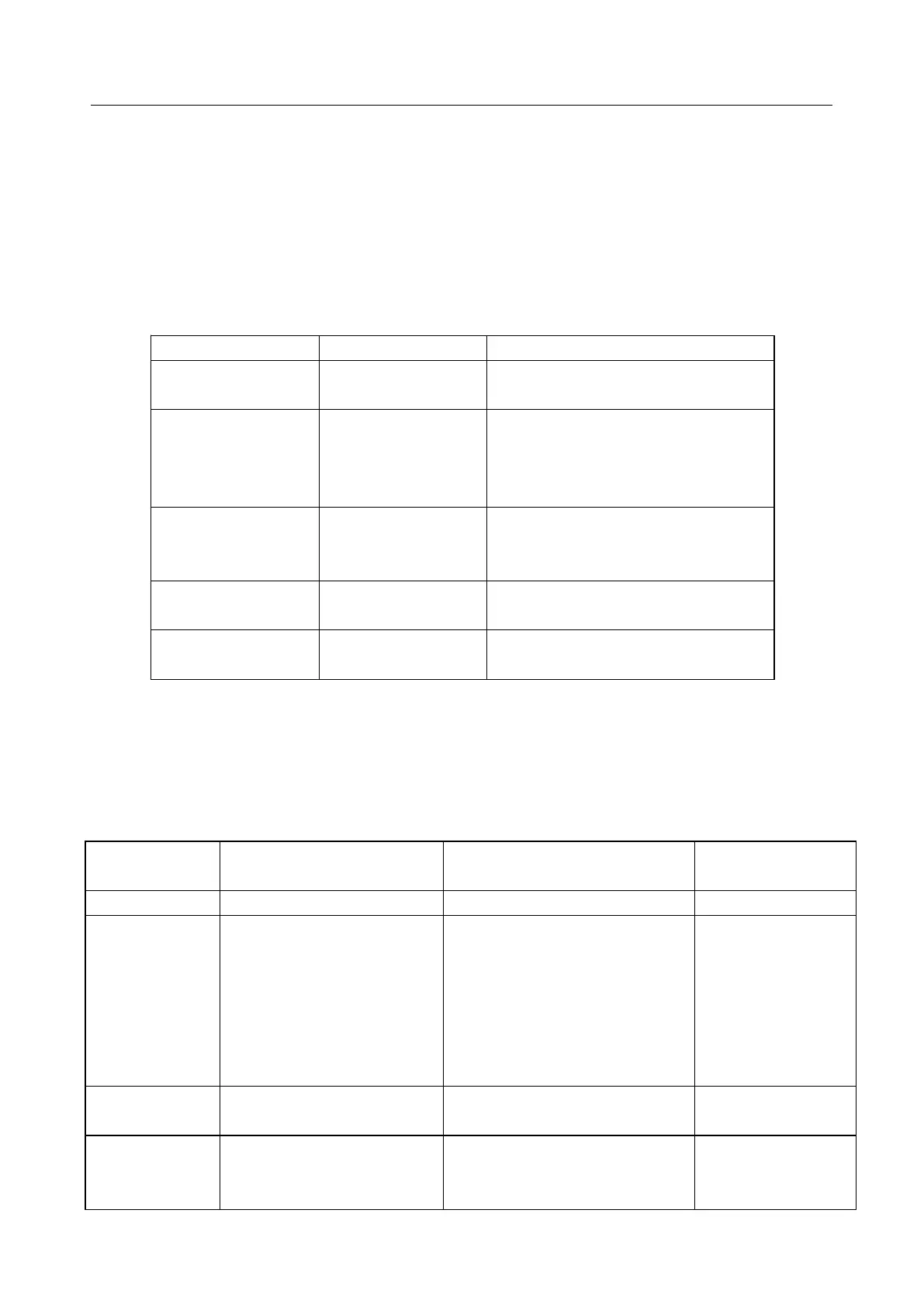
The AFT-2000W ultrasonic flow meter provides an automatic power-on diagnosis for the hardware
problems. When any message (with the power on) in the following table displays, counter-measures
should be taken.
ROM Testing Error
Segment Test Error
(1) Power on again
(2) Contact with factory
The parameters
entered by the user
lose integration.
When this message displays, the
user should press ENT key, and all
the configuration will be restored
to the default state.
Timer Slow Error
Timer Fast Error
Problem with the
timer-keeper or the
crystal oscillator.
(1)Power on again
(2)Contact with factory
Number errors with
the calendar
Initialize the calendar by menu
window M61
5.2
Error Code and Counter-Measures
The AFT-2000W ultrasonic flow meter will show Error Code in the lower right corner with a single letter
like I, R etc. on menu windows M00, M01, M02, M03, M90 and M08. When any abnormal Error Code
shows, counter-measures should be taken.
Correspondent Message
displayed on M08
(1)No Signals detected
(2)Transducers installed
improperly
(3)Too much fouling
(4)Pipe liners are too thick.
(5)Transducer cords are not
properly connected
(1) Relocate
measuring
location
(2) Clean the spot
(3)Check the
cords
(1) Poor signal detected
(2) Transducers installed
improperly
(1) Relocate
measuring place
(2) Clean the spot


 To Next Page