17
Child lock
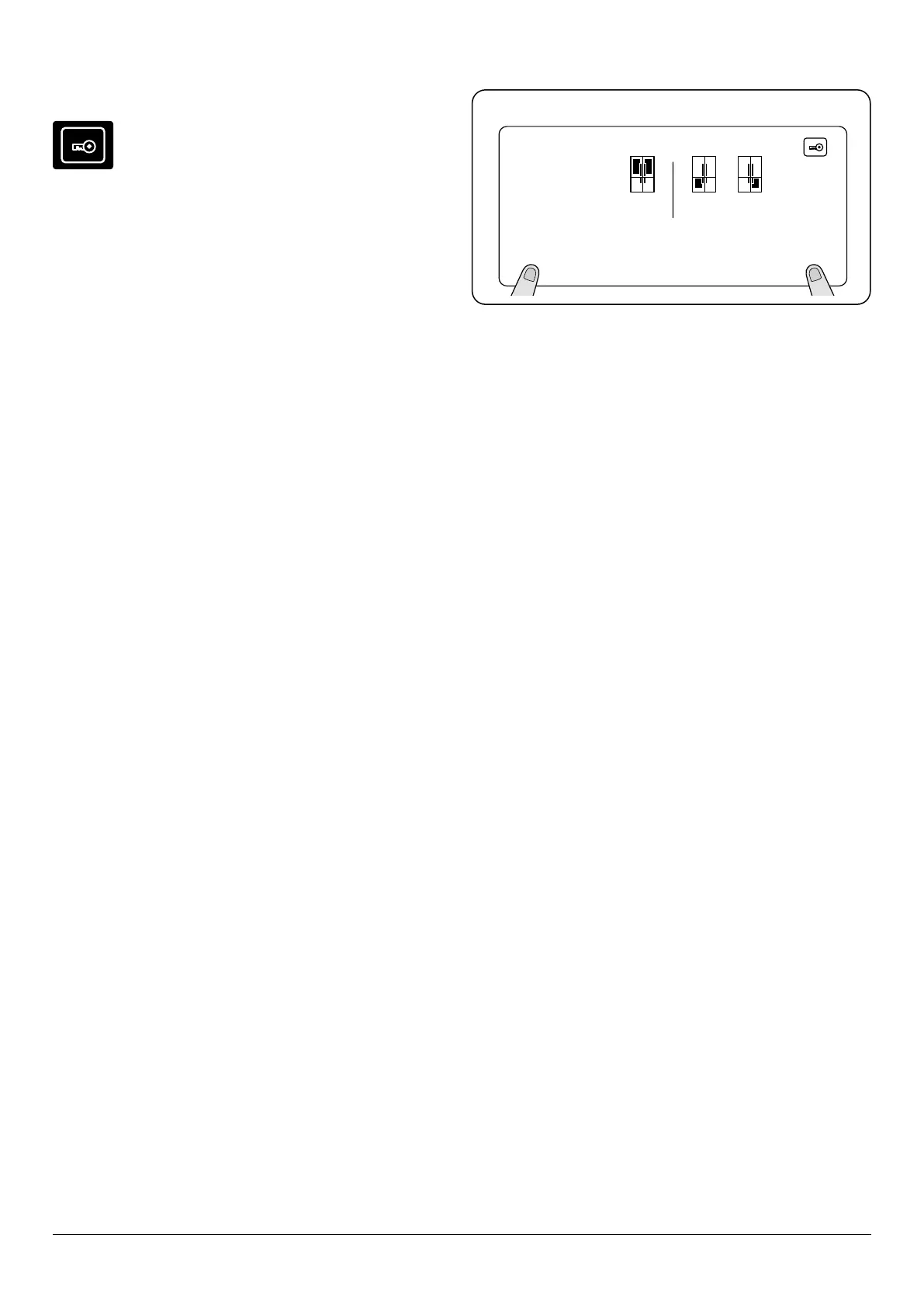
Child lock can be activated to prevent any
accidental or unintentional changes being made
to the appliance settings.
To activate (Fig. 3.14) the child lock, press and hold the
cooler and zone 2 buttons simultaneously for 3 seconds.
While child lock is active, no changes can be made to settings
as the buttons will be inactive. The lock symbol will be
displayed.
To deactivate (Fig. 3.14) the child lock, press and hold the
cooler and zone 2 buttons simultaneously for 5 seconds.
Alarm
n
If an alarm light illuminates, you must contact an
authorised service.
If the ‘s.saver’ button is pressed when there is an alarm
sounding and an exclamation mark on the display, the alarm
sound will switch o. The exclamation mark will continue to
show on the electronic display panel until the error is xed.
02
mode q drink s.saver
°c
-22
°c
-22
°c
sc sf
zone 1 zone 2
cooler
Fig. 3.14 Setting the Child lock


 To Next Page