9/70
10.3 Room volume
 Press key 6 twice.
The volume symbol appears on the display.
 Press key 4 and measure the first distance
(e.g. length).
 Press key 4 and measure the second distance
(e.g. width).
 Press key 4 and measure the third distance
(e.g. height).
The device displays the result in the summary row and the respective measured distance to the
next measurement in the second row.
11 Troubleshooting
 If the message Error does not disappear after switching on the device repeatedly, please
contact the dealer.
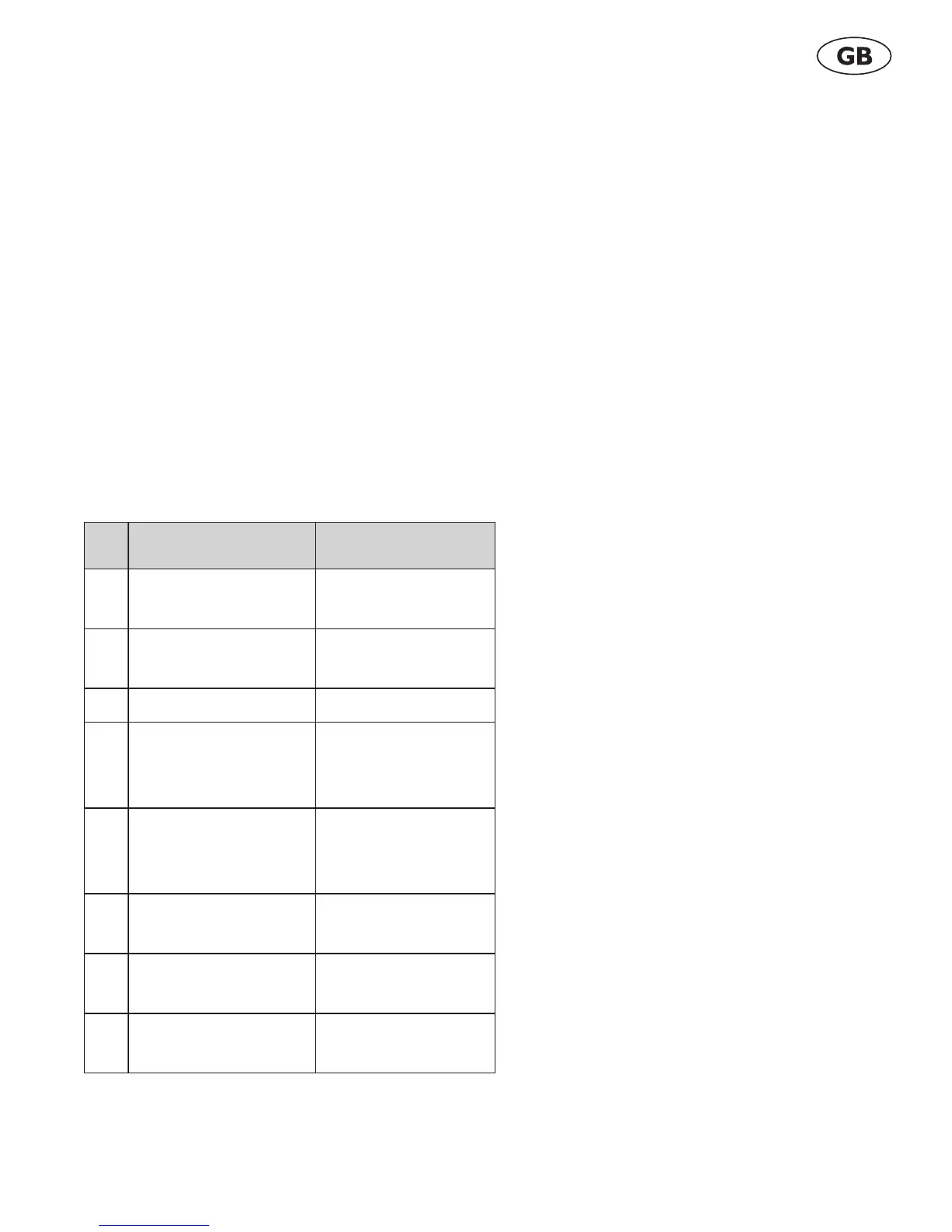
 If the message InFo appears with a number, observe the instructions in the following table.
No. Cause Correction
204 Calculation error Perform measure-
ment again.
252 Temperature too high Let the device cool
down.
253 Temperature too low Warm the device up.
255 Reception signal too
weak, measuring time
too long
Change target sur-
face (e.g. white
paper).
256 Input signal too high Change target sur-
face (e.g. white
paper).
257 Measuring error, too
much background light
Shadow the target
area.
258 Measurement outside
of the measuring range
Mind the range.
260 Laser beam interrupted Repeat the measure-
ment.
Agatec DM100.book Page 9 Thursday, April 1, 2010 12:48 PM



 To Next Page