CHAPTER
5
P/N 016-0171-588 Rev. D 19
CHAPTER 5
ISOBUS ECU MOUNTING AND
CONNECTION
PRODUCT CONTROLLER II ECU INSTALLATION
BEST PRACTICES AND RECOMMENDATIONS
• Do not connect battery leads until all cables are installed and connected.
• If a protected mounting location is not available on the equipment, mount the Hawkeye™ product controller II
ECU with the connectors facing down toward the ground to help keep moisture from accumulating in the ECU.
ELECTRICAL BOX PREPARATION
1. Locate the electrical box on the right side of the machine, between the axles and remove the cover.
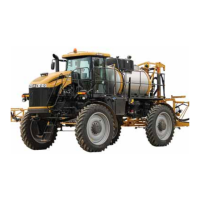
FIGURE 1. RoGator 1300 Electrical Box Location
2. Locate the node mounting plate with the Raven boom/speed sense node and single product control node.



 To Next Page
 Loading...