Chapter 3: Placing Originals 36
Changing Removable Trays
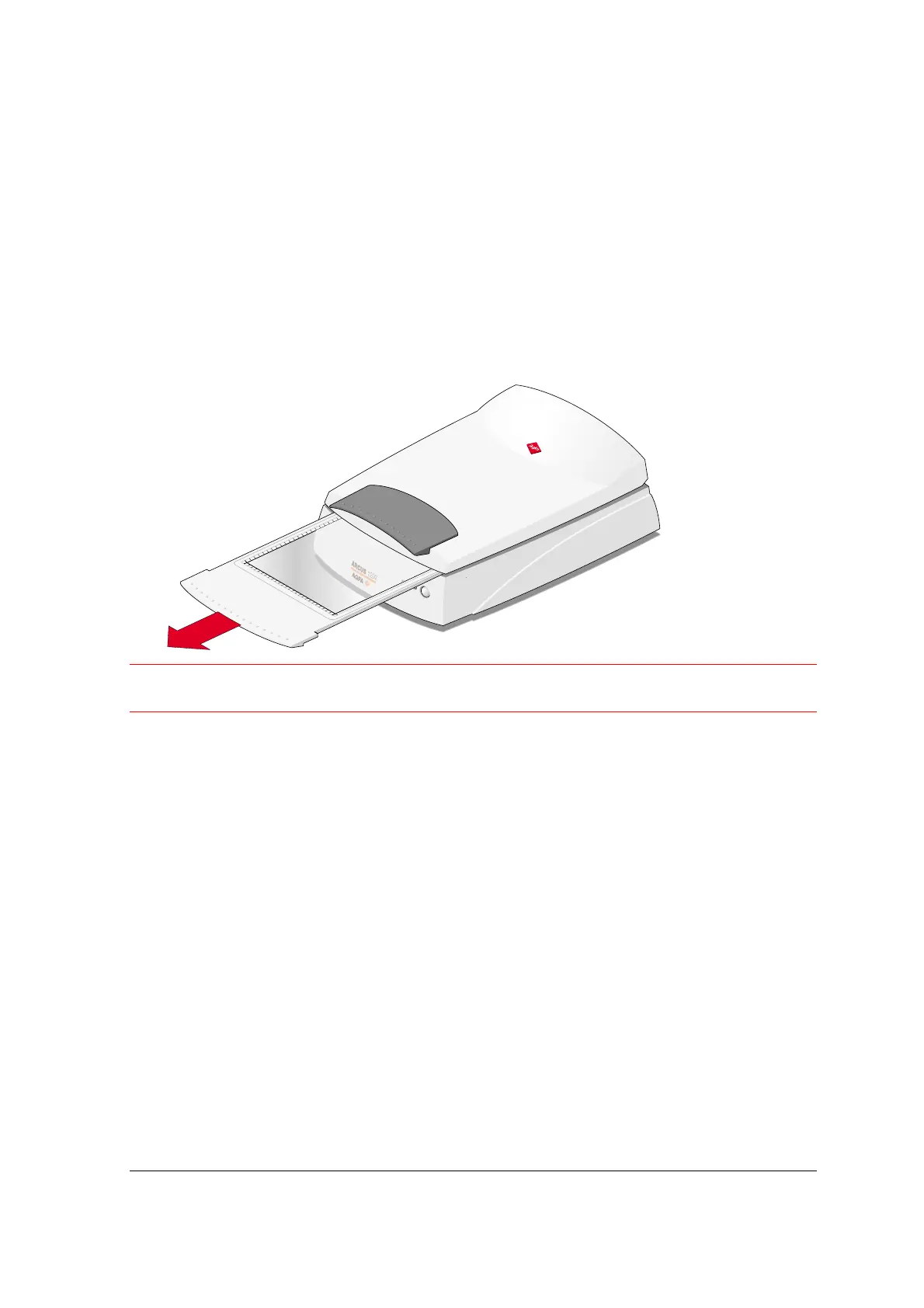
Your Arcus 1200 contains a removable glass plate as well as a removable batch slide holder
frame. This paragraph explains how to remove this glass plate.
" Note: The batch slide holder frame, which you can use to scan transparencies, can be
removed in the same way.
1
Close the TPU.
2
Remove the glass plate as shown in the figure below.
Caution
: Make sure the TPU is closed, before you try to remove the glass plate or the batch slide
holder frame.
Placing Reflective Originals
You place a reflective original, such as a photograph, directly on the scanner's glass plate. The
Arcus 1200 has an adjustable TPU: when you scan a thick original (like a book or a magazine) on
the reflective glass plate, the TPU adjusts automatically to the thickness of the original. If
necessary, you can remove the TPU completely.
1
Open the TPU of the scanner.
" Note: Make sure the glass plate is inserted, otherwise the TPU is locked.
2
Place the original face down on the glass plate with the top side against the front ruler.



 To Next Page