DX- D 600
User Manual
0242F EN 20181218
136
After pressing the Collimator Lamp control, the Lamp remains ON for several
seconds to allow for patient/grid alignment before turning OFF automatically.
An optional Laser positioner may be included with the Collimator Light in order
to facilitate patient positioning.
Exposure field on the DR Detector is adjusted automatically to the size of the
DR Detector. It can be reduced manually with the two knobs of the Manual
Blade Controls. The Exposure field may be resized within the limits of the
field-size set automatically, it cannot be larger than the DR Detector Size.
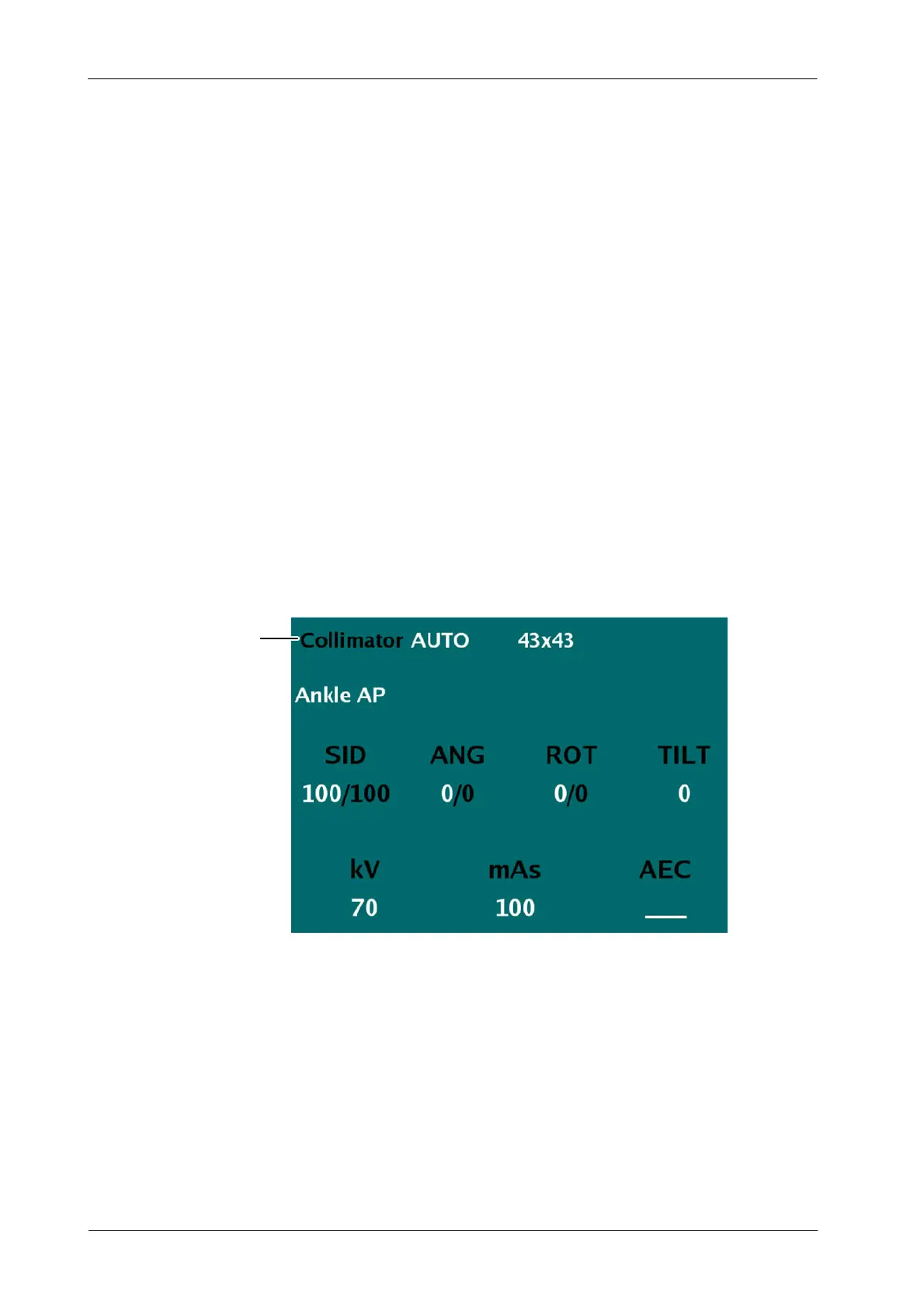
Collimator mode is indicated in the Touchscreen Console, under the Patient
Information. The modes are:
AUTOMATIC
MANUAL
BUSY
Illustration 7-2
Press on Collimator Status Data to display the status reason
Press to know the reason
of Busy or Manual modes
When the Mode is Manual or Busy, press on the Collimator Status Data on the
Touchscreen Console to know the reason why the Automatic mode is not
present. After pressing on the Collimator Status Data, an indication appears on
the screen (refer to Busy and Manual Mode paragraphs in this section for further
details about each indication).
The Collimator can rotate ¦90
o
on its vertical axis while the T ube remains in
the same position. This movement is performed by manually turning the
Collimator and has detents every 90
o
.



 To Next Page