Quick-Start
This section of the User’s Guide gives you a fast overview of how to use your ePhoto 780 to
take pictures and review them on the camera. The
Reference
section of this guide contains
more in-depth information about the ePhoto 780.
!
Note: For hints on using this file most effectively, click here.
Step 1: Turn on the Camera
To turn on the camera, slide the lens cover open.
!
Note: Make sure you are familiar with the parts of your camera.
Step 2: Review the Settings
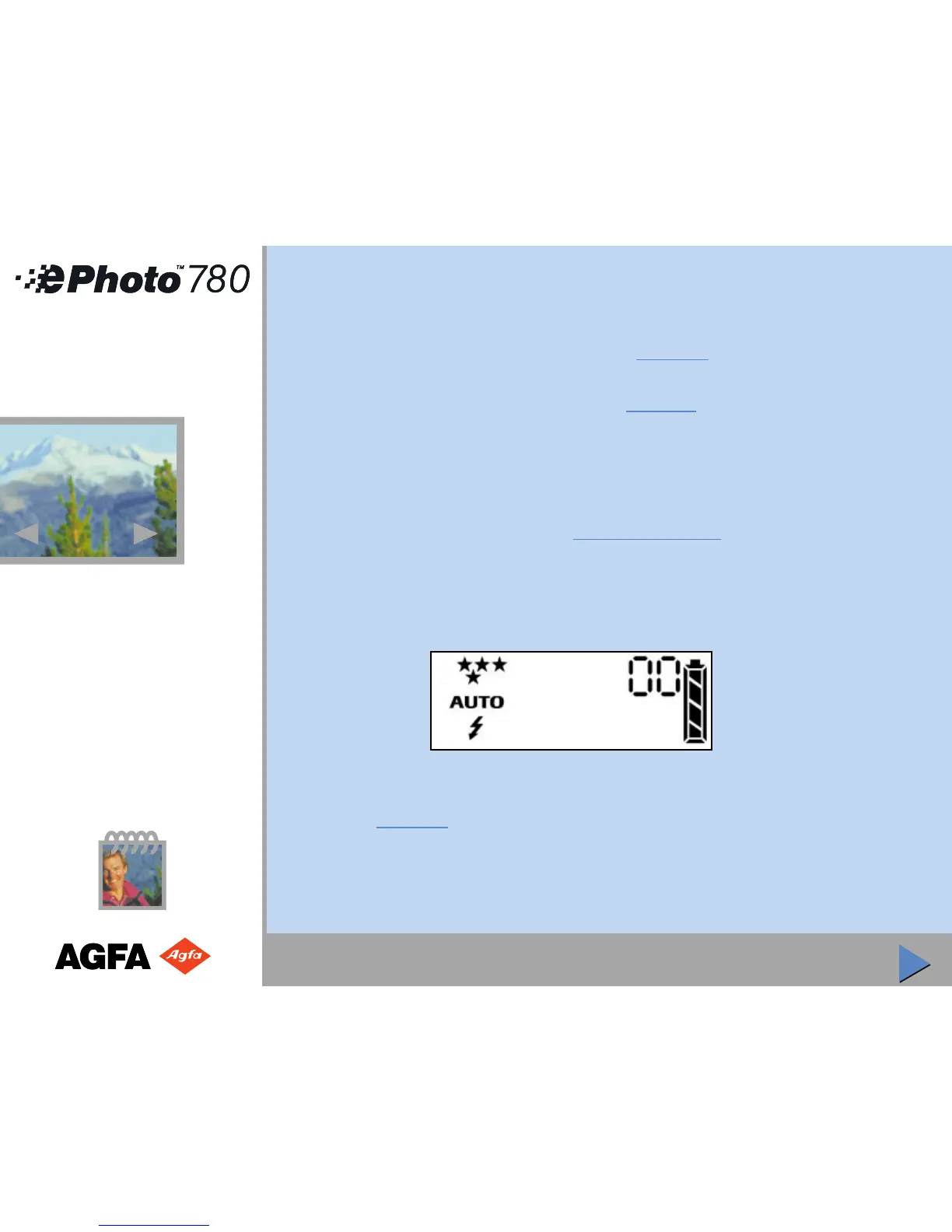
Review the camera settings by looking at the LCD panel on top of the camera.
Step 3: Change the Settings as Needed
To change the resolution for your pictures, press the Resolution button repeatedly until the
setting you want is shown in the Status Display:
1
1



 To Next Page