Quick-Start (cont.)
◗ . 320 x 240 pixels (lowest resolution)
◗ .. 640 x 480 pixels with moderate compression
◗ ... 640 x 480 pixels with low compression
◗ .... 780 mode, 1024 x 768 pixels (highest resolution)
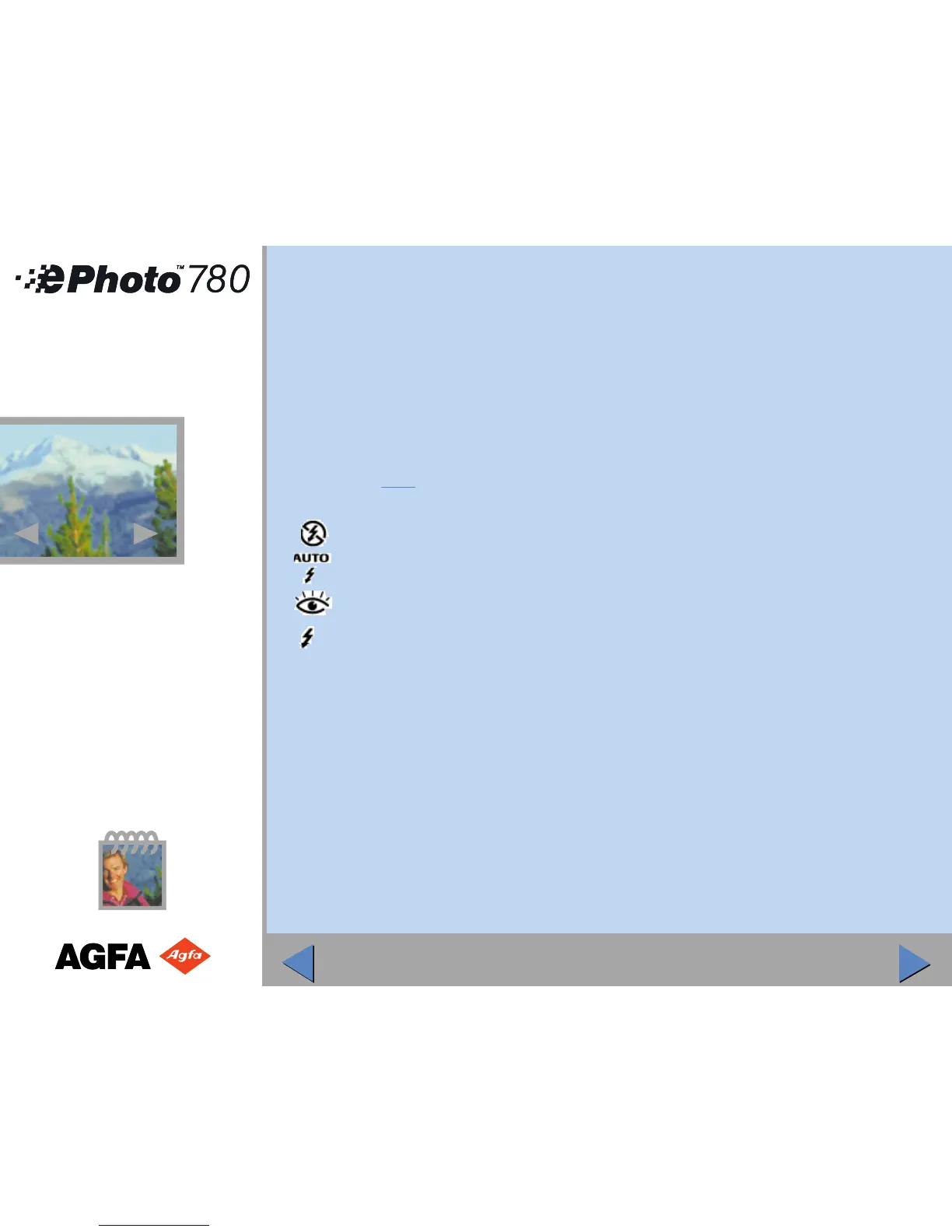
To change the flash mode, press the Flash button repeatedly until the mode you want is
shown:
◗ Off (No flash used)
◗ Auto (Flash used as needed)
◗ Red-eye (Automatic flash with pre-flash to reduce “red-eye” effect)
◗ Forced (Flash always used)
Step 4: Frame the Picture
To frame the picture, look through the optical viewfinder.
OR
Press the Video Viewfinder button. The LCD screen now acts as a viewfinder.
2
2



 To Next Page