18 ePhoto CL50 User’s Guide
Changing Basic Settings
Flash Button
The Flash button controls the built-in flash. You can also change the
flash setting by using a menu on the color LCD (see page 21).
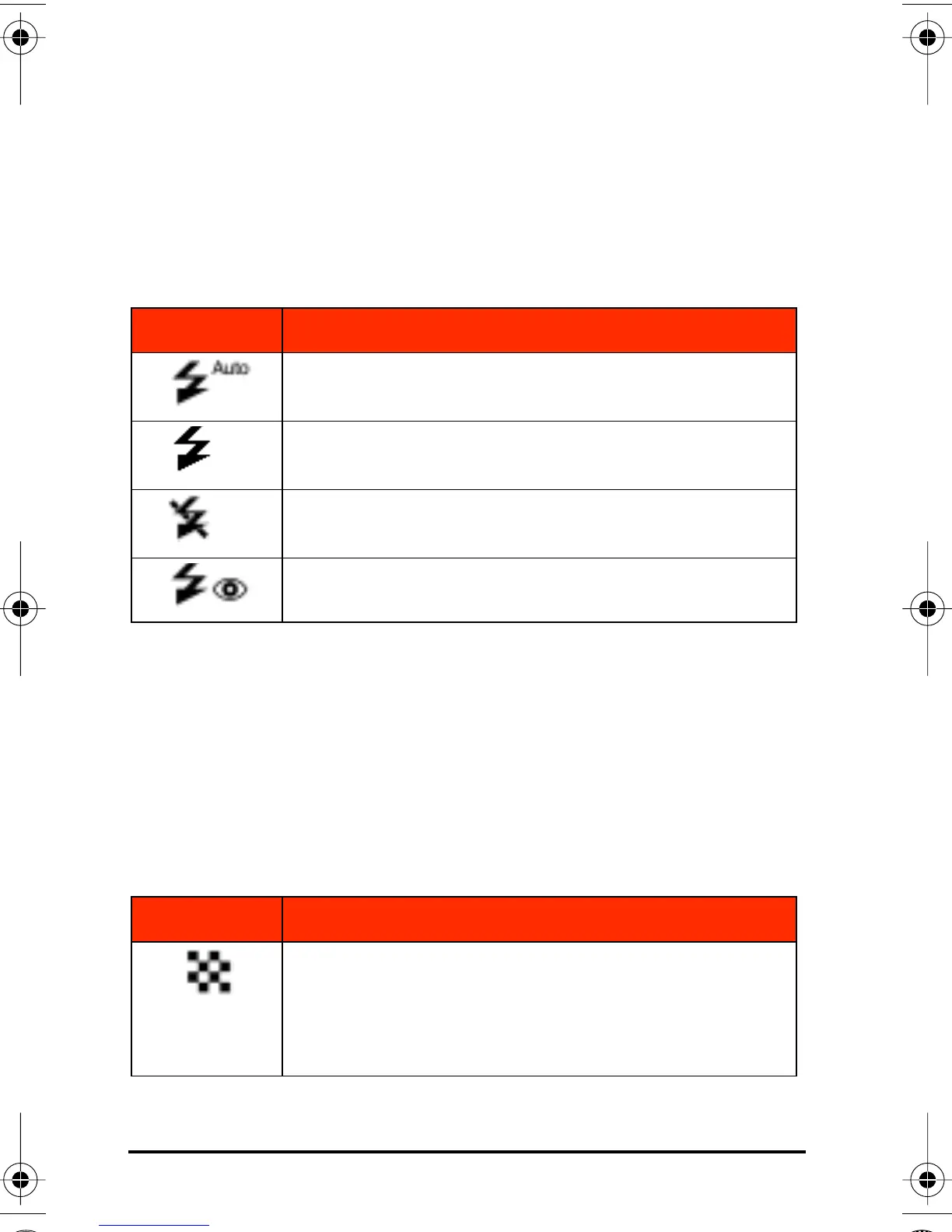
To select a flash setting:
◗ Press the Flash button repeatedly to select:
Resolution Button
The Resolution button selects from five settings. You can also
change the resolution setting using a menu on the color LCD. See
Resolution on page 20.
To select a resolution setting:
◗ Press the Resolution button repeatedly to select:
Icon Setting Selected
Automatic: the camera determines when to use
the flash
Fill in: flash is always used
Off: no flash is used
Red-eye: controlled pre-flashing is used to reduce
the “red-eye” effect
Icon Setting Selected
1600 x 1200 pixels: very low compression utiliz-
ing PhotoGenie™ technology during transfer to
computer (ideal for printing photo-quality images)
Maximum 8 MB card capacity: 12 images*
CL50User Page 18 Wednesday, January 27, 1999 10:10 AM



 To Next Page