ePhoto CL50 User’s Guide 21
Changing Settings on the Color LCD
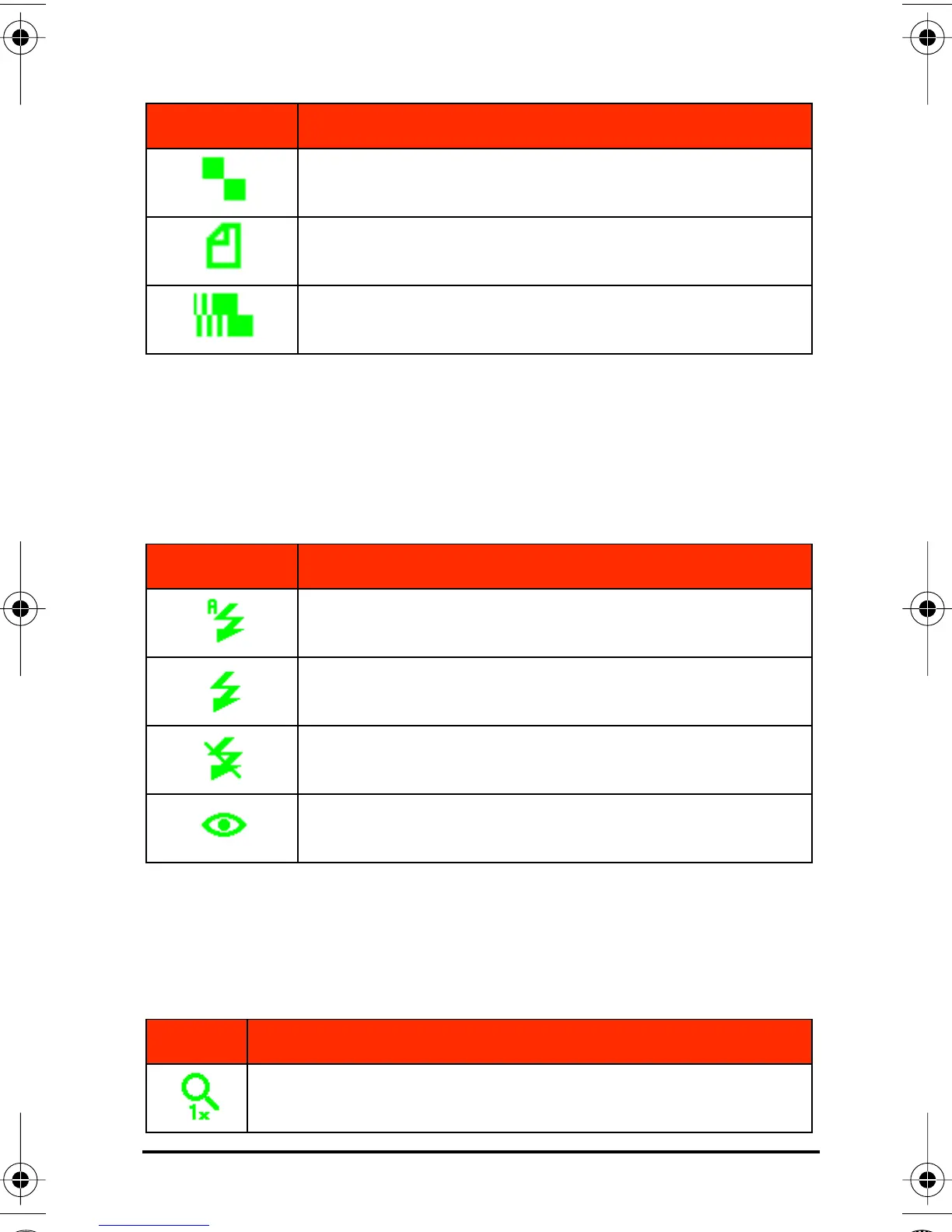
Flash
The ePhoto CL50 provides four flash settings. You can also change
the flash setting by using a button on top of the camera. For details
on the settings, see Flash Button on page 18.
Digital Zoom
The digital zoom feature on the ePhoto CL50 lets you zoom into the
center of the picture to create a 640 x 480 pixel image.
640 x 480 pixels
1280 x 960 pixels
Burst mode (640 x 480 pixels)
Icon Setting Selected
Automatic
Fill in
Off
Red-eye
Setting Description
1x: digital zoom is off (default).
Icon Setting Selected
CL50User Page 21 Wednesday, January 27, 1999 10:10 AM



 To Next Page