ePhoto CL50 User’s Guide 27
Changing Advanced Settings
Metering
This option allows you to set the light-metering method that you
want the camera to use when it calculates auto exposure and shut-
ter speed. You can select:
◗ Center-weighted — measures the light in the entire frame and
assigns the greatest weight to an area in the center of the frame.
This is the default.
◗ Matrix — measures the light in 64 different areas of the frame
and selects an exposure that in most conditions best captures
both brightly lit and shaded portions of the image.
◗ Spot — measures only a small spot at the center of the frame.
To select a metering method:
1. Select Metering in the Advanced menu.
2. Select a metering method.
White Point
This option lets you manually adjust the color balance of an image
so that the colors appear natural in any light. You can use a preset
white point or set the white point manually.
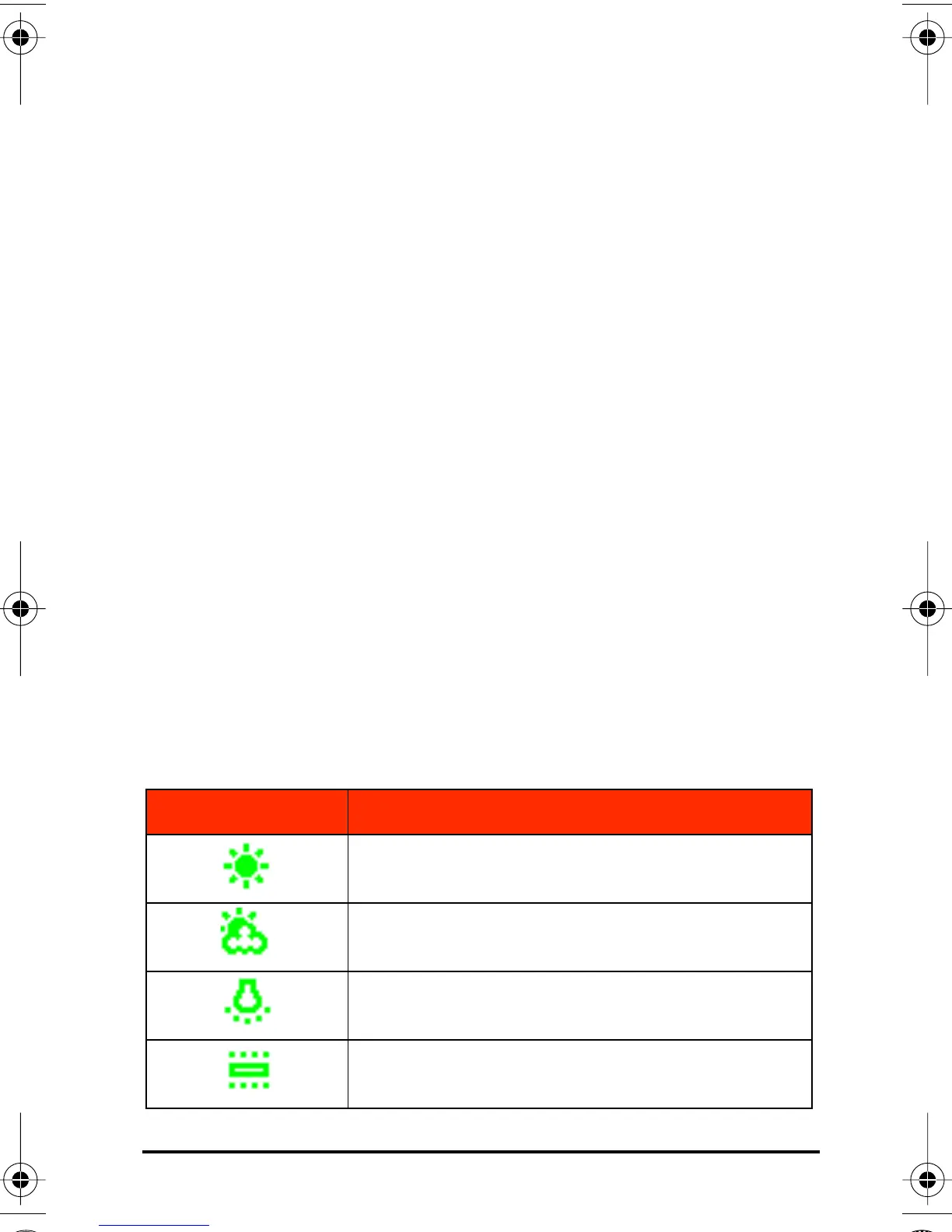
Icon Setting Selected
Sunny: use outdoors on sunny days.
Cloudy: use outdoors on overcast days
Tungsten: use indoors in normal, incandes-
cent light
Fluorescent: use indoors in fluorescent light.
CL50User Page 27 Wednesday, January 27, 1999 10:10 AM



 To Next Page