10
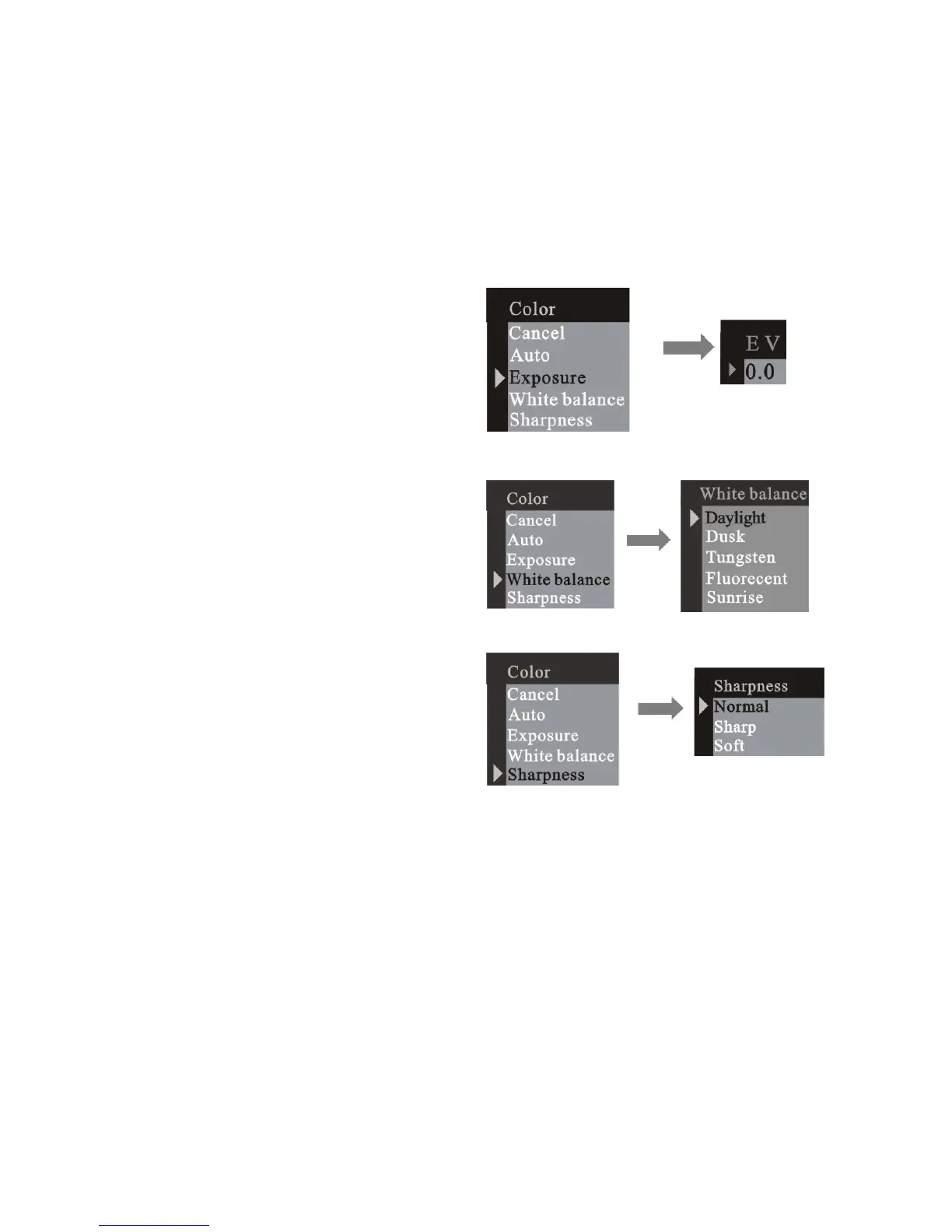
Adjusting exposure value:
EV range from -1.5 ~ +1.5
Selecting white balance option:
Adjusting sharpness option:
3.3.3 Resolution
Press the menu button and enter the capture select window and press
RIGHT button to next menu resolution. Press the UP or DOWN button to
select the resolution then press menu button to confirm:


 To Next Page
 Loading...









