9
power off function.
3.3 Set up
Taking pictures and recording function
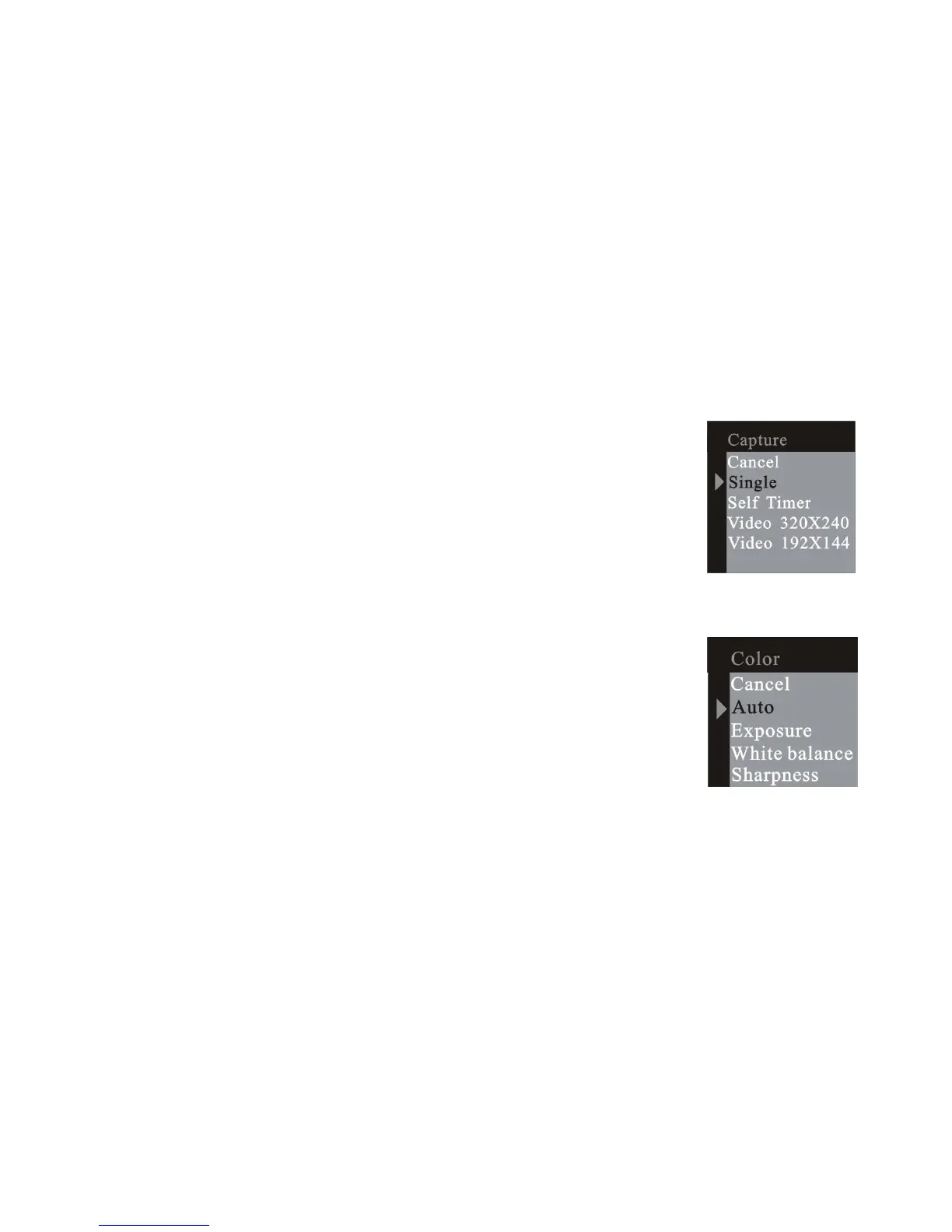
3.3.1 Capture option
Press the menu button and enter the capture select
window, press the UP or DOWN button to select the
capture mode. Then press menu button to confirm your
choice. Press RIGHT button to next menu.
3.3.2 Color option
Press the menu button and enter the capture select
window and press RIGHT button to next menu color. Press
UP or DOWN button to select the item to adjust and menu
button to enter the selected item.













 To Next Page