14
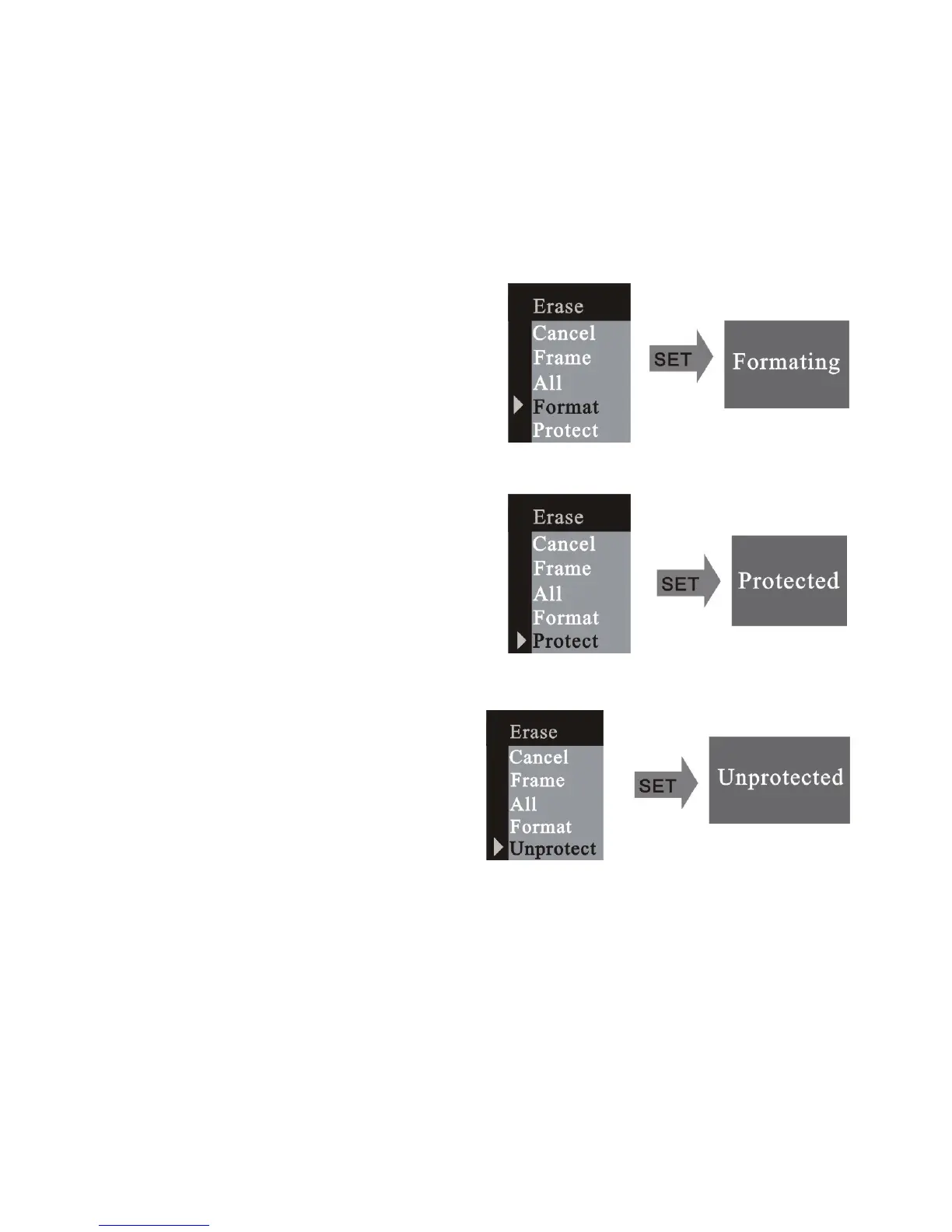
Select the format mode and format the
memory card inside the camera.
Select the protected mode and protect
the frame selected.
If you want to unprotect the frame,
select the frame, then enter the
erase mode; select unprotected
mode. Press RIGHT button to enter
the next menu.













 To Next Page