16
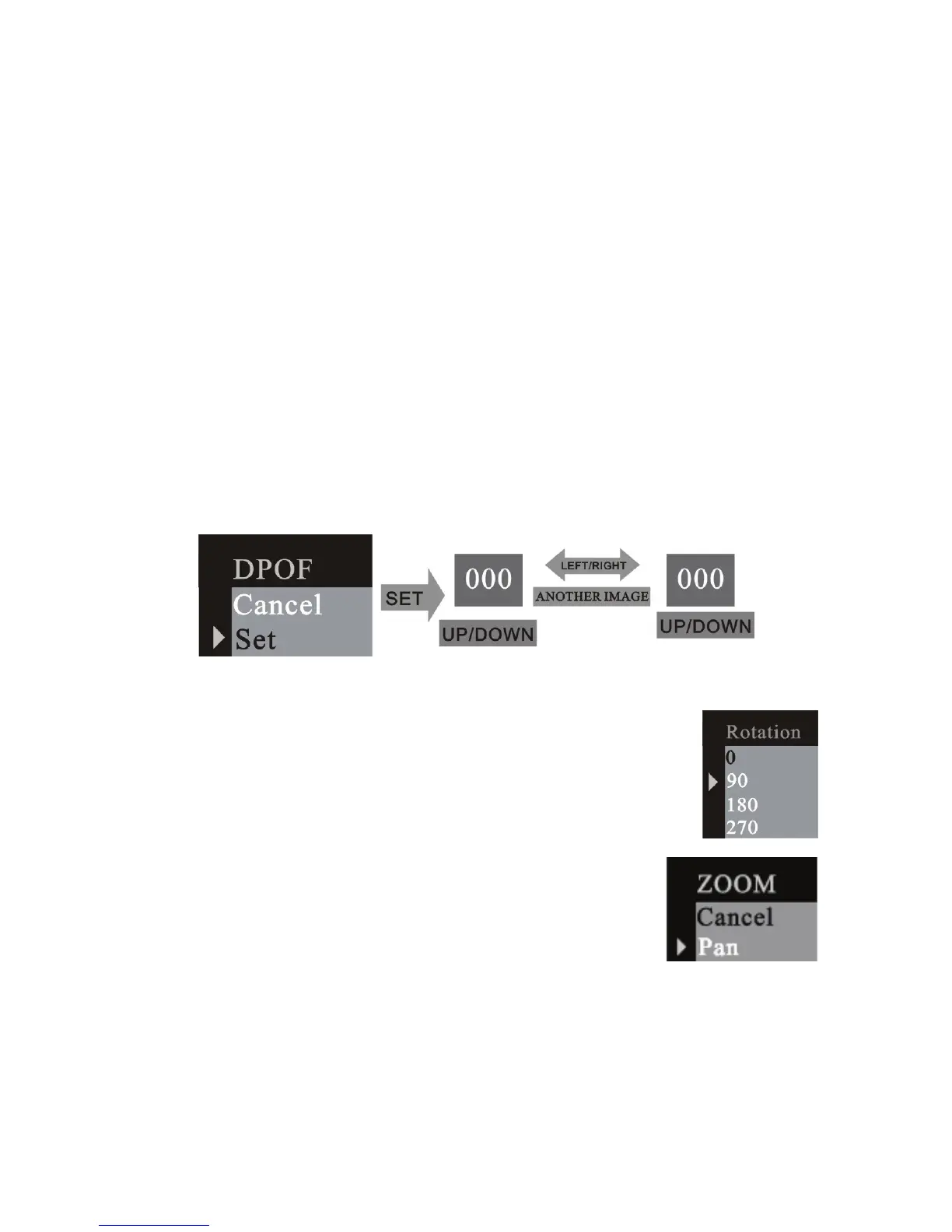
3.4.4 DPOF (Digital Print Order Format)
”DPOF” stands for “Digital Print Order Format”, which is a format for
recording on a memory card or other medium which captured images
and how many copies should be printed. Then you can print on a DPOF
compatible printer or at a professional print service from the memory card
in accordance with the file name and number of copies settings recorded
on the card.
3.4.5 Rotation
Press UP or DOWN button to select the rotation angle and
menu button to enter the selected angle.
3.4.6 Zoom/ PAN
In the single picture preview mode, the PAN function
can be used to move the display range of the image













 To Next Page