4
Changing the Mode
You can record images and voices in the REC mode. And using the PLAYBACK mode to replay,
delete, or edit images on the LCD monitor.
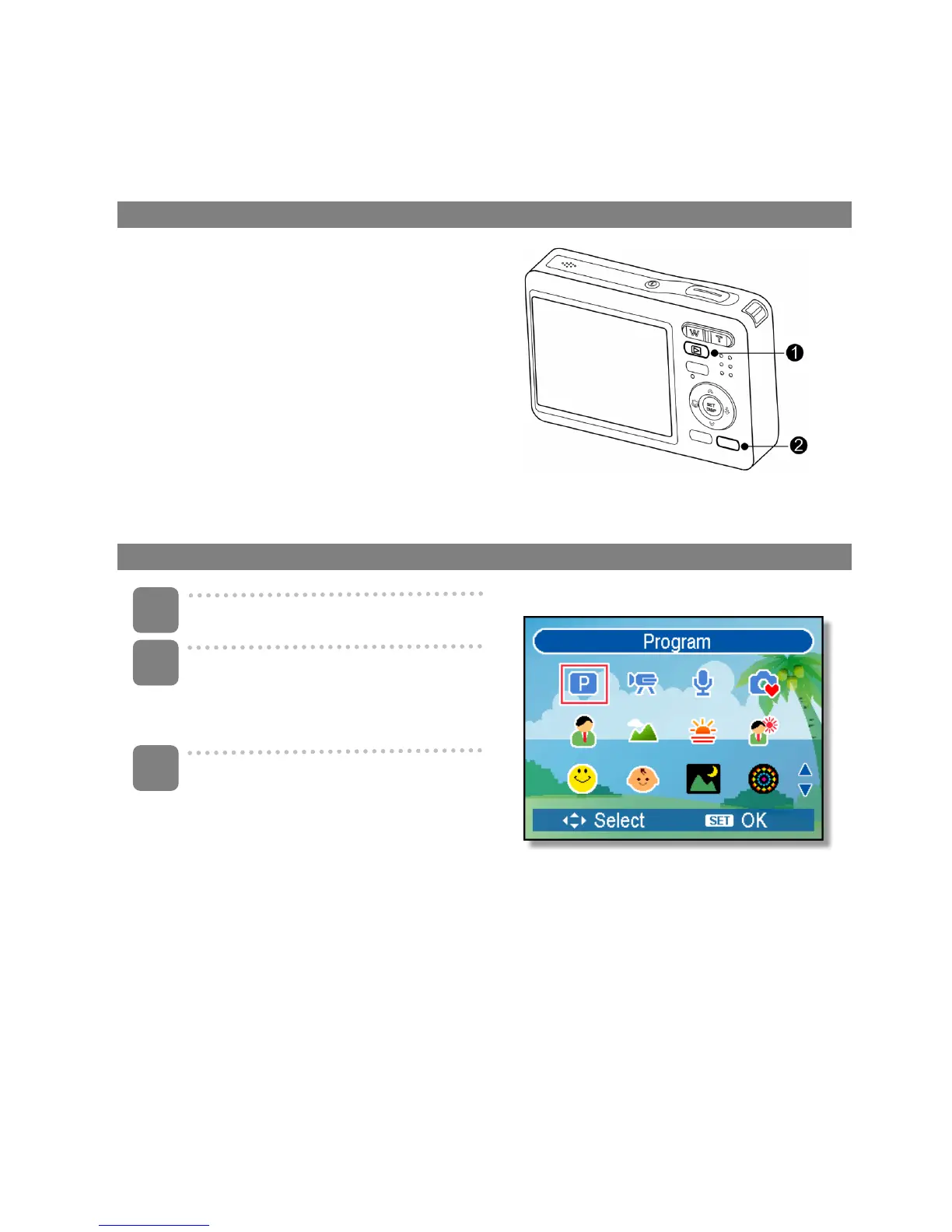
Switching between REC mode and PLAYBACK mode
In REC mode: press the PLAYBACK button
(n) to switch to the PLAY mode.
In PLAY mode: press the PLAYBACK (n) or
the MODE (o) button to switch to the REC
mode.
Selecting the REC mode
Set the camera to the REC mode
Launch the mode palette.
y Press the MODE button (o) to
show the scene mode palette.
Select a mode.
y Use the four-way control to select
a desired mode and press the
SET button to confirm the setting.
3
1
2













 To Next Page