7
Connecting the Camera to a PC
There are two ways to download files from the camera’s internal memory or memory card to a
computer:
• Inserting the memory card into a card reader
• Connecting the camera to a computer using the supplied USB cable
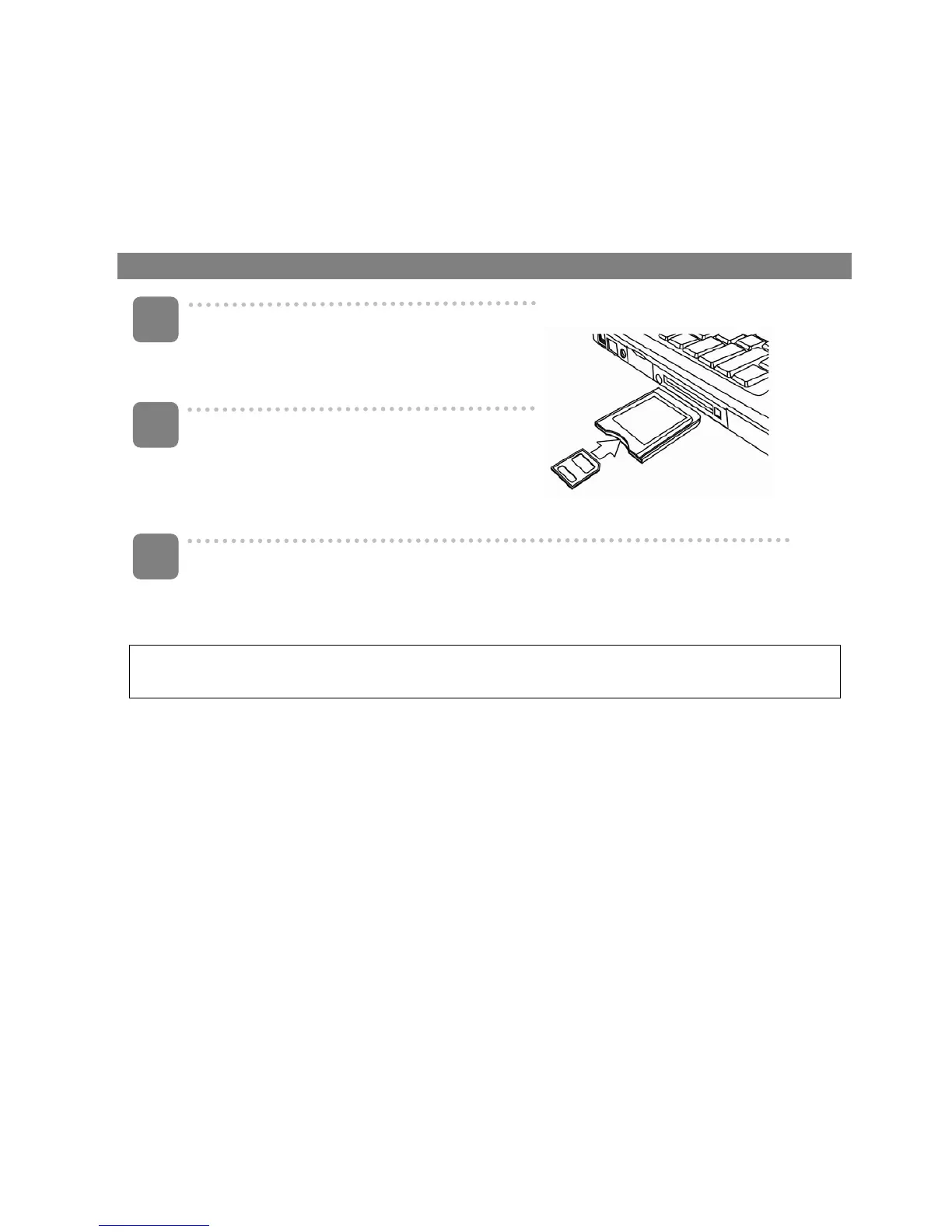
Using the Card Reader
Eject the memory card from the camera
and insert it in a card reader that is
connected to a computer.
Open [My Computer] or [Windows
Explorer] and double-click the removable
drive icon that represents the memory
card.
Copy images from the card into a directory of your choice on the
computer’s hard disk.
~ When the O/S is Windows 98/98SE, use mouse right click on the program file named
"DSC driver" or "DSC User manual" located in the CD-ROM.
3
1
2













 To Next Page