6
Select an item.
y Press
or to select a menu item and then press or the SET button to
launch the submenu.
Change the setting.
y Press or to select an option and press or the SET button to apply the
setting.
Press the MENU button to close the menu.
Deleting a Single File
Turn the power on, and set the
camera to the PLAYBACK mode.
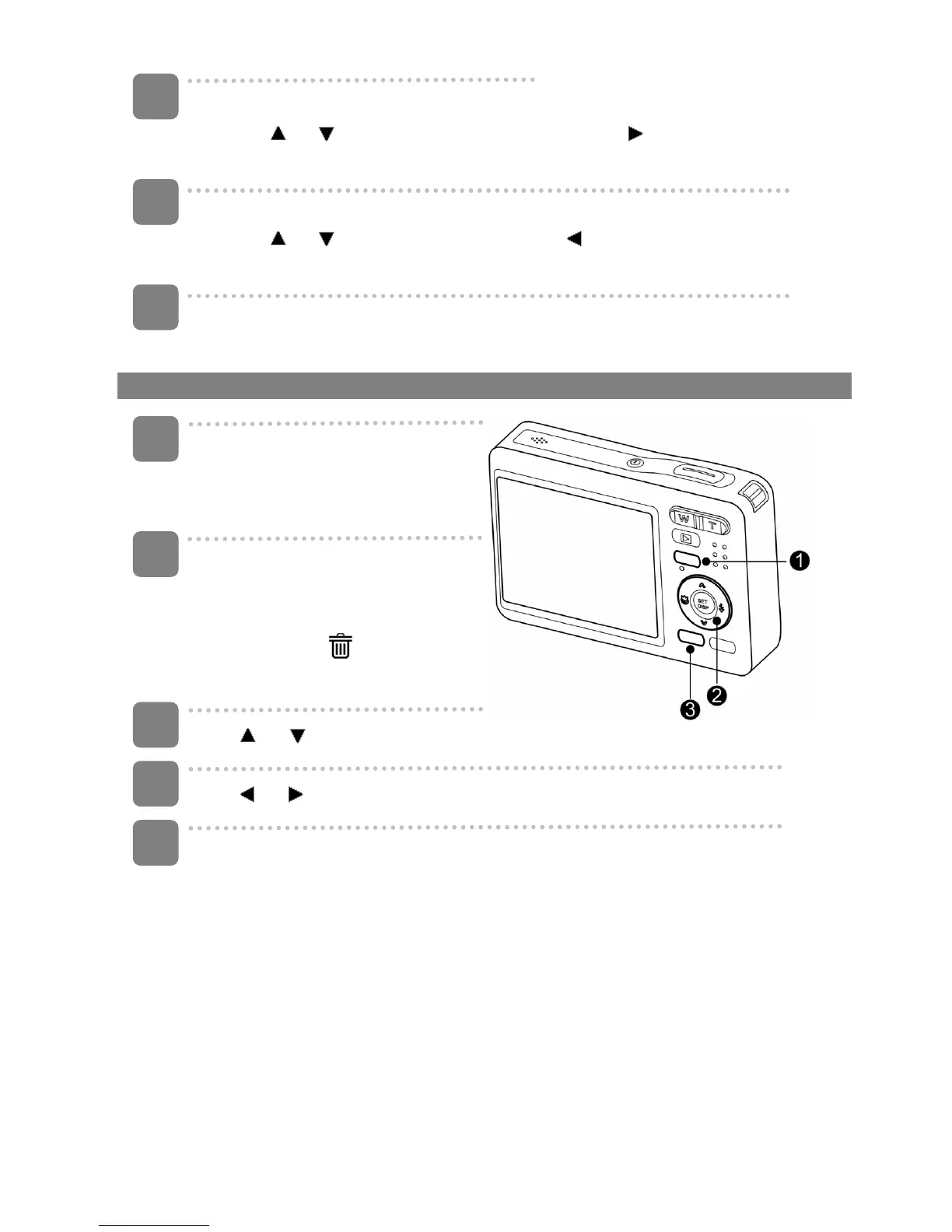
Open the menu.
y Press the MENU button (n), then
use the four-way control (o) to
select Delete (
) and press the
SET button (o).
Press
or (o) to select [SINGLE], and then press the SET button (o).
Press
or (o) to select the image you want to delete.
Press the SET button (o) to delete the image.
y Repeat step 4~5 to delete images.
4
5
6
1
2
3
4
5












 To Next Page