AgfaPhoto OPTIMA 103
47
To protect/unprotect multiple files:
1. Select Multi in the Protect submenu, the images are
displayed in thumbnail view on the LCD monitor.
2. Use the navigation control to move through the files.
3. When the desired file is highlighted, press the SET
button to mark/unmark the file clip for protection.
4. Repeat step 3 until all desired files to protect are
marked.
5. Press the MENU button. A confirmation selection
appears.
6. Select Yes.
7. Press the SET button to lock files and go back to
Playback mode.
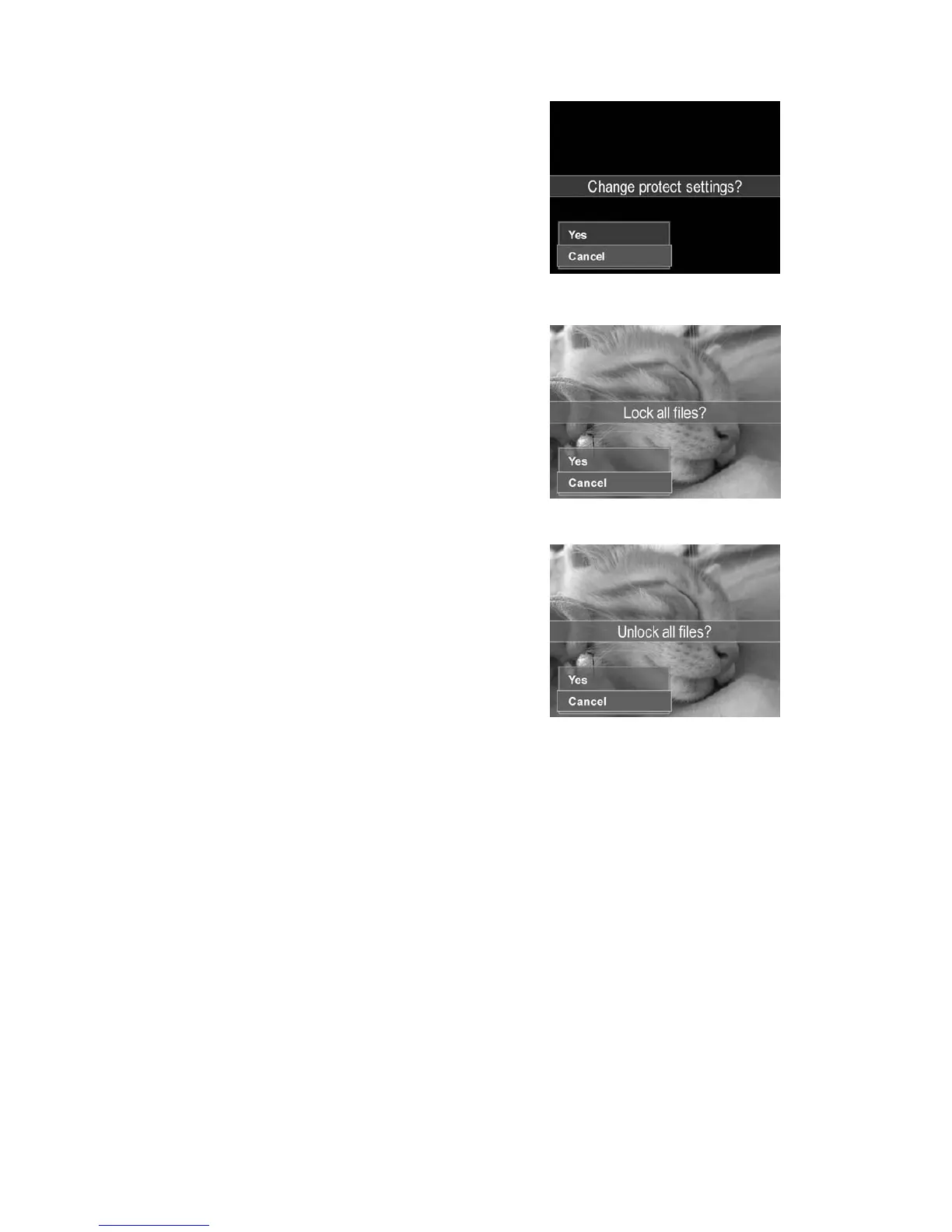
To protect all files:
1. Select Lock all in the Protect submenu. A confirmation
message appears.
2. Select Yes.
3. Press the SET button to lock all files.
To unlock all files:
1. Select Unlock all in the Protect submenu. A
confirmation message appears.
2. Select Yes.
3. Press the SET button to unlock all protected files.













 To Next Page