EasyManua.ls Logo

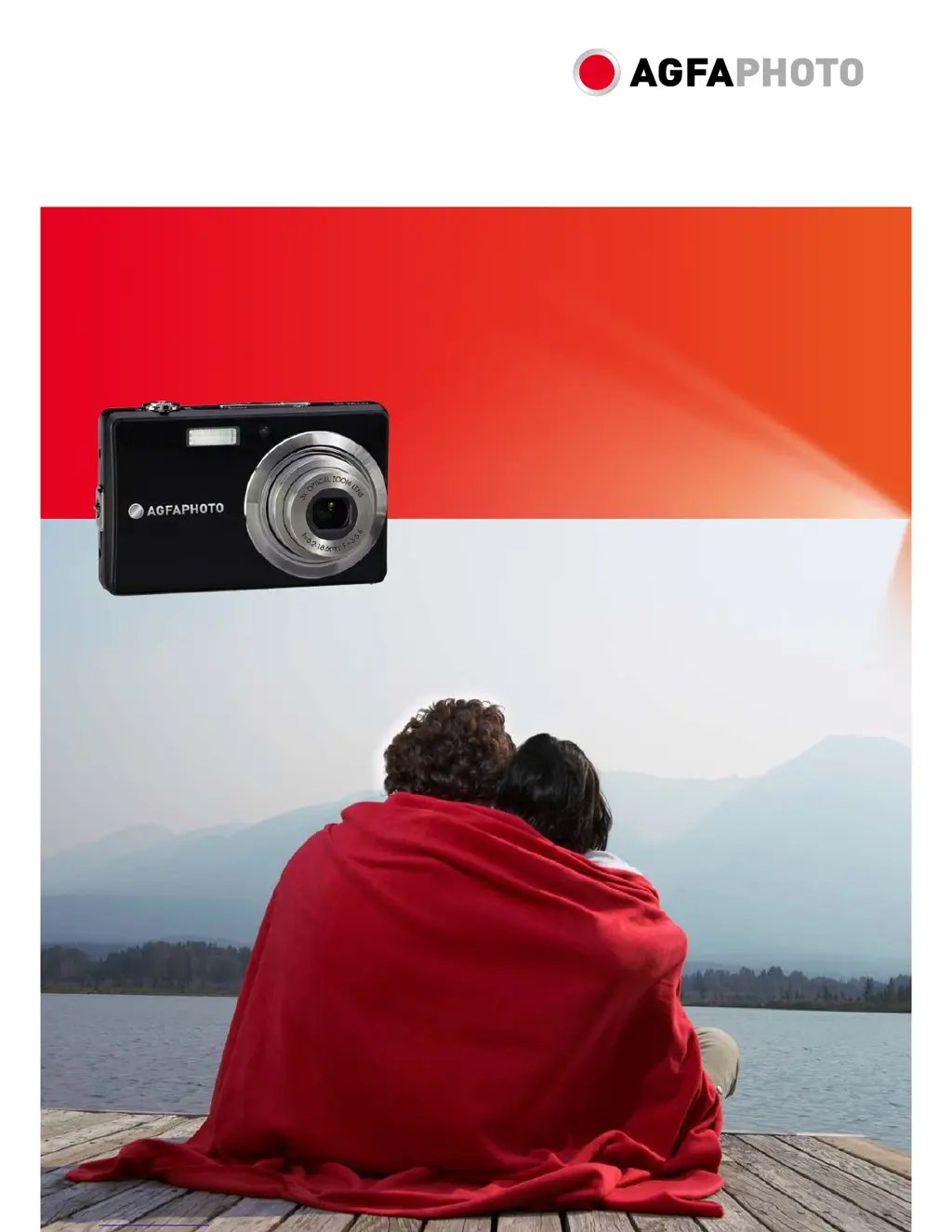
AgfaPhoto OPTIMA 105 - User Manual

AgfaPhoto OPTIMA 105
64 pages
Print Icon
To Next Page IconTo Next Page
Loading...
OPTIMA 105
User manual

Table of Contents

Other manuals for AgfaPhoto OPTIMA 105

Questions and Answers

  • J
    Jessica RobinsonAug 18, 2025
    How to resolve no image display on TV screen from AgfaPhoto OPTIMA 105 Digital Camera?
    • J
      Jennifer McgeeAug 18, 2025
      If no image displays on the TV screen when your AgfaPhoto Digital Camera is connected, it means an incorrect TV-out type was selected. Set the correct TV-out type to match your TV system.
  • H
    hunterraymondAug 20, 2025
    What to do if my AgfaPhoto Digital Camera LCD monitor displays ‘Memory full’?
    • K
      Kevin FloresAug 20, 2025
      If your AgfaPhoto Digital Camera displays 'Memory full' on the LCD monitor, it means the memory card is full. You should replace the memory card with a new one or delete unnecessary images to free up space.
  • W
    Walter WalkerAug 23, 2025
    How to fix AgfaPhoto OPTIMA 105 Digital Camera that does not turn on?
    • A
      Anita GrimesAug 23, 2025
      If your AgfaPhoto Digital Camera does not turn on, the batteries may be exhausted. Charge or replace the batteries.
  • H
    harrisrebeccaAug 26, 2025
    What to do if my AgfaPhoto OPTIMA 105 LCD monitor displays ‘Card locked’?
    • R
      Robert ShepherdAug 26, 2025
      If your AgfaPhoto Digital Camera displays ‘Card locked’ on the LCD monitor, it means the memory card is protected. Remove the card and slide the write-protect switch to its unlock position.
  • E
    Ethan BushAug 28, 2025
    What does it mean if my AgfaPhoto Digital Camera LCD monitor displays ‘Format error’?
    • C
      Christian McfarlandAug 28, 2025
      If the LCD monitor of your AgfaPhoto Digital Camera displays ‘Format error’, it indicates that the card may be damaged. You can either change the card or wipe it to clean the connected points.
  • D
    Denise SandovalAug 30, 2025
    Why does my AgfaPhoto OPTIMA 105 show an empty battery icon and turn off?
    • D
      donaldtuckerAug 31, 2025
      If your AgfaPhoto Digital Camera displays an empty battery icon on the LCD and then turns off, it means the batteries are exhausted. Please replace or recharge them.
  • L
    Lauren CastroSep 2, 2025
    How to fix AgfaPhoto OPTIMA 105 Digital Camera when the lens got stuck up?
    • S
      Sherry LopezSep 2, 2025
      If the lens of your AgfaPhoto Digital Camera got stuck up, the type of the battery used may be incorrect, or the battery power level is too low. Change the battery or charge it before using the camera.
  • B
    Bonnie JimenezSep 4, 2025
    Why does my AgfaPhoto OPTIMA 105 Digital Camera LCD monitor display ‘Copy error’?
    • D
      Daniel LucasSep 4, 2025
      If your AgfaPhoto Digital Camera LCD monitor displays ‘Copy error’, it could be due to several reasons: 1. The memory card might be protected: Remove the card and slide the write-protect switch to its unlock position. 2. The memory card might be full: Replace the card or delete unnecessary files.
  • D
    Dennis AlexanderSep 7, 2025
    How to fix AgfaPhoto OPTIMA 105 Digital Camera LCD that turns blank?
    • B
      Barbara DavenportSep 7, 2025
      If your AgfaPhoto Digital Camera LCD turns blank, press any button except the Power button to turn on the LCD.
  • H
    Heather ParkSep 9, 2025
    What does it mean if my AgfaPhoto Digital Camera LCD monitor displays ‘File locked’?
    • E
      Eric BrennanSep 9, 2025
      If your AgfaPhoto Digital Camera LCD monitor displays ‘File locked’, it means that the file is locked. Unlock the file. See "Protect" on page 46.

Summary

Preface and Safety

Safety and Handling Precautions

General safety guidelines for camera operation and care.

Getting Started

Initial Setup

Guides on inserting battery, memory card, and charging.

Powering On and Modes

Turning the camera on/off, initial settings, and mode selection.

LCD Monitor and Taking Photos

Taking Still Images

Step-by-step instructions for capturing photographs.

Key Camera Functions

Stabilizer, Zoom, Flash, and Focus

Guides on using image stabilizer, zoom, flash, and focus modes.

Camera Menus

Image Adjustments and Video Recording

Playback and File Management

Setup Menu and Connectivity

Troubleshooting and Specifications

Troubleshooting Common Issues

Lists common problems and their corresponding corrective actions.

AgfaPhoto OPTIMA 105 Specifications

General IconGeneral
TypeCompact Digital Camera
Image SensorCCD
Image Sensor Size1/2.3 inch
Optical Zoom5x
Digital Zoom6x
ISO SensitivityAuto, 64, 100, 200, 400, 800, 1600, 3200
Storage MediaSD/SDHC Card
Battery TypeLithium-Ion
LCD Screen Size3.0 inches
Video Resolution640 x 480
Shutter Speed1/2000 - 4 seconds

Related product manuals