EasyManua.ls Logo

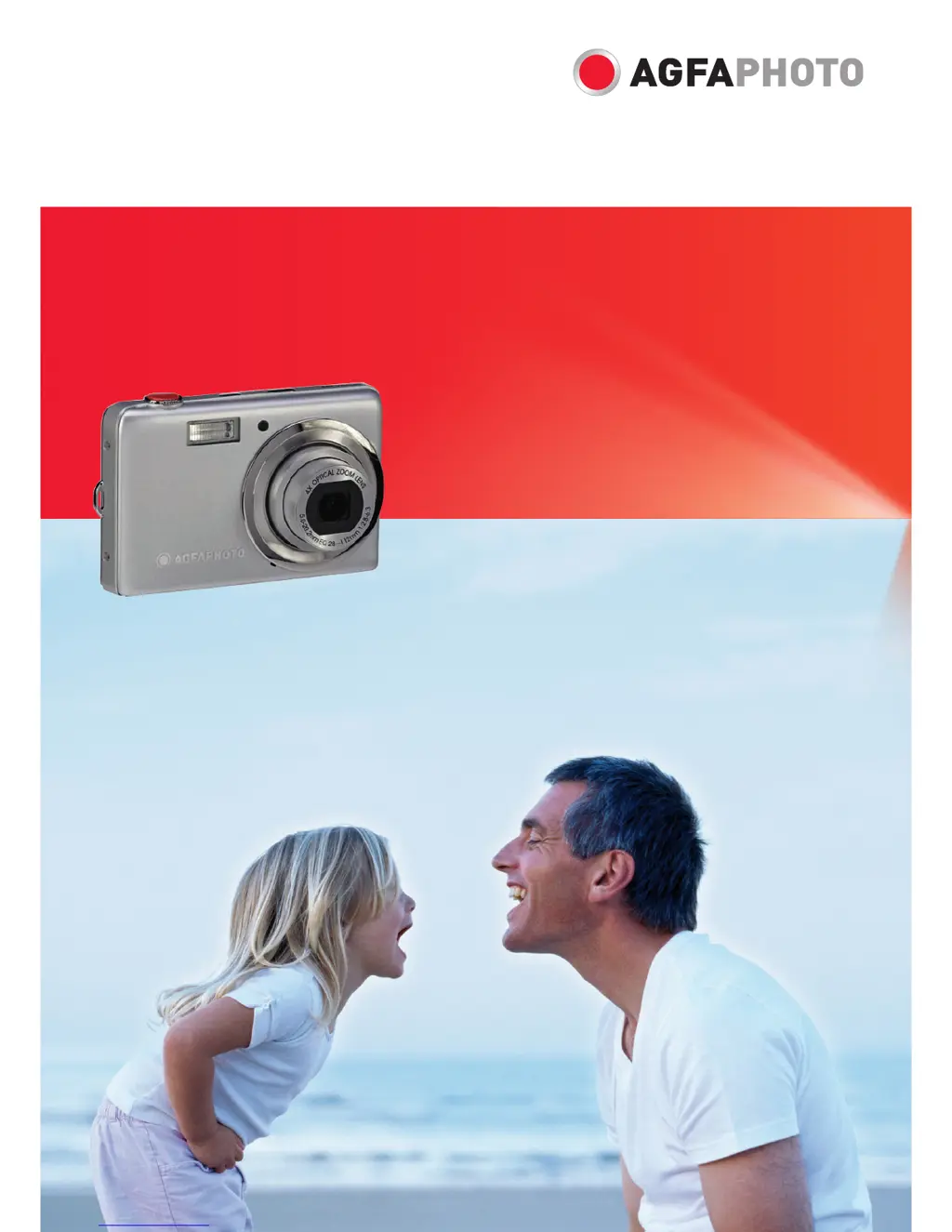
AgfaPhoto OPTIMA 103 - User Manual

AgfaPhoto OPTIMA 103
64 pages
Print Icon
To Next Page IconTo Next Page
Loading...
OPTIMA 103
User manual

Table of Contents

Questions and Answers

  • D
    donnafowlerAug 16, 2025
    Why does my AgfaPhoto OPTIMA 103 Digital Camera LCD monitor display ‘Memory full’?
    • L
      Lee DanielAug 17, 2025
      The 'Memory full' message appears because the memory card is full. To resolve this, replace the memory card with a new one or delete unnecessary images.
  • R
    richardsonjasonAug 22, 2025
    Why does my AgfaPhoto OPTIMA 103 Digital Camera LCD monitor display ‘Copy error’?
    • R
      Ruth TravisAug 22, 2025
      The 'Copy error' message appears because either the memory card is protected, or the memory card is full. To resolve this, remove the card and slide the write-protect switch to its unlock position. If this does not work, replace the card or delete unnecessary files.
  • M
    Mark PerezAug 25, 2025
    What to do if my AgfaPhoto OPTIMA 103 Digital Camera displays an empty battery icon and turns off?
    • D
      David TranAug 26, 2025
      If your camera displays an empty battery icon and then turns off, the batteries are exhausted. Please replace or recharge them.
  • T
    Teresa MathisAug 27, 2025
    What does it mean when my AgfaPhoto OPTIMA 103 LCD monitor displays ‘Card locked’?
    • J
      Joshua DiazAug 27, 2025
      If the LCD monitor displays 'Card locked', it means the memory card is protected. Remove the card and slide the write-protect switch to its unlock position to resolve this.
  • J
    jordanmelissaAug 30, 2025
    How to fix a stuck lens on my AgfaPhoto OPTIMA 103?
    • H
      hunter36Aug 30, 2025
      If the lens is stuck, the battery type may be incorrect, or the battery power level is too low. Change or charge the battery before using the camera.
  • A
    Angela HaneySep 2, 2025
    Why does my AgfaPhoto OPTIMA 103 Digital Camera LCD monitor display ‘Format error’?
    • S
      Stacey RoseSep 2, 2025
      If the LCD monitor displays 'Format error', the card may be damaged. You can either change the card or wipe it to clean the connected points.
  • M
    mathisbrookeSep 5, 2025
    Why is there no image on the TV screen when I connect my AgfaPhoto Digital Camera?
    • S
      Sharon SilvaSep 5, 2025
      If no image displays on the TV screen, the incorrect TV-out type was selected. Set the correct TV-out type to match your TV system.
  • U
    ubrownSep 7, 2025
    What does it mean when my AgfaPhoto OPTIMA 103 Digital Camera LCD monitor displays ‘File locked’?
    • S
      Sarah ReillySep 7, 2025
      If the LCD monitor displays 'File locked', it means that the file is locked. Unlock the file.
  • A
    Angela CollinsSep 10, 2025
    Why does my AgfaPhoto OPTIMA 103 Digital Camera LCD monitor display ‘Not available for this file’?
    • A
      amyyorkSep 12, 2025
      The 'Not available for this file' message appears because the function is only available for specific file types or the file format is not supported.
  • R
    rodneynealSep 10, 2025
    What to do if my AgfaPhoto Digital Camera does not turn on?
    • K
      kingdanielSep 12, 2025
      If your camera doesn't turn on, the batteries may be exhausted. Try charging or replacing the batteries.

Summary

User Manual and Safety Information

Safety and Handling Precautions

Details essential safety guidelines for using the camera.

Battery Information

Covers proper battery usage, charging, and safety precautions.

Getting Started and Initial Setup

Installing Battery and Memory Card

Step-by-step guide for inserting the battery and memory card.

Charging the Battery

Explains the process of charging the camera battery.

Initial Settings Configuration

Covers first-time setup for language, date, and time.

Core Shooting Operations

Taking Still Images

Step-by-step guide on capturing photographs with the camera.

Advanced Shooting Settings

Function Menu Operations

Accessing and using the function menu for capture settings.

Scene Modes and Recording Options

Using the Record Menu

Navigating the camera's record menu for various settings.

Setting the Scene Mode

Selecting predefined modes for specific shooting scenarios.

Recording Videos

Video Recording Guide

General guide on how to record video clips with the camera.

Playback and File Management

Deleting and Protecting Files

Managing files by deleting, locking, or unlocking them.

Connecting to External Devices

Appendix and Support

Troubleshooting Common Issues

Solutions for common camera problems and error messages.

AgfaPhoto OPTIMA 103 Specifications

General IconGeneral
TypeCompact
Image SensorCCD
Optical Zoom3x
Digital Zoom4x
LCD Screen Size2.7 inches
Video Resolution640 x 480
Battery TypeLi-ion
Storage MediaSD/SDHC card
Sensor Resolution10 Megapixels
ISO Sensitivity100, 200, 400
Shutter Speed1/2000 sec
Weight120 g

Related product manuals