AgfaPhoto OPTIMA 103
57
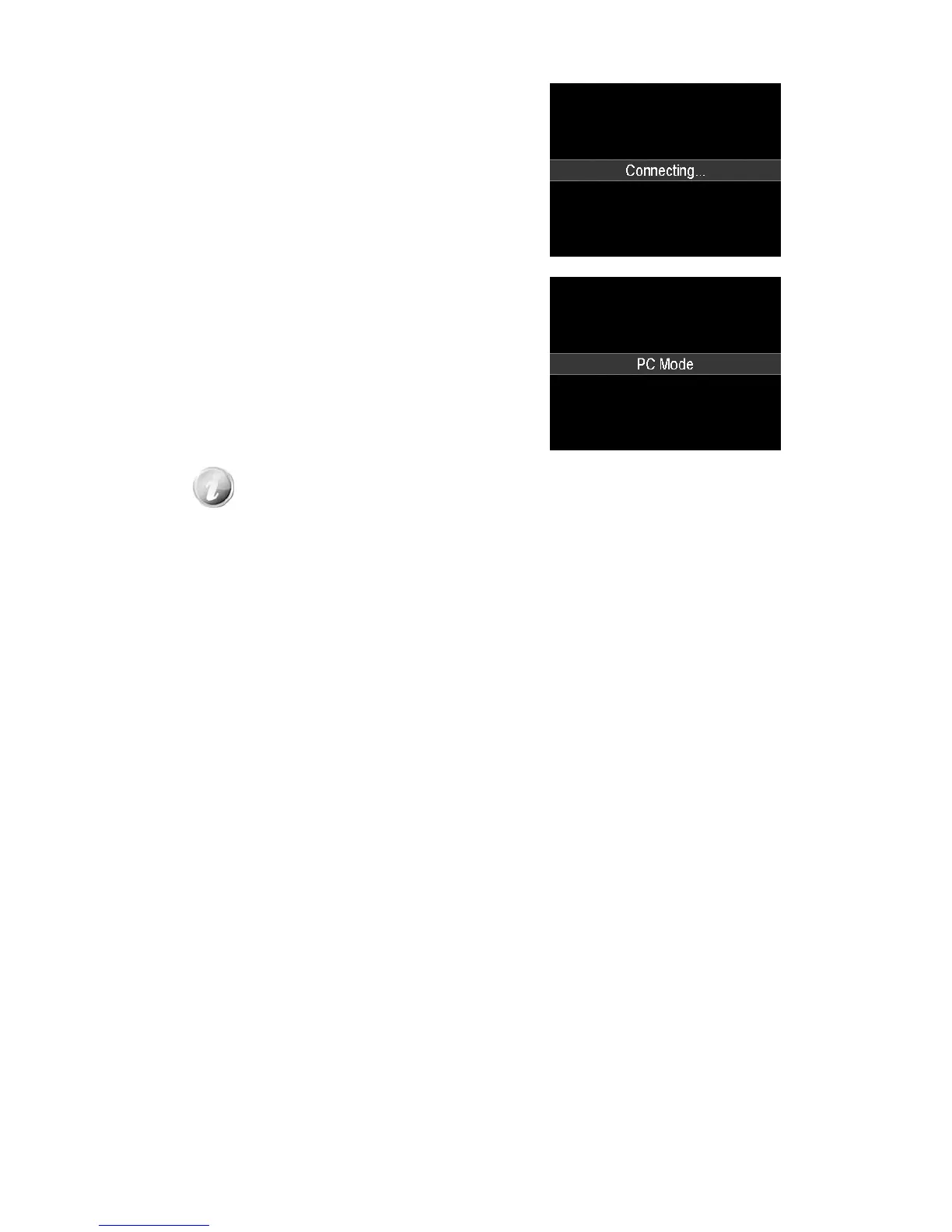
5. The PC starts to detect the connection while the LCD
monitor appears Connecting…
6. Connection established after PC MODE appeared on
the LCD monitor
7. Access the files in the camera by your PC.
• The camera’s internal memory and memory card would display as removable
drives in PC.
• After the connection, no image is displayed on the LCD monitor.













 To Next Page