EasyManua.ls Logo

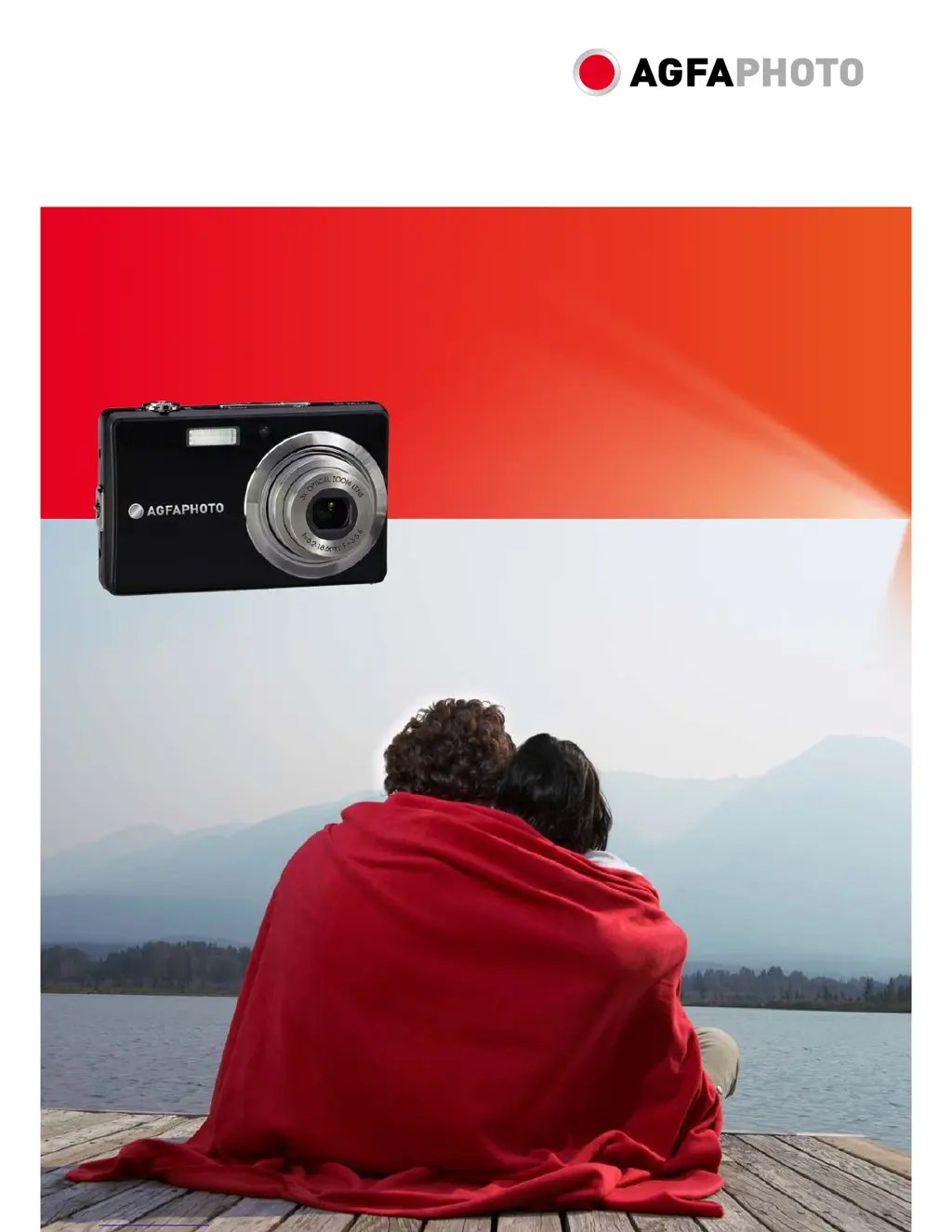
AgfaPhoto OPTIMA 105 - User Manual

AgfaPhoto OPTIMA 105
64 pages
Print Icon
To Next Page IconTo Next Page
Loading...
OPTIMA 105
User manual

Table of Contents

Other manuals for AgfaPhoto OPTIMA 105

Questions and Answers

  • T
    Timothy MarksSep 12, 2025
    Why does my AgfaPhoto OPTIMA 105 Digital Camera LCD monitor display ‘Not available for this file’?
    • L
      Larry RodriguezSep 12, 2025
      If your AgfaPhoto Digital Camera LCD monitor displays ‘Not available for this file’, it means the function is only available for specific file types, or the file format is not supported.
  • J
    jeffrey86Sep 14, 2025
    Why does my AgfaPhoto OPTIMA 105 Digital Camera LCD monitor display ‘No image’?
    • K
      Kimberly Mcmillan MDSep 14, 2025
      If the LCD monitor of your AgfaPhoto Digital Camera displays ‘No image’, it indicates that there is no image file in the memory card, or the image file format may not be supported.

Summary

Preface and Safety

Safety and Handling Precautions

General safety guidelines for camera operation and care.

Getting Started

Initial Setup

Guides on inserting battery, memory card, and charging.

Powering On and Modes

Turning the camera on/off, initial settings, and mode selection.

LCD Monitor and Taking Photos

Taking Still Images

Step-by-step instructions for capturing photographs.

Key Camera Functions

Stabilizer, Zoom, Flash, and Focus

Guides on using image stabilizer, zoom, flash, and focus modes.

Camera Menus

Image Adjustments and Video Recording

Playback and File Management

Setup Menu and Connectivity

Troubleshooting and Specifications

Troubleshooting Common Issues

Lists common problems and their corresponding corrective actions.

AgfaPhoto OPTIMA 105 Specifications

General IconGeneral
TypeCompact Digital Camera
Image SensorCCD
Image Sensor Size1/2.3 inch
Optical Zoom5x
Digital Zoom6x
ISO SensitivityAuto, 64, 100, 200, 400, 800, 1600, 3200
Storage MediaSD/SDHC Card
Battery TypeLithium-Ion
LCD Screen Size3.0 inches
Video Resolution640 x 480
Shutter Speed1/2000 - 4 seconds

Related product manuals