AgfaPhoto OPTIMA 103
59
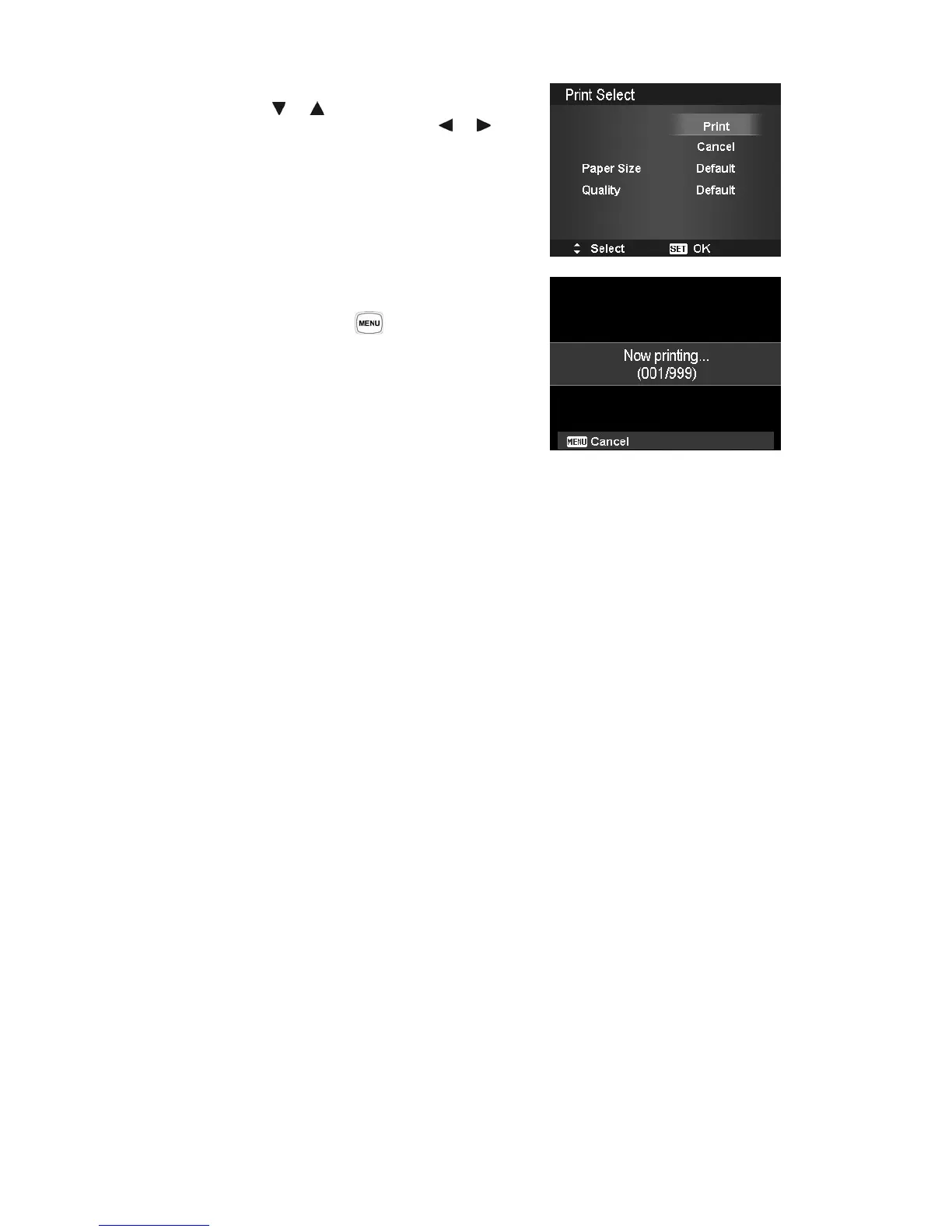
To set Printer Settings
1. Use the or key to specify a print option.
2. Modify paper size and quality by the
or keys.
Available setting:
• Paper size: Default / A4 / 4"x6"
• Quality: Default / Fine / Normal
3. Select Print on the screen for printing.
Or Cancel to go back Print Mode.
Start Printing
• LCD monitor appears "Now printing…".
• Or press Menu button
to stop printing anytime.













 To Next Page